




IPS vs VA for Strategy and Sim Games in SA
IPS vs VA for strategy and sim games should be judged by fit, not a single winner. Compare compatibility, latency, capacity, upgrade path, cost planning, and South African setup needs.
Read moreSpeed is the ceiling and acceleration is how often you get near it. A tray of 40mm brackets never touches 600mm/s, so the 20000mm/s2 number moves real print times far more. Both belong to the Creality K1C, which Evetech carries at R12,599.
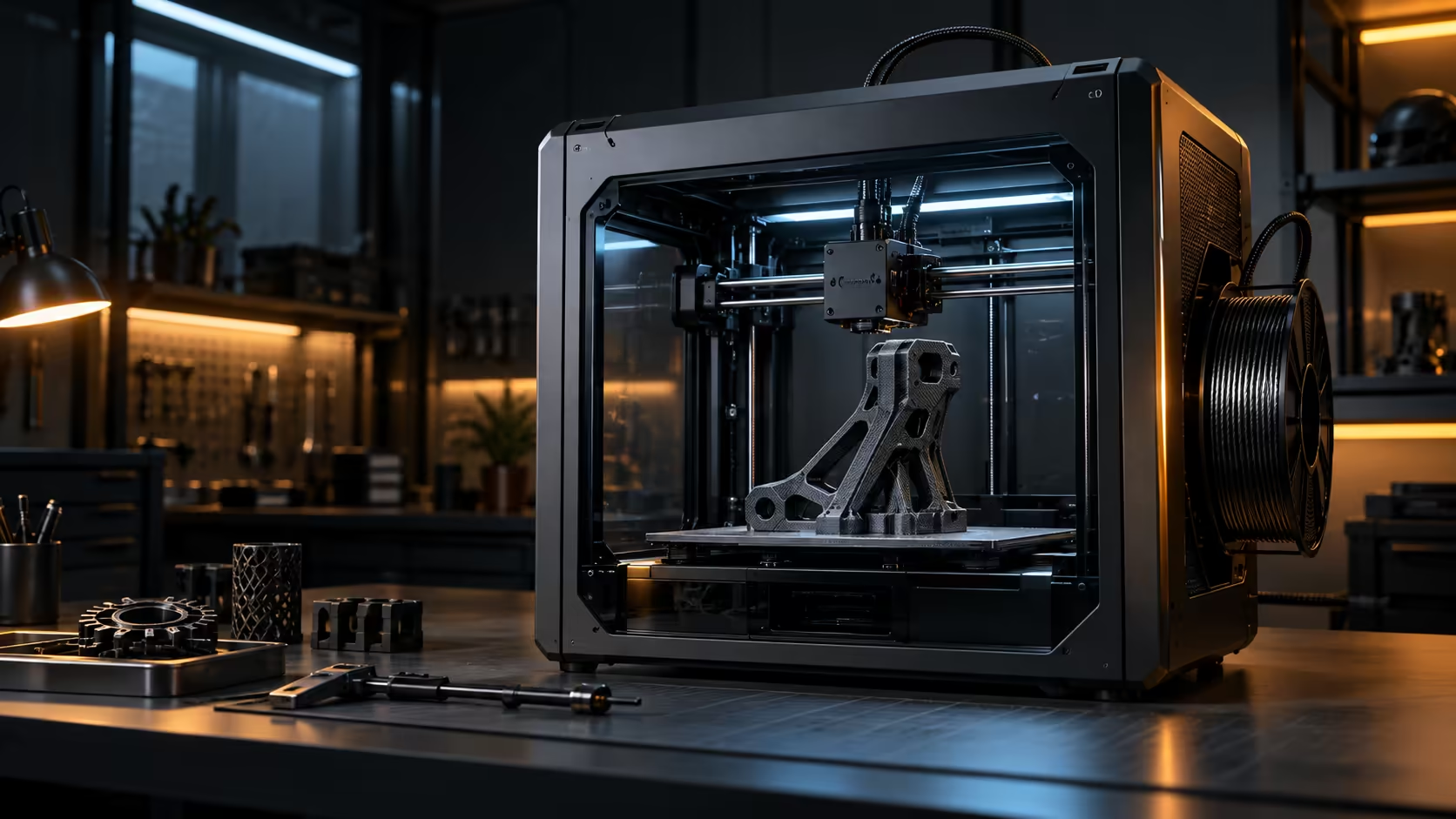
Two numbers get quoted together so often that people naturally assume they mean much the same thing. 600mm/s 3D printing speed is a ceiling; 20000mm/s2 acceleration is how often a printer actually reaches it, and on most real models it barely does.
Top speed only matters on long, uninterrupted moves, which are rare on anything but a plain box. Acceleration decides how fast the toolhead gets there and slows back down again, and that happens dozens of times per layer on any model with corners or small features. The Creality K1C carries both figures at R12,599, and the acceleration number is the one that actually shortens a print with real geometry in it.
A printer needs real distance to accelerate before it ever reaches its rated speed, and the shorter the move is, the less of that rated speed ever actually gets used. A 40mm bracket wall covers so little ground that the toolhead is still speeding up when it needs to start slowing down for the next corner, so 600mm/s might never actually appear in that print despite being on the spec sheet.
Long infill lines and big travel moves across an open bed are the exception, and those are exactly the moves nobody is measuring with callipers afterwards.
20000mm/s2 is the rate of change in speed, and it is what determines how quickly the printer recovers from every corner, hole and small feature. A model covered in short segments, gears, brackets, anything mechanical, spends nearly its entire print accelerating and decelerating rather than cruising at top speed.
That is why doubling acceleration tends to cut real print time far more than doubling top speed does on a typical model. A tray of forty small brackets sees almost all of its time saving from acceleration, because none of the individual moves are long enough to reach a high top speed in the first place.
Treat the two numbers as a pair rather than picking a favourite. A machine with a high top speed and weak acceleration will look fast on paper and disappoint on small parts, while strong acceleration with a modest top speed still performs well on most real prints because it recovers from corners quickly.
Check the filament you intend to run too, since flow rate rather than motion speed becomes the limiting factor on wide lines regardless of how fast the gantry can move. A resin-based alternative sidesteps this comparison entirely, since resin machines are limited by curing time per layer rather than toolhead motion.
Take any model you print regularly and count roughly how many direction changes it has per layer. A simple bracket with 4 corners per layer accelerates and decelerates a full 8 times just tracing its own outer outline, before infill or any internal detail is even considered at all, and each of those 8 separate events is exactly where acceleration, not top speed, decides how long that single layer actually takes to fully complete.
Multiply that by however many layers the part actually has, often 100 or more layers on a part standing several centimetres tall, and the cumulative effect of acceleration on total print time becomes genuinely obvious in a way a single top-speed number never reveals on its own. This is also exactly why two machines with genuinely identical top speeds but a 5000mm/s2 difference in acceleration rating can finish the exact same detailed model with a real, noticeable, measurable time difference sitting between them at the end.
Top speed is simply the easier number to make sound impressive and the easier one for a shopper to compare quickly at a glance, which is exactly why it dominates marketing copy over acceleration figures that genuinely require more explanation to properly appreciate. Treat a listing that leads with speed alone, with no acceleration figure given anywhere on the page, as an incomplete picture rather than a red flag on its own, and look specifically for the acceleration rating in the detailed specifications before ranking machines purely by their headline number.
Check the 3D printer range for both figures listed clearly side by side before deciding anything, since a printer publishing both numbers openly and confidently is usually more assured of its own real-world performance than one leading purely with speed and leaving acceleration to a small footnote further down the page.
Acceleration, because short features never reach top speed and spend most of their time speeding up and slowing down instead.
Yes, if it pairs a high top speed with weak acceleration, since most real prints are made of short moves that never reach that top speed.
Not automatically; height alone says nothing about the shape of each layer, and a tall print made of small, fiddly layers still spends most of its time accelerating rather than cruising.
Yes, it demands a stiff frame and light toolhead to avoid shaking the model; that is why CoreXY motion and acceleration ratings are usually quoted together.
Often well into the hundreds across a single whole print, since even a simple 4-cornered outline repeats a full 8 direction changes on every single layer, multiplied by however many layers the finished part is tall from base to top.
Top speed is a single, easy-to-compare number that looks impressive at a glance, while acceleration needs more explanation to appreciate, which makes it a harder figure to market even though it usually matters more.
Not automatically, but treat it as an incomplete picture and look specifically in the detailed specifications for an acceleration rating before ranking it against machines that publish both numbers openly and clearly side by side.
Want print times that actually match the advertised numbers? Look at acceleration as closely as top speed before judging how fast a printer really is.
Acceleration, because short features never reach top speed and spend most of their time speeding up and slowing down instead.
Yes, if it pairs a high top speed with weak acceleration, since most real prints are made of short moves that never reach that top speed.
Not automatically; height alone says nothing about the shape of each layer, and a tall print made of small, fiddly layers still spends most of its time accelerating rather than cruising.
Yes, it demands a stiff frame and light toolhead to avoid shaking the model; that is why CoreXY motion and acceleration ratings are usually quoted together.
Often well into the hundreds across a single whole print, since even a simple 4-cornered outline repeats a full 8 direction changes on every single layer, multiplied by however many layers the finished part is tall from base to top.
Top speed is a single, easy-to-compare number that looks impressive at a glance, while acceleration needs more explanation to appreciate, which makes it a harder figure to market even though it usually matters more.
Not automatically, but treat it as an incomplete picture and look specifically in the detailed specifications for an acceleration rating before ranking it against machines that publish both numbers openly and clearly side by side.
IPS vs VA for strategy and sim games should be judged by fit, not a single winner. Compare compatibility, latency, capacity, upgrade path, cost planning, and South African setup needs.
Read more
Gen 5 NVMe SSD guide for Bloemfontein gamers should be shortlisted around the job it must do. South African buyers should compare capacity, speed, thermals, and motherboard support, warranty path, and upgrade room before treating any pick as best.
Read more
Skip the RTX 5070 if your first-time builder budget needs better balance. Better SA picks can free room for the right CPU, PSU, case, monitor, storage, and cooling while still giving a strong first gaming PC experience this year in South Africa.
Read more
RTX 5080: weighing the pros and cons for SA should be shortlisted around the job it must do. South African buyers should compare GPU tier, VRAM, cooling, and PSU headroom, warranty path, and upgrade room before treating any pick as best.
Read more
Core i5-13400F gives South African PC builders a capable mid-range CPU choice with clear limits. Check its gaming fit, discrete GPU requirement, LGA1700 platform costs, and upgrade path before locking in your parts list.
Read more
Pros and cons of the Wi-Fi 7 routers for SA should be shortlisted around the job it must do. South African buyers should compare WiFi standard, coverage, latency, and device support, warranty path, and upgrade room before treating any pick as best.
Read more
Steam content servers unreachable needs a download-path check, not an immediate reinstall of every game. Restart the client, inspect download settings and compare another connection when practical. Clearing the download cache is separate from deleting installed games.

Keychron G6 HE has built-in and swappable battery versions with different weights. The product brief lists 42g and 46g respectively, each with a 3g tolerance. Choose by grip and battery preference before treating one headline weight as universal.

Corsair HS80 v2 MAX supports 2.4GHz wireless and Bluetooth. Its maximum battery figures use RGB-off conditions and differ by connection. Check microphone routing, comfort and the exact device support before assuming every wireless mode behaves alike.

Windows taskbar notification badges can be shown or hidden in Taskbar behaviours. This changes the small app indicators, not the underlying messages. Choose a calmer desktop while keeping a deliberate routine for checking important conversations and app updates.

Windows title bar window shake can minimise other open windows when you shake the active window by its title bar. Inspect the Multitasking setting and switch it off if that gesture interrupts your work. The preference costs R0 and does not require new hardware.

Windows Print Screen opens Snipping Tool when its keyboard preference is enabled. Change the option under Accessibility, Keyboard to choose another workflow. Test whether you need a clipboard image or a saved file.

Windows desktop icons missing may be a visibility setting. Right-click the desktop, choose View and inspect Show desktop icons. If only system icons are absent, use Desktop icon settings. Check the Desktop folder before assuming files were deleted.

Windows set time zone automatically greyed out calls for a location and device-policy check. Automatic time-zone selection relies on location services. A manual time-zone choice is separate from synchronising the clock; check both before replacing hardware.
Windows title bar window shake can minimise other open windows when you shake the active window by its title bar. Inspect the Multitasking setting and switch it off if that gesture interrupts your work. The preference costs R0 and does not require new hardware.
Windows Print Screen opens Snipping Tool when its keyboard preference is enabled. Change the option under Accessibility, Keyboard to choose another workflow. Test whether you need a clipboard image or a saved file.
Windows desktop icons missing may be a visibility setting. Right-click the desktop, choose View and inspect Show desktop icons. If only system icons are absent, use Desktop icon settings. Check the Desktop folder before assuming files were deleted.
Windows set time zone automatically greyed out calls for a location and device-policy check. Automatic time-zone selection relies on location services. A manual time-zone choice is separate from synchronising the clock; check both before replacing hardware.