Quick Answer
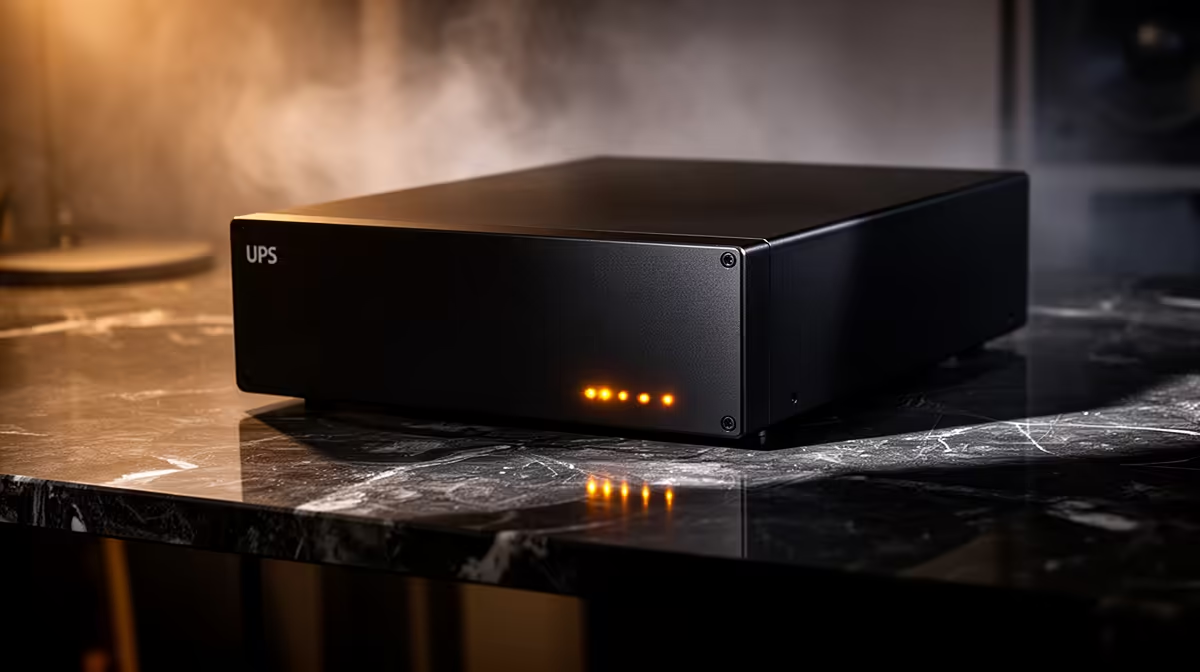
For content creation in East London, UPS and surge protection should be sized around the PC, monitor and router, not chosen as a random plug strip. A practical SA setup is a APC Easy UPS 1200VA-class option, with a broad budget of R1,500-R6,000 and enough capacity for a 500W-750W gaming PC plus display. The goal is equipment protection, clean shutdown time and fewer damaged adapters after utility or building power faults.
What To Protect First
Start with the desktop tower, monitor, fibre ONT or router, and external storage used for content creation. A gaming PC with an RTX 4060 or RTX 4070 Super, one 27-inch monitor and a router can easily place 350W-650W of real load on the protection plan during play or exports. Keep speakers, printers and chargers on separate protected multiplugs so the core PC equipment gets the best sockets. In East London, apartments, student digs and office parks can have very different wall-socket quality, so inspect loose plugs and old multiplugs before adding new hardware.
UPS Size And Surge Rating
For a desktop and one screen, a 1200VA to 2000VA UPS is the practical lane; for surge-only protection, look for a branded unit with clear joule or amp protection markings and proper earth indication. A APC Easy UPS 1200VA is a familiar class of product to compare against, but match the final choice to the load rather than the label. If the PC has an 850W PSU, that does not mean it always draws 850W, yet the UPS still needs headroom for spikes, battery ageing and a safe shutdown window.
Setup For Content Creation
For esports and online gaming, keep the router or fibre ONT protected so a short power disturbance does not drop the session instantly. For content creation and streaming, put the PC, main monitor and storage drive on the UPS so exports, recordings and project files can be closed cleanly. For first-time builders, label the sockets and keep the high-draw tower away from cheap extension chains. A clean cable layout also makes it easier to see heat, dust and overloaded adapters before they become expensive.
FAQ
Do I need a UPS or only surge protection in East London?
Surge protection is the minimum for a gaming PC or work desktop. A UPS is better when you need a few minutes to save work, keep a router alive briefly or shut down a tower without stressing the storage drive.
What VA rating should I choose for a gaming PC?
Most single-PC setups should start around 1200VA, then move higher for large GPUs, dual monitors or streaming gear. Check the watt rating as well as VA because the watt limit is what the PC load actually hits.
Can one unit protect my PC, console and router?
It can, but only if the combined load stays below the unit rating. For a tower, console, monitor and router, a larger UPS or separate surge-protected strips are usually cleaner than crowding every device onto one small unit.
Socket Check
Plug the PC and main screen into protected sockets, keep printers and heaters off the UPS, and test the shutdown button before trusting the setup with work files.