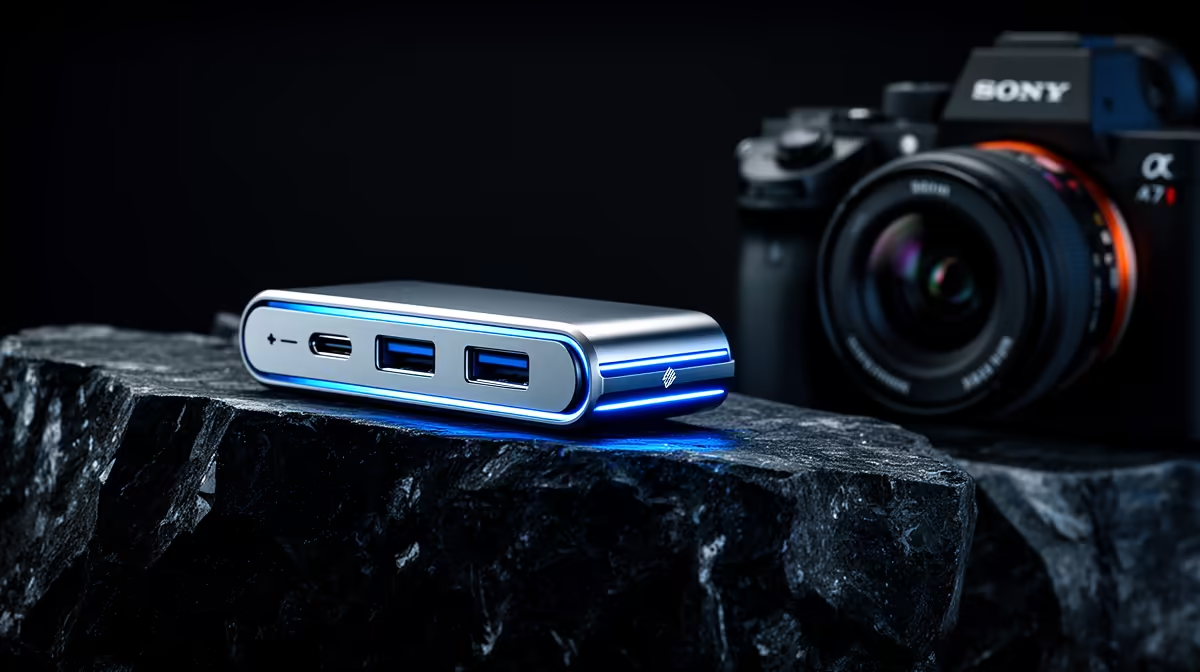
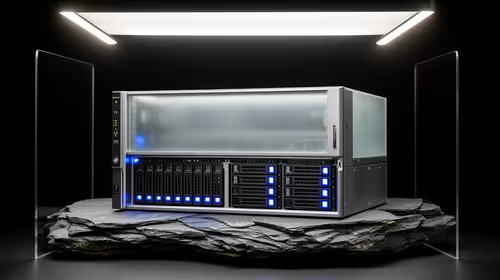
A USB-C hub can connect storage, displays and input devices around a 3D workstation, but it does not provide the processor, graphics memory or system memory that rendering needs. It copes only with the peripheral role. Check the host port, bandwidth, display limits and power delivery before deciding which connections should pass through one device.
Keep heavy work on the workstation
The Unitek TB4-01 Thunderbolt 4 dock at R2,600 is a verified higher-bandwidth desk option for compatible hosts. The Promate P1-1500 four-port USB hub at R165 is a verified basic hub for low-power peripherals. Neither changes render speed. A GeForce RTX 5070 12GB graphics card at R9,000 is a verified component that is materially relevant to a compatible rendering build.
Protect bandwidth and stability
Connect latency-sensitive or high-throughput devices directly when a shared hub causes dropouts. Test external storage transfers while displays and input devices are active. Confirm that the supplied power adapter meets the dock requirement and that the computer supports every advertised mode. Label ports so the same reliable arrangement can be restored after travel. If a render fails, isolate compute, memory, thermals and software before blaming a passive connection accessory.
Reserve one direct high-speed port for the busiest external drive. This gives large scenes a dependable transfer path while ordinary controls share the hub.
Connecting a 3D workstation? > Share the computer model, displays and external devices with Evetech before choosing a dock.