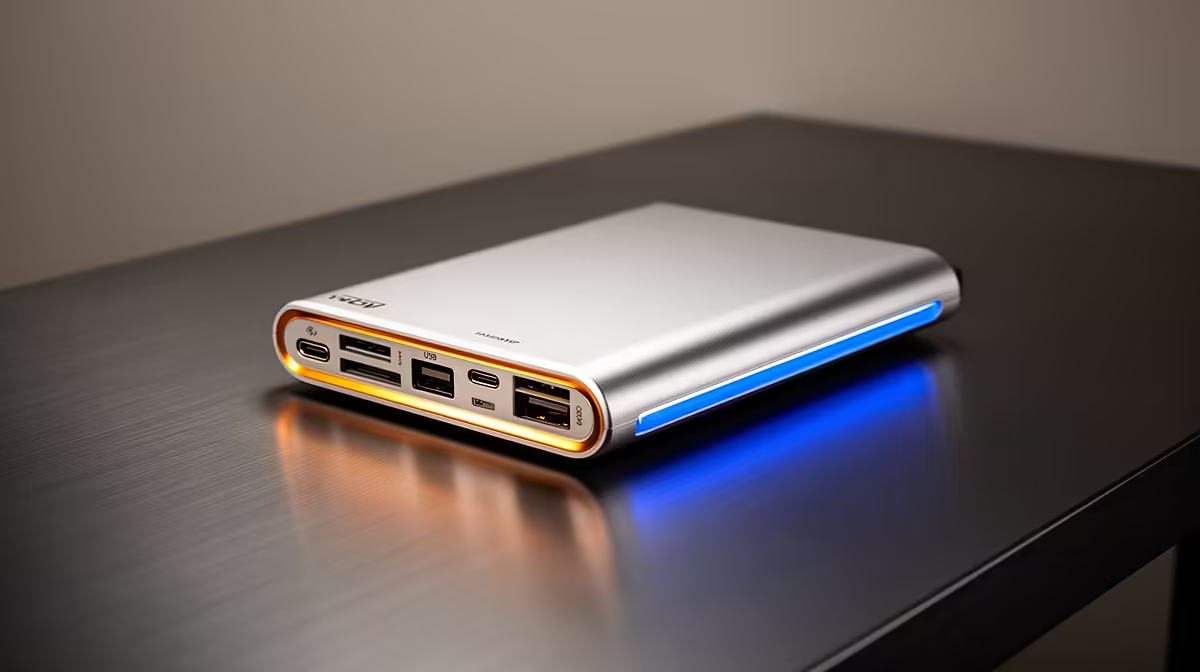
A USB-C hub can support QGIS and mapping work when it reliably connects the displays, storage, network adapter and input devices the user actually needs. It does not accelerate spatial analysis. Performance depends on the host port, shared bandwidth and every attached device, especially when large datasets move while an external monitor is active.
Recreate the busiest mapping session
List each connection and mark whether it carries data, video or power. Check the computer manual for USB-C display support and data rate. Open a representative QGIS project, copy a large layer from external storage and use the planned monitor at the same time. Watch for disconnects, slow transfers and charging changes.
The Promate TransHub-Lite is factpack-verified at R305. The Promate VersaHub-MST appears at R1,500. The Minisforum TB4-01 Thunderbolt 4 dock is listed at R2,600. Confirm the current port set, display limits, bandwidth sharing, host requirements, power arrangement and warranty. A premium dock cannot add capabilities that the computer port does not expose.
Keep field data and project files in approved recoverable storage. Eject drives correctly and avoid moving the hub while a layer is being written. Buy when the full connection test stays stable and the port map fits future work. If analysis itself remains slow, investigate memory, processor, storage and dataset design. Connectivity hardware solves desk expansion, not QGIS compute limits.
Expanding a QGIS workstation? > Compare verified hubs and docks with Evetech around the exact computer port.