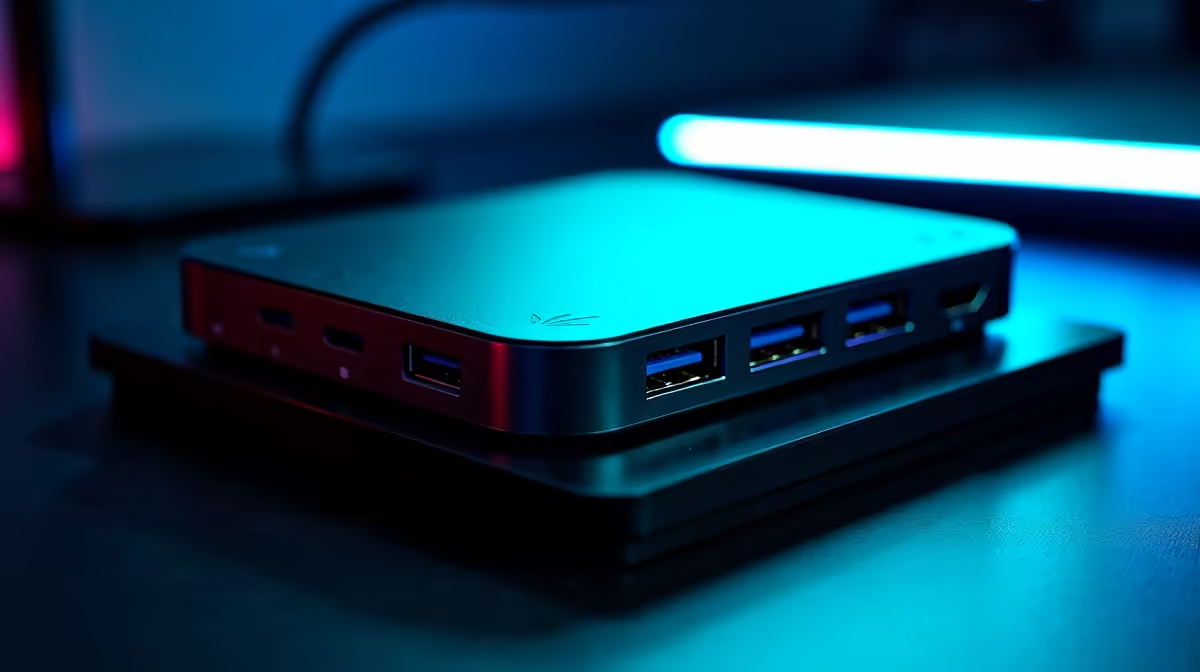
Modern tech setups can get messy, fast. Wires everywhere, power bricks multiplying... It's a real tangle! But what if one cable could handle data, video, and power? We're diving deep into USB-C power passthrough – a game-changing feature for anyone looking to declutter their desk and streamline their workflow, from remote professionals to avid gamers. Less fuss, more focus. ✨
Unpacking USB-C Power Passthrough: Your Questions Answered
Q: What exactly is USB-C power passthrough?
A: Simply put, it's a clever feature allowing a single USB-C cable to deliver power to your laptop or device, while simultaneously handling data and video signals from it. Think of it as a super-cable. Instead of separate power, display, and data cables, one monitor accessory connection does it all, often through a compatible monitor or docking station. It’s brilliant for a cleaner workspace.
Q: How does this really simplify my daily setup?
A: Immensely! Imagine coming home, plugging one USB-C cable into your laptop, and instantly having it charge, connect to your external display, and access all your peripherals – all at once. No more fumbling with multiple plugs. This is especially useful for high-resolution displays like 5K and 4K monitors, where dedicated video cables used to be mandatory. It makes transitioning between home and office a breeze.
Q: Which devices benefit most from USB-C power passthrough?
A: Laptops, especially ultraportables and MacBooks, are the biggest beneficiaries. They can be powered directly by a monitor or hub. Devices like portable monitors also gain, often drawing power directly from the host device, meaning fewer power bricks when you're on the move. Workstations using multiple peripherals also benefit from the consolidated connectivity.
Q: Are there any limitations I should be aware of?
A: Definitely. The primary limitation is the wattage a monitor or hub can deliver. Most offer between 60W and 90W, which is ample for many laptops. However, powerful gaming laptops might need more. Always check the power delivery (PD) specification. Also, not all USB-C ports are equal; ensure yours supports full-featured video output and power delivery for the best experience.
Q: Can I use this feature with my gaming monitor?
A: Absolutely, but with a slight caveat for intense gaming. While many curved monitors and even some high-refresh-rate gaming monitors offer USB-C with power passthrough, the power delivery might not be enough for a top-tier gaming laptop running at full throttle. For typical gaming, though, it’s excellent for connecting your laptop and powering it, while the monitor handles the display. For pure desktop setups, it's just about decluttering.
Q: What should I look for when buying a monitor with this feature?
A: Prioritise the USB-C port's Power Delivery (PD) wattage – aim for 65W or higher if you plan to power your laptop. Check if it supports DisplayPort Alt Mode for video. Also, consider the overall display quality. Evetech offers a wide range of all gaming monitors and standard PC monitors with varying USB-C capabilities. Don't forget to check customer reviews too!
Q: Is investing in a USB-C passthrough setup truly worth it for South African users?
A: Considering the rising cost of electricity and the general desire for efficient, organised workspaces, yes. Fewer power bricks mean less clutter and potentially less energy draw from multiple adapters. While the initial investment in a quality monitor with USB-C PD might seem higher, the long-term benefits of convenience and a streamlined setup are significant. Keep an eye out for best PC monitor deals at Evetech to snag a great price! ⚡
Pro Tip for Power
Always match your laptop's power requirements with your monitor's USB-C Power Delivery (PD) output. If your laptop needs 90W, a 65W PD monitor won't charge it optimally under heavy load… but it will still charge slowly. Check those specs! 🔧
Why USB-C Power Passthrough Matters
- Single-Cable Solution: Consolidate power, video, and data transmission through one versatile USB-C cable, reducing cable clutter.
- Enhanced Productivity: Streamline your workspace and make connecting peripherals and external displays incredibly simple, saving time and effort.
- Versatile Charging: Power compatible laptops directly from your monitor or docking station, eliminating the need for separate power bricks.
- Future-Proof Connectivity: As more devices adopt USB-C, this feature offers a convenient and forward-thinking solution for modern setups.
- Smart Investment: Despite a potentially higher initial cost, the long-term benefits in convenience and efficiency make it a worthwhile upgrade for any tech-savvy user. 🚀
Upgrade Your Setup Today
Ready to ditch the cable spaghetti and embrace a cleaner, more efficient workspace? Discover the perfect USB-C enabled monitor or accessory that fits your needs. Shop now for PC monitors at Evetech and transform your desk into a hub of productivity.