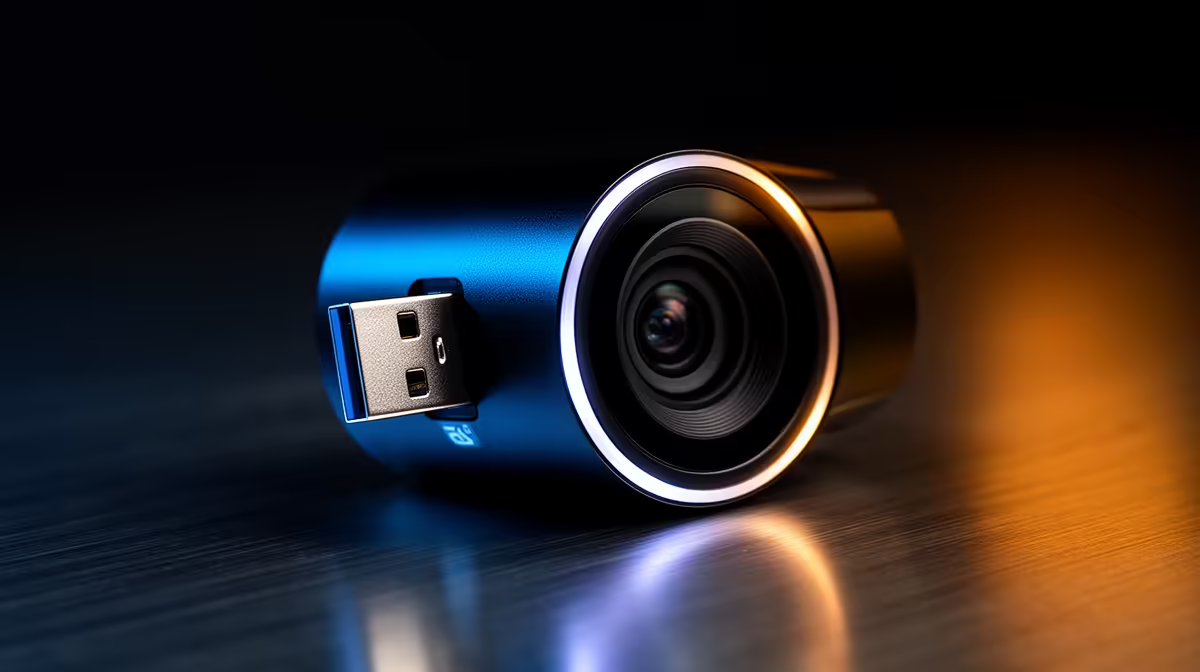
Tired of looking like a blurry potato on Discord calls? That grainy, built-in laptop camera isn't doing your new rig justice. In South Africa, whether you're climbing the ranks in Valorant, hosting a work-from-home presentation, or just catching up with family, clear video is non-negotiable. The fix is surprisingly simple: a plug-and-play USB webcam. It’s the easiest, fastest way to get a massive quality boost without any technical drama. 🚀
Why a Plug-and-Play USB Webcam is a No-Brainer
Let's be honest, the difference between a standard laptop camera and a dedicated USB webcam is night and day. We're talking sharper images, better colour accuracy, and superior performance in low light... the kind of quality that makes your stream look professional or your colleagues take you more seriously.
The best part? The "plug-and-play" in plug-and-play USB webcams means exactly that. You plug it into a spare USB port, and it just works. Windows and macOS handle the drivers automatically, so you can jump straight into OBS, Teams, or Zoom in seconds. It’s a simple, powerful upgrade for any setup.
Choosing the Right USB Webcam for Your Budget
Not all webcams are created equal, and your budget plays a big role. Luckily, there's a perfect fit for every price point. The key is knowing what features matter most to you. Are you after basic HD for calls, or do you need silky-smooth 60fps for streaming?
Entry-Level Excellence: Crisp Video Under R1000
You don't need to break the bank for a solid video upgrade. For everyday use like video calls and online classes, a 720p or 1080p camera is more than enough. These models offer a huge improvement over built-in cameras without any fuss. You can find some seriously great webcam options under R1000 that deliver fantastic value.
Lighting is Everything! 💡
You don't need fancy studio lights. Simply placing a desk lamp or facing a window can dramatically improve your webcam's picture quality. Good lighting allows the camera's sensor to use a lower ISO, resulting in a cleaner, less grainy image.
The Streaming Sweet Spot: Smooth Frames Under R2000
Ready to start streaming on Twitch or YouTube? This is where you want to invest a little more. Look for a plug-and-play webcam that offers 1080p resolution at 60 frames per second (fps). This ensures your gameplay and reactions are buttery smooth. Many webcams perfect for streaming under R2000 also come with better built-in microphones and autofocus.
Pro-Level Clarity: Go 4K for Under R3000
For professional content creators, business leaders, or anyone who demands the absolute best quality, a 4K USB webcam is the ultimate choice. The level of detail is incredible, giving your videos a polished, high-production feel. Features like HDR and AI-powered auto-framing are common in these premium models which you can find for under R3000. It’s a true investment in your personal or professional brand.
Quick Tips for the Perfect Webcam Setup 🔧
Getting your new plug-and-play USB webcam is just the first step. To look your best, follow these two simple rules:
- Positioning is Key: Mount your webcam at eye level. Looking directly into the camera creates a better connection with your audience, whether it's one person or a thousand. Stacking a few books under your monitor can work in a pinch!
- Check Your Software: While the webcam works out of the box, software like OBS Studio or Logitech's G HUB can unlock advanced settings. You can tweak brightness, contrast, and colour to get the perfect look.
Finding the right gear shouldn't be a hassle. With so many great plug-and-play USB webcams available, getting a crystal-clear picture is easier than ever.