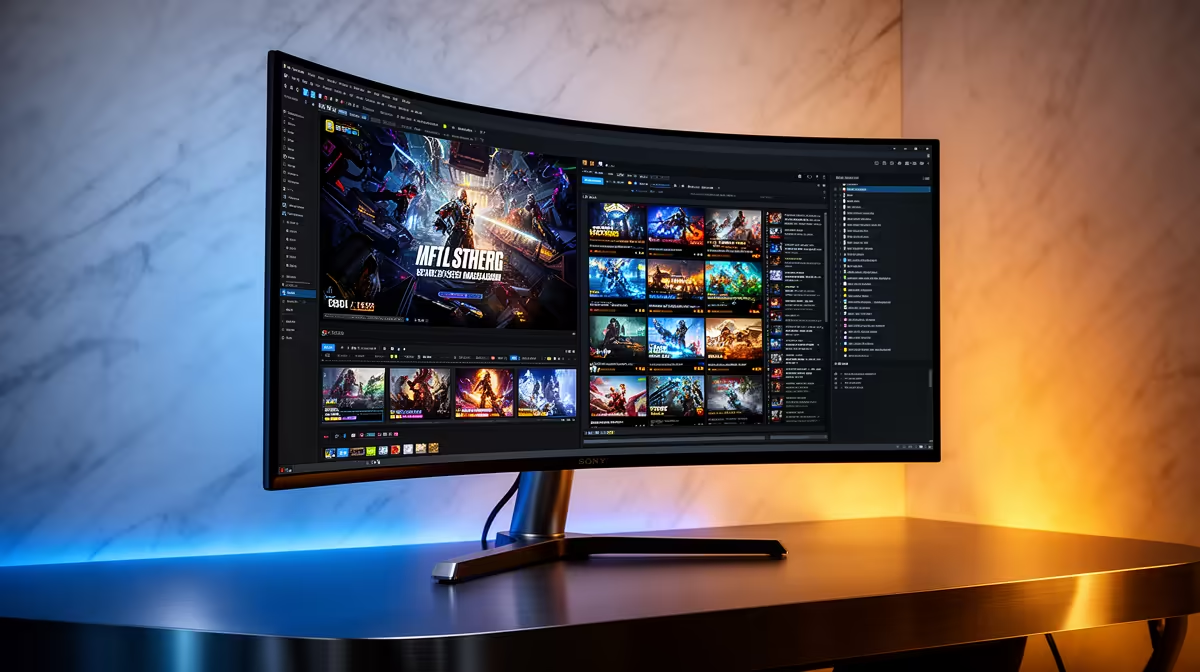
The MSI MAG 274F 200Hz at R3,006 suits a player who wants one gaming monitor for fast play first, with portrait use as a useful side benefit for chat, guides, Discord, or reading between matches. A vertical screen can make sense, but not as the only display angle for a shooter. Keep the main panel horizontal for aim and awareness, then rotate only when your desk job or content view benefits from taller space.
Best way to use a vertical screen for play
For Fortnite, the ViewSonic VX2779A 240Hz at R2,350 is the sharper pick if refresh rate matters most. Its 240Hz spec gives you more headroom for smooth motion than a basic 144Hz screen, so it makes more sense as the main horizontal display than as a permanent portrait panel.
The Dell SE2726H 144Hz at R1,797 is better if the budget is tight and you want a simple 27-inch class setup for mixed use. Its 144Hz refresh rate is still a real step up from office screens, and it can work well as a second vertical monitor for browser tabs, match notes, or long pages.
Student desk setup in SA
On a student desk, vertical only works if the monitor stand and cable position do not crowd your keyboard and mouse space. The Dahua LM25 200Hz at R1,850 is a strong value option for a smaller desk because its 200Hz spec keeps gaming responsive while leaving more budget for the rest of the setup.
The AOC 27in QHD 200Hz at R3,200 is the premium balanced choice here because QHD gives you more desktop room when rotated, while 200Hz still keeps the game feeling quick when the screen is back in landscape.
Ready to choose the right gaming monitor?
Use Dell SE2726H 144Hz at R1,797 as the gaming room benchmark, then check whether its listed spec matches the space, workload, and upgrade path.