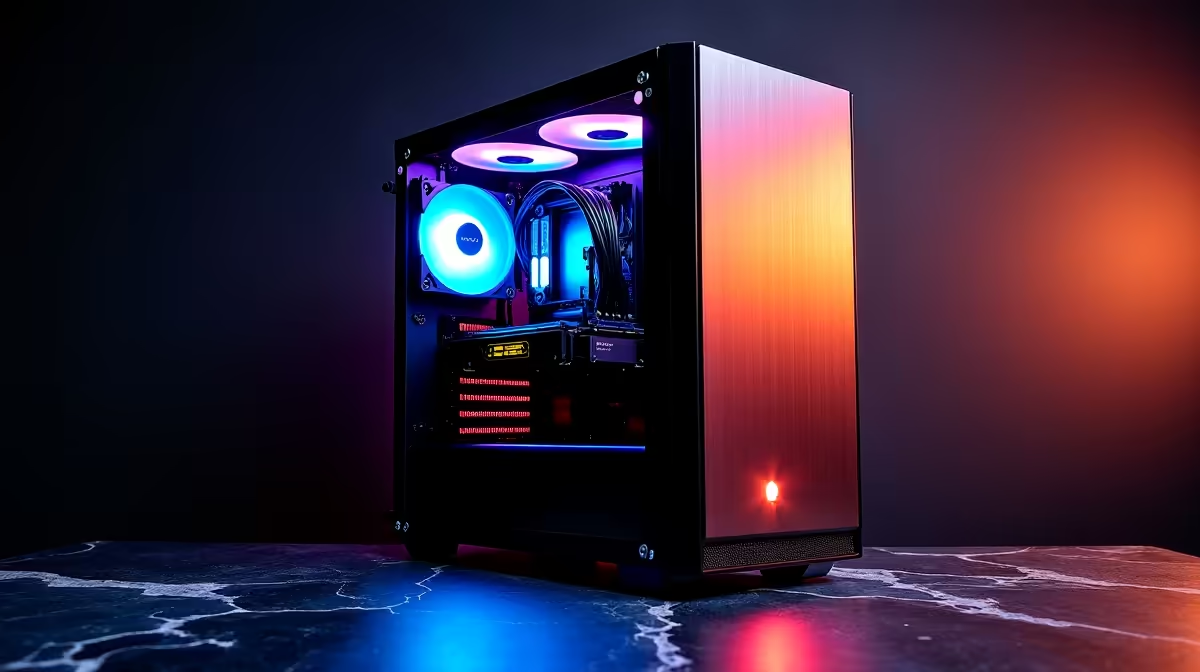
A balanced video-editing PC can run Pastel and Excel comfortably, but accounting tasks should not dictate an expensive graphics card. Choose the computer for the real video resolution, codec and export volume, then confirm that the operating system and peripherals support the business applications.
Combine the busiest creative and office day
Open a representative project, export it and keep the usual spreadsheet, accounting package, email and browser tabs active. Monitor memory use, storage space and response. Check whether the editor uses GPU acceleration for the chosen codec, because light social clips and complex high-resolution timelines need very different hardware.
The factpacks verify the Minisforum UM750L mini PC with Ryzen 5 7545U, 16GB memory and a 1TB SSD at R4,600. It offers useful memory and storage for a compact office, subject to editor acceleration, display and peripheral requirements. The ASUS ExpertBook P1503 laptop with Core i5-13420H, 8GB memory and a 512GB SSD appears at R9,858. Its memory and storage should be assessed carefully for simultaneous editing and office work.
Confirm Pastel version support, printer and scanner drivers, monitor outputs and backup arrangements. Keep accounting data separate from disposable video cache files. If editing is occasional, a compact system that passes the sample export may be wiser than a graphics-heavy tower.
Combining editing with office work? > Compare verified mini PCs and laptops with Evetech around software support, memory and storage.