




IPS vs VA for Strategy and Sim Games in SA
IPS vs VA for strategy and sim games should be judged by fit, not a single winner. Compare compatibility, latency, capacity, upgrade path, cost planning, and South African setup needs.
Read moreDiscover docks that handle video seamlessly ✨. Enjoy glitch-free streaming and editing with top-quality docks designed for high-speed performance 🎥.
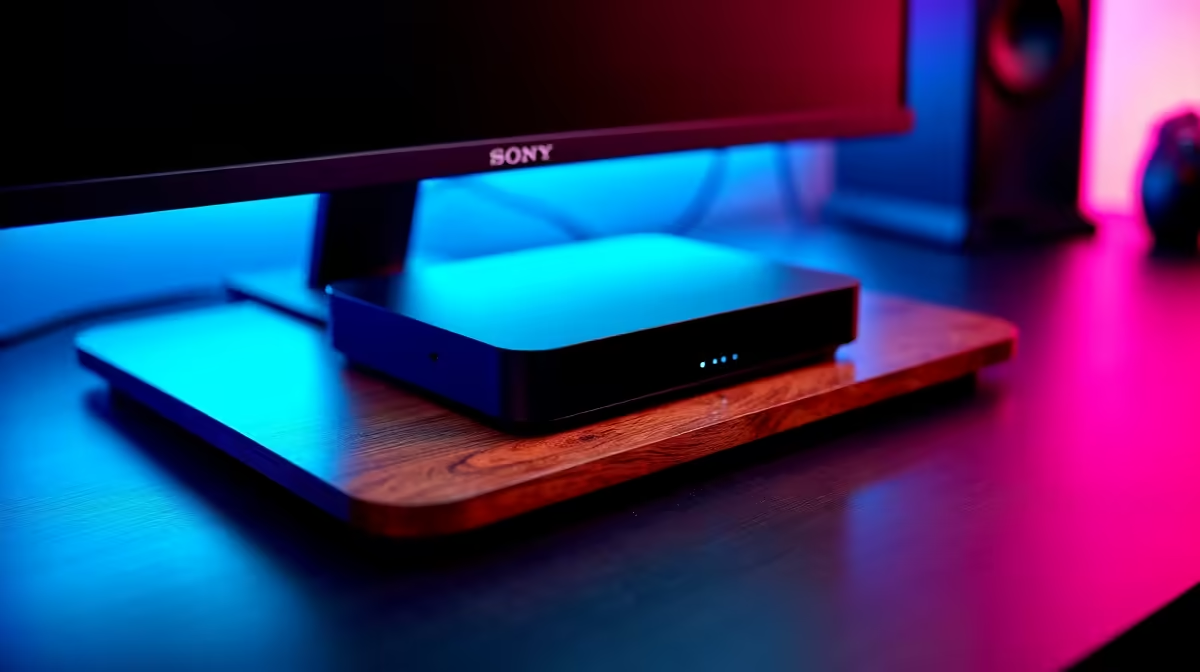
Jislaaik, there’s nothing worse than your stream stuttering mid-clutch or your video call freezing right before you make a crucial point. Your powerful laptop deserves a stable, fast connection, but its limited ports can be a real bottleneck. What if the secret to seamless performance wasn't a new router, but a single cable connected to a video-optimised dock that guarantees no lag, no drop? Let's plug in and find out. ⚡
We’ve all seen those small, cheap USB-C hubs. They're fine for connecting a mouse or a flash drive, but they often fail when the pressure is on. The problem is shared bandwidth. When you try to run a 4K monitor, a wired internet connection, and transfer files all at once, that little hub chokes. The result? Screen flicker, lagging video, and frustrating disconnects. Choosing the right docking station is about investing in dedicated performance for each port.
This is where a proper video-optimised dock changes everything. Unlike basic hubs, these units are engineered with dedicated chipsets to handle high-resolution video and data streams simultaneously without breaking a sweat.
Imagine this: you're a streamer, a content creator, or a professional working from home. You plug one USB-C or Thunderbolt™ cable into your laptop. Instantly, you have dual 4K monitors running smoothly, a Gigabit Ethernet connection for stable, low-latency gaming, and all your peripherals connected and charging. This isn't just convenience; it's about achieving seamless performance that lets you focus on your task, not your tech. You don't need to break the bank either; you can find a solid dock for under R1000 that will dramatically improve your setup's stability.
Before you buy, confirm your laptop's USB-C port supports DisplayPort Alternate Mode or Thunderbolt™. This feature is what allows the port to transmit a video signal to the dock. Most modern performance laptops have it, but a quick check of your specs can save you a headache!
Ready to upgrade? Here’s a quick checklist to find the perfect dock for your needs.
A quality dock isn't just an accessory; it's the brain of a clean, powerful, and versatile workstation.
Unlock Your Laptop's True Potential Stop letting poor connections and limited ports bottleneck your performance. Upgrade your workspace with a dock built for stability and speed. Shop now at Evetech for performance that leaves lag in the dust.
Video-optimized docks offer high-speed data transfer and support for multiple displays.
Yes! Reliable docks provide seamless connectivity for high-resolution displays and peripherals.
Yes, many USB-C docks support 4K resolution and lag-free video playback.
They utilize high bandwidth protocols to ensure smooth, uninterrupted video streaming.
Look for docks with Thunderbolt or USB-C ports and strong multi-display support.
High-quality docks maintain video integrity with fast data transfer and stable connections.
Choose docks specifically designed for video with proven performance ratings and reviews.
IPS vs VA for strategy and sim games should be judged by fit, not a single winner. Compare compatibility, latency, capacity, upgrade path, cost planning, and South African setup needs.
Read more
Gen 5 NVMe SSD guide for Bloemfontein gamers should be shortlisted around the job it must do. South African buyers should compare capacity, speed, thermals, and motherboard support, warranty path, and upgrade room before treating any pick as best.
Read more
Skip the RTX 5070 if your first-time builder budget needs better balance. Better SA picks can free room for the right CPU, PSU, case, monitor, storage, and cooling while still giving a strong first gaming PC experience this year in South Africa.
Read more
RTX 5080: weighing the pros and cons for SA should be shortlisted around the job it must do. South African buyers should compare GPU tier, VRAM, cooling, and PSU headroom, warranty path, and upgrade room before treating any pick as best.
Read more
Core i5-13400F gives South African PC builders a capable mid-range CPU choice with clear limits. Check its gaming fit, discrete GPU requirement, LGA1700 platform costs, and upgrade path before locking in your parts list.
Read more
Pros and cons of the Wi-Fi 7 routers for SA should be shortlisted around the job it must do. South African buyers should compare WiFi standard, coverage, latency, and device support, warranty path, and upgrade room before treating any pick as best.
Read more
Steam content servers unreachable needs a download-path check, not an immediate reinstall of every game. Restart the client, inspect download settings and compare another connection when practical. Clearing the download cache is separate from deleting installed games.

Keychron G6 HE has built-in and swappable battery versions with different weights. The product brief lists 42g and 46g respectively, each with a 3g tolerance. Choose by grip and battery preference before treating one headline weight as universal.

Corsair HS80 v2 MAX supports 2.4GHz wireless and Bluetooth. Its maximum battery figures use RGB-off conditions and differ by connection. Check microphone routing, comfort and the exact device support before assuming every wireless mode behaves alike.

Windows taskbar notification badges can be shown or hidden in Taskbar behaviours. This changes the small app indicators, not the underlying messages. Choose a calmer desktop while keeping a deliberate routine for checking important conversations and app updates.

Windows title bar window shake can minimise other open windows when you shake the active window by its title bar. Inspect the Multitasking setting and switch it off if that gesture interrupts your work. The preference costs R0 and does not require new hardware.

Windows Print Screen opens Snipping Tool when its keyboard preference is enabled. Change the option under Accessibility, Keyboard to choose another workflow. Test whether you need a clipboard image or a saved file.

Windows desktop icons missing may be a visibility setting. Right-click the desktop, choose View and inspect Show desktop icons. If only system icons are absent, use Desktop icon settings. Check the Desktop folder before assuming files were deleted.

Windows set time zone automatically greyed out calls for a location and device-policy check. Automatic time-zone selection relies on location services. A manual time-zone choice is separate from synchronising the clock; check both before replacing hardware.
Windows title bar window shake can minimise other open windows when you shake the active window by its title bar. Inspect the Multitasking setting and switch it off if that gesture interrupts your work. The preference costs R0 and does not require new hardware.
Windows Print Screen opens Snipping Tool when its keyboard preference is enabled. Change the option under Accessibility, Keyboard to choose another workflow. Test whether you need a clipboard image or a saved file.
Windows desktop icons missing may be a visibility setting. Right-click the desktop, choose View and inspect Show desktop icons. If only system icons are absent, use Desktop icon settings. Check the Desktop folder before assuming files were deleted.
Windows set time zone automatically greyed out calls for a location and device-policy check. Automatic time-zone selection relies on location services. A manual time-zone choice is separate from synchronising the clock; check both before replacing hardware.