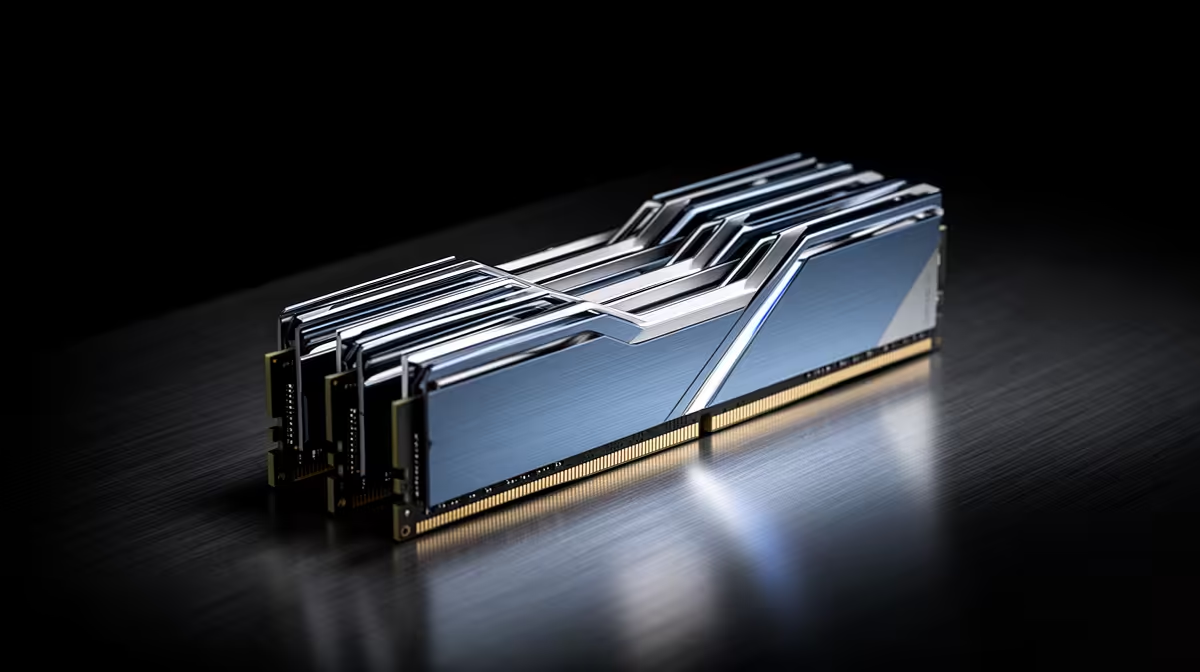
Waiting for cheaper RAM is a bet on timing, and the PC still has to serve you while that bet runs. Current 2026 industry direction points to tight memory supply and strong AI infrastructure demand, so a quick, broad price fall is far from certain. Buy from a measured need and a build deadline, not from a dramatic forecast.
Quick Answer
If the missing RAM blocks a paid job, a study term or a PC already under construction, buy the compatible capacity you need when a fair named-kit price appears. If the upgrade is optional and your system has headroom, set a target and wait. Forecasts can guide the risk discussion, but they cannot promise next month's SA retail price.
Evetech's DDR5 memory catalogue lets you compare current kit specifications, while the memory best sellers give you a practical shortlist for a dated check.
Why the Direction Still Looks Tight
Memory makers are directing advanced production and investment towards high-value AI and server products. Conventional PC memory still comes from a vast market, but production choices share capital, engineering and factory constraints.
A new memory factory moves from plan to qualified volume over years. Existing plants can improve output and shift product mix sooner, though neither response creates unlimited suitable DRAM overnight.
Demand can also change before supply does. A weaker server order book, lower PC shipments or excess customer inventory could ease pressure. That is why the direction is a risk signal rather than a guaranteed price path.
A Forecast Is Not a Shop Price
Industry forecasts often discuss contract prices between memory suppliers and large buyers. Your checkout price also reflects old inventory, replacement cost, the rand, freight, distributor timing and a retailer's own stock position.
An SA kit can stay flat while an upstream index rises because it was bought earlier. The next shipment can then reset higher. The reverse can happen when a seller clears older stock after upstream conditions soften.
Compare named kits on a fixed date. A broad prediction cannot replace the price of the capacity and speed your board needs.
Work Out the Cost of Waiting
The downside is bigger than a possible price rise. An unfinished PC ties up the money already spent on the CPU, board and graphics card. A memory-starved workstation can lose billable time. A student laptop that cannot run the required tools can disrupt a course.
Put a value on the delay. If waiting six weeks might save R300 but the missing PC costs more than that in one day, the decision is clear even if prices later fall.
For a leisure upgrade with no present stutter, the cost of waiting may be zero. You can afford to demand a better offer.
Prove That You Need More RAM
Open the applications you use together and watch Available and Committed memory in Task Manager. Look for low available memory, page-file activity and stutter arriving at the same time.
For games, test a repeatable busy scene with the browser, voice chat, launcher and recording tools open. For creation, load a real project rather than an empty application.
If the system has several gigabytes free and the workload is GPU- or CPU-limited, more RAM may not help. Waiting costs nothing when the purchase does not solve a problem.
Buy the Right Capacity Once
Pressure can tempt you into a kit that is too small. Buying 2x8GB today and replacing it with 2x16GB soon can cost more than choosing 32GB once.
Four DDR5 modules can be harder for the memory controller to run at an aggressive profile. Separate kits with the same label may use different internal components. If you know 32GB is the destination, one matched 2x16GB kit is cleaner.
Avoid the opposite mistake. A 64GB kit does not protect you from rising prices when the workload never exceeds 20GB. Unused capacity is still money spent.
Check Compatibility Before Stock Decides for You
Confirm DDR generation, desktop DIMM or laptop SO-DIMM, module count, board capacity, supported density and the CPU's memory guidance. DDR4 and DDR5 are not interchangeable.
Check whether your laptop memory is soldered. If every chip is fixed to the board, you must choose capacity with the machine. Waiting to upgrade later is not an option.
For desktop memory, prefer a matched kit and leave a sensible slot plan. Update the BIOS only when its notes or board guidance make that useful.
Set a Buying Rule
Choose the exact capacity and a small group of compatible kits. Record a fair target from dated named-product prices. Decide how long you can wait.
Buy when one of those kits reaches the target or when the deadline arrives. This turns an open-ended hunch into a decision you can follow.
Do not keep moving the target after a good offer appears. The lowest price of the year is visible only after the year ends.
What Could Make Prices Fall
Supply could catch demand through higher factory output, product-mix changes or weaker demand. Buyers may also finish an inventory build and pause orders. Currency strength can soften the local effect.
Each path has timing risk. A capacity announcement does not equal qualified chips at volume, and an upstream decline does not reach every SA shelf on the same day.
A fall is possible. The useful question is whether you can carry the workload until it arrives.
Avoid Panic Buying
Tight supply does not justify any price or any specification. Compare the complete part number and total. A slow high-latency kit, one-module layout or unsuitable profile can be expensive even after a discount.
Do not hoard spare kits without a named use. Memory standards and platform needs change, while warranty time begins at purchase.
Keep the money for the part that removes the current bottleneck.
Plan for a Build in Progress
Test the motherboard and CPU within their return periods. If RAM is the last missing component, a suitable kit now can be worth more than a possible saving later because it lets you validate every other part.
Keep the boxes and run memory tests at defaults before enabling XMP or EXPO. Then repeat the tests at the intended profile.
A stable, finished PC has value. Include that in the comparison.
FAQ
Do forecasts expect RAM prices to fall soon in 2026?
Current direction suggests continued pressure before broad relief, but no forecast can guarantee the timing or an SA shelf price.
Is it risky to delay a planned purchase?
Yes when the RAM blocks a build or a deadline. The risk is smaller when the upgrade is optional and the current PC has capacity headroom.
What is the safest buying strategy?
Measure the need, shortlist compatible matched kits, set a dated target and buy when the target or your deadline arrives.
Measure what the delay costs, shortlist the exact compatible kits and buy when a fair dated price meets your real build deadline.