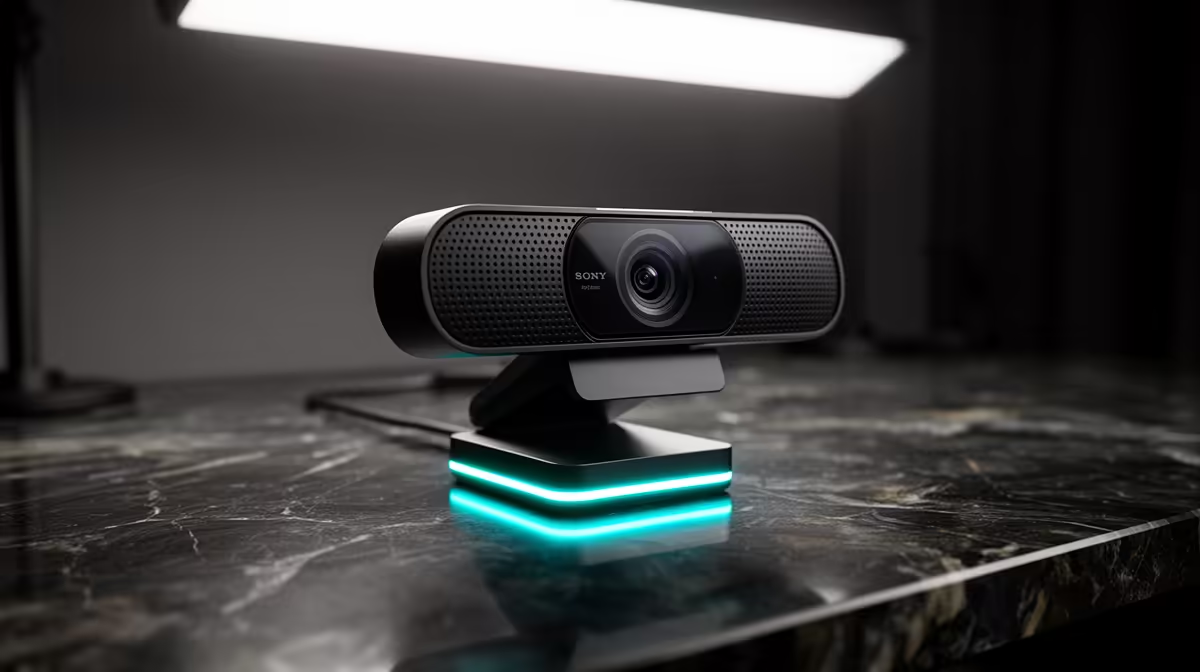
Ready to go live but your camera feed looks like it’s broadcasting from a potato? Ja, we've all been there. A grainy, poorly lit stream is the fastest way to get viewers to scroll on. But a professional-looking stream isn't just for the pros with massive budgets. Nailing your webcam setup is the first step to building an audience and looking legit on Twitch or YouTube, right here from South Africa. Let's get you sorted. 🚀
Why a Great Webcam Setup is Non-Negotiable
First things first: your face is your brand. When you're interacting with chat, celebrating a win, or reacting to a crazy moment, your audience connects with you. A crisp, clear image makes that connection stronger. A proper webcam setup for streaming shows you take your content seriously, which encourages viewers to do the same. It’s less about the raw specs and more about the professional image you present to the world.
Optimising Your Webcam Setup: The Three Pillars
Getting that perfect shot involves more than just plugging in a USB cable. Focus on these three areas, and you'll be leagues ahead of the competition. This is where a simple webcam setup transforms into a powerful tool.
1. Positioning and Framing
Your camera angle says a lot. Position your webcam at or slightly above eye level. Looking up at a camera is unflattering, and looking down can feel distant. Frame yourself using the rule of thirds—imagine your screen is split by a tic-tac-toe grid and place your eyes along the top horizontal line. This simple trick makes your composition instantly more dynamic. For a solid starting point, you can find great webcams under R1000 that deliver excellent quality for the price.
{{
="Pro Framing Tip ✨" ,
Leave a little 'headroom' above your head, but not too much. You want to be the focus, not the wall behind you. Also, make sure your background is tidy—nobody wants to see your laundry pile!
2. Lighting: Your Secret to a Pro Look
Lighting is the single most important part of your webcam setup. You could have a 4K webcam, but in a dark room, it will still look noisy and unprofessional. You don't need a Hollywood studio, though.
- Key Light: Your main light source, placed in front of you, slightly off to one side. A simple ring light works wonders.
- Fill Light: A softer light on the opposite side to fill in shadows on your face.
- Backlight: A light behind you to separate you from the background, creating depth.
Even a single, well-placed light can dramatically improve your image quality. Investing a bit more for a camera with better low-light performance, like many options under R2000, can also make a huge difference, especially if your lighting isn't perfect.
3. Software Settings
Your webcam's default settings are rarely optimised. Dive into your streaming software (like OBS or Streamlabs) and find your camera's properties. Manually adjust the focus to keep your face sharp, tweak the white balance so your skin tones look natural, and play with exposure to avoid looking washed out or too dark. An easy webcam setup becomes a great one when you fine-tune these small details.
Choosing the Right Webcam for Your Ambitions
As your channel grows, you might want to upgrade your gear. What should you look for?
- Resolution & Framerate: 1080p is the standard for quality streaming. 60 frames per second (fps) provides that buttery-smooth motion that viewers love, making your reactions feel more immediate.
- Field of View (FOV): A wider FOV captures more of your background, which is great for showing off a cool gaming room. A narrower FOV keeps the focus tightly on you.
- Autofocus & Low-Light Correction: Premium features that make life easier. Good autofocus keeps you sharp even when you move around, and superior low-light handling means you look great without needing perfect lighting. For those ready to go pro, exploring high-end webcams up to R3000 unlocks features like 4K resolution and advanced image sensors.
Ready to Stream Like a Pro?
A flawless webcam setup is your ticket to standing out. Stop letting a fuzzy camera hold you back and start building the audience you deserve. Browse Evetech's full range of webcams and find the perfect match for your streaming journey today.
}}