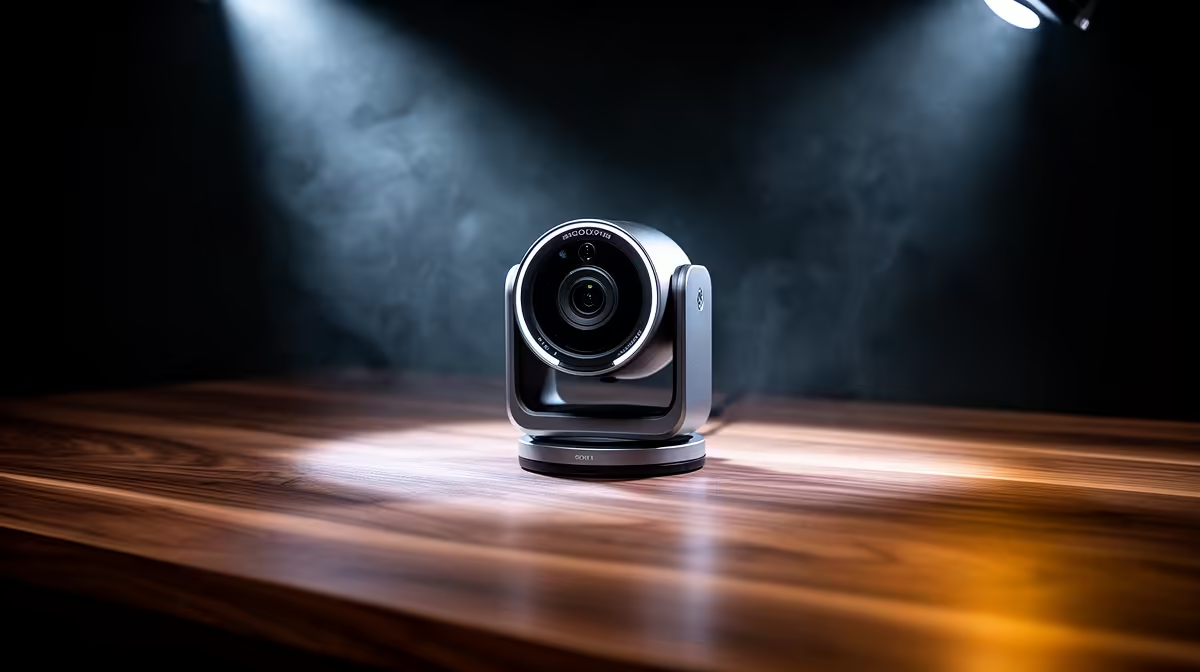
For controller-first PC gaming, a webcam upgrade path runs from a basic facecam for casual streams to a sharp 1080p60 model once you stream seriously. Spend at the level your audience and lighting actually justify.
Quick Answer
Controller-first streamers can start with a basic 1080p/30fps webcam around R450 to R700, step to a 1080p/60fps model with better low-light at R900 to R1,800, and only reach for 4K above R2,000 if you produce polished content. For couch or controller play, 1080p60 with good auto-exposure is the sweet spot; 4K rarely shows on a stream that is mostly gameplay.
Starter to serious: the upgrade path
Starter (R450 to R700): a 1080p/30fps facecam is enough for casual controller streams where the gameplay carries the show. Serious (R900 to R1,800): a 1080p/60fps cam with a larger sensor handles motion and low light better, so your facecam stays crisp during animated reactions. Top tier (R2,000+): 4K cams suit dedicated content creators, but on a stream where your face is a small corner overlay, 1080p60 already looks clean and saves the spend.
Lighting beats megapixels for streamers
Before chasing 4K, add a sub-R300 LED key light; soft front light lifts a facecam more than resolution. Controller gamers often sit further from the screen, so pick a webcam with a wider field of view and reliable auto-exposure to keep your face sharp from the couch or a reclined position. A 1080p60 cam plus one light is the practical serious-streamer combo, leaving budget for a better mic, which matters more to viewers than 4K video.
FAQ
What webcam suits controller-first PC streaming?
A 1080p/60fps cam with good low-light handling, R900 to R1,800 at Evetech. On a stream where gameplay dominates and your face is a small overlay, 1080p60 looks clean and 4K rarely justifies its cost.
Do streamers need a 4K webcam?
Usually no. Most streams downscale the facecam to a small overlay, where 1080p60 already looks sharp. Spend the 4K premium on lighting or a better mic, which viewers notice more.
How do I keep my facecam sharp from the couch?
Use a webcam with a wider field of view and reliable auto-exposure, and add a sub-R300 LED key light. Soft front lighting keeps a controller gamer's face crisp even from a reclined position.
streams, pair a 1080p60 webcam with a sub-R300 LED key light rather than buying 4K; lighting and a wider field of view keep your face sharp from the couch where it matters.