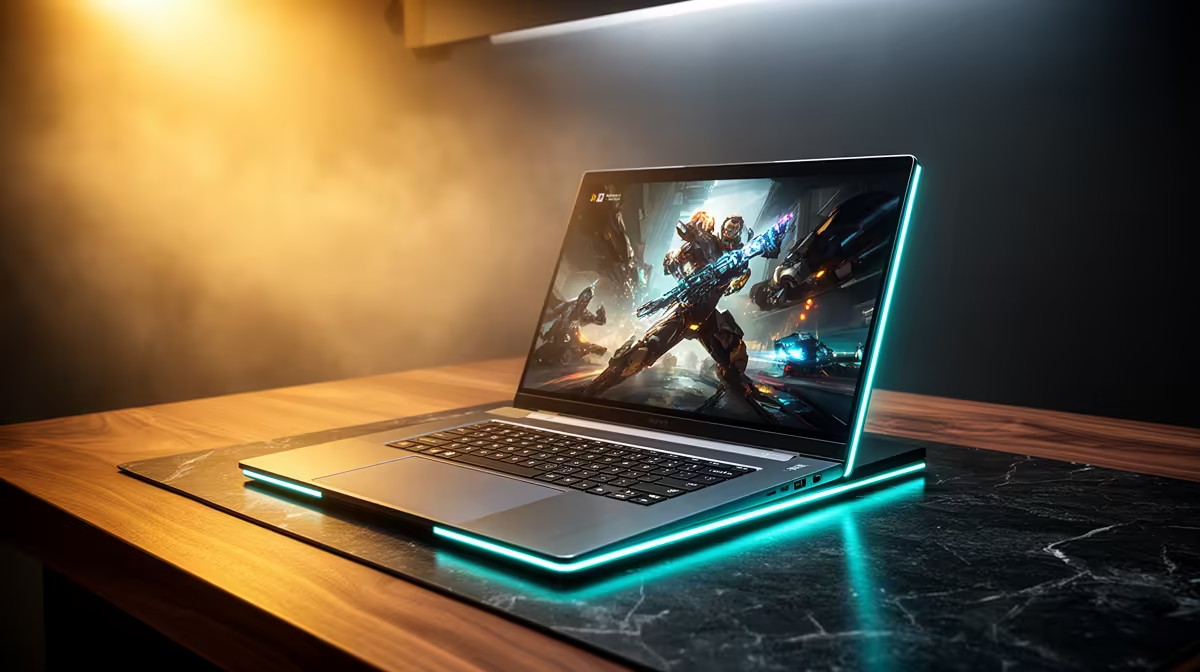
Picking the right laptop for Visual Communication at University of the Witwatersrand comes down to running your real coursework software without lag, not chasing the flashiest spec sheet.
Quick Answer
For Visual Communication at University of the Witwatersrand, budget around R16,000-R26,000 for a laptop with 16GB, a Ryzen 7 or Core i7, a fast NVMe SSD and a colour-accurate display matters more than raw GPU. The cheapest laptops at Evetech start at R8,000, but a Visual Communication workload realistically needs the R16,000 tier and up to run Adobe Photoshop, Illustrator, InDesign and Figma smoothly.
What specs Visual Communication students actually need
Visual Communication at University of the Witwatersrand leans on Adobe Photoshop, Illustrator, InDesign and Figma. That points to 16GB of RAM, A Ryzen 7 or Core i7, and a 512GB-1TB NVMe SSD so projects open quickly and you can keep several apps running at once. For this course, a colour-accurate display matters more than raw GPU. Aim for a 15-16" display; a higher-resolution panel helps if your work is visual. Always confirm the current course software list with your department before locking in a shortlist.
Budget tiers and what each one buys you
An entry Visual Communication laptop sits near R16,000 and covers note-taking, coursework and the lighter side of Adobe Photoshop, Illustrator, InDesign and Figma. The R21,000 band adds more RAM, a faster CPU and a roomier SSD, which keeps multitasking and renders comfortable through to final year. Above R26,000 you are paying for desktop-replacement power and a premium display. For South African students, factor in a 2-3 year warranty, local repair turnaround and carrying weight for daily campus and res commutes.
NSFAS, warranty and buying locally
NSFAS pays a R5,200 device allowance, which does not cover even the cheapest laptop on its own; treat it as a deposit toward a Visual Communication machine and budget the rest yourself. A 2-3 year carry-in warranty and SSD upgrade headroom protect the spend across a full degree. Buying from Evetech means local stock, in-country warranty handling and student-ready bundles, so you are not waiting on overseas RMA if something fails mid-semester.
FAQ
How much should a Visual Communication student at Wits spend on a laptop?
Budget R16,000-R26,000. The cheapest Evetech laptops start at R8,000, but a Visual Communication workload needs the R16,000 tier and up to handle Adobe Photoshop, Illustrator, InDesign and Figma without lag.
Does NSFAS cover a laptop for Visual Communication?
The R5,200 NSFAS device allowance does not cover even the cheapest laptop. Use it as a deposit and budget the balance, or pick a machine in the R16,000 band and plan the rest of the spend.
Do Visual Communication students need a dedicated graphics card?
Not really - a colour-accurate display matters more than raw GPU, so put the budget into RAM, SSD and battery life instead.
Build your Visual Communication shortlist at Evetech
Filter laptops by RAM, SSD size and GPU to match the Adobe Photoshop, Illustrator, InDesign and Figma workload, then compare warranty and delivery before you commit.