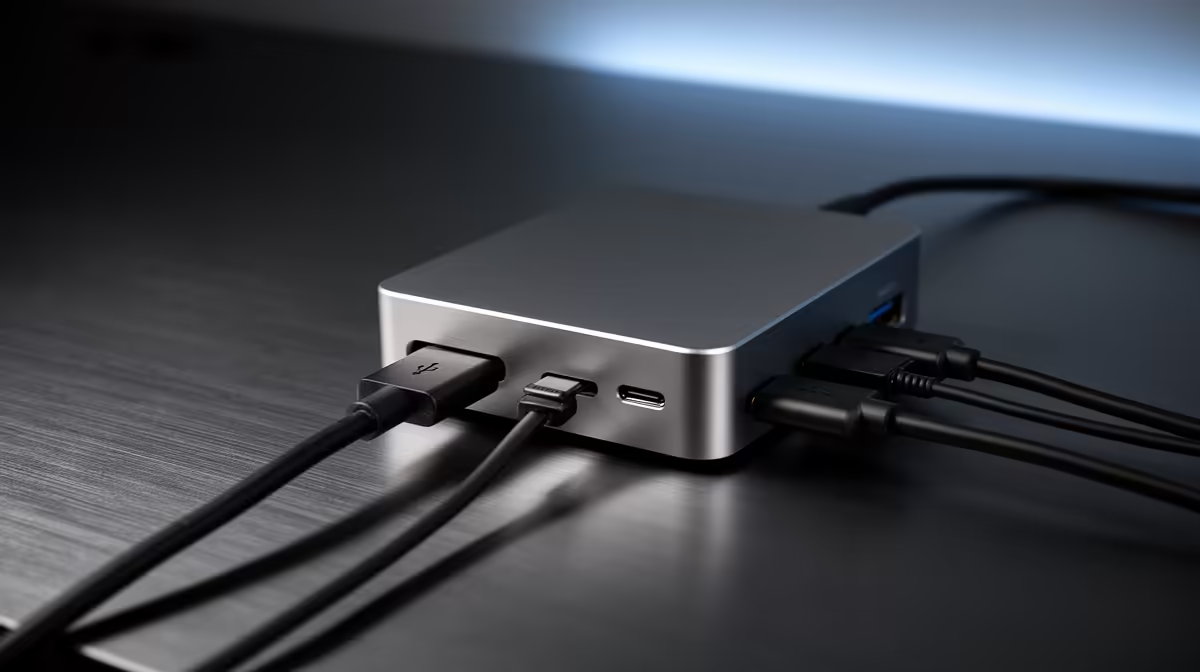
For CAD technicians on a laptop, the first upgrade is usually whatever unblocks multi-monitor work and fast file transfer, and a docking station is often exactly that. The dock turns a laptop into a fixed workstation in seconds.
Quick Answer
CAD technicians should upgrade to a docking station first if they run dual monitors and external drives daily: a Thunderbolt or USB-C dock with dual 4K output and 100W power runs R2,000 to R4,500 at Evetech. It drives two 4K displays at 60Hz, charges the laptop, and adds Ethernet, replacing a tangle of cables with one connector.
Why the dock comes before more RAM for many CAD techs
If your CAD laptop already has 16GB+ of RAM and a discrete GPU, the daily friction is screen space and re-plugging cables, which a dock fixes instantly. A USB-C or Thunderbolt 4 dock drives dual 4K monitors at 60Hz, supplies up to 100W to charge the laptop, and gives gigabit Ethernet for syncing large assemblies. That single-cable workstation saves minutes every time you dock, which adds up across a working week.
Match the dock to your display and power needs
For two 4K screens at 60Hz you need a Thunderbolt 4 or DisplayLink dock; plain USB-C HDMI docks often cap a second 4K screen at 30Hz, which feels laggy for CAD panning. Check your laptop charges over USB-C and pick at least 90W if it is a workstation-class machine. Budget R2,000 to R4,500; cheaper R1,000 docks suit single-monitor office use but stutter under CAD's dual-4K demands.
FAQ
Should CAD technicians buy a docking station first?
Yes, if your laptop already has 16GB+ RAM and you run dual monitors daily. A Thunderbolt or USB-C dock at R2,000 to R4,500 drives two 4K screens at 60Hz and charges the laptop over one cable.
Will a dock run two 4K monitors for CAD?
Only a Thunderbolt 4 or DisplayLink dock reliably drives dual 4K at 60Hz. Basic USB-C HDMI docks often limit a second 4K display to 30Hz, which stutters when panning CAD models.
What power delivery does a CAD laptop dock need?
Pick at least 90W for a workstation-class laptop, or 100W to be safe. Under-rated docks charge slowly or fail to keep a power-hungry CAD machine topped up under load.
If you run dual monitors daily, make a Thunderbolt 4 dock with 100W power your next buy at Evetech; it drives two 4K screens at 60Hz and ends the cable shuffle for good.