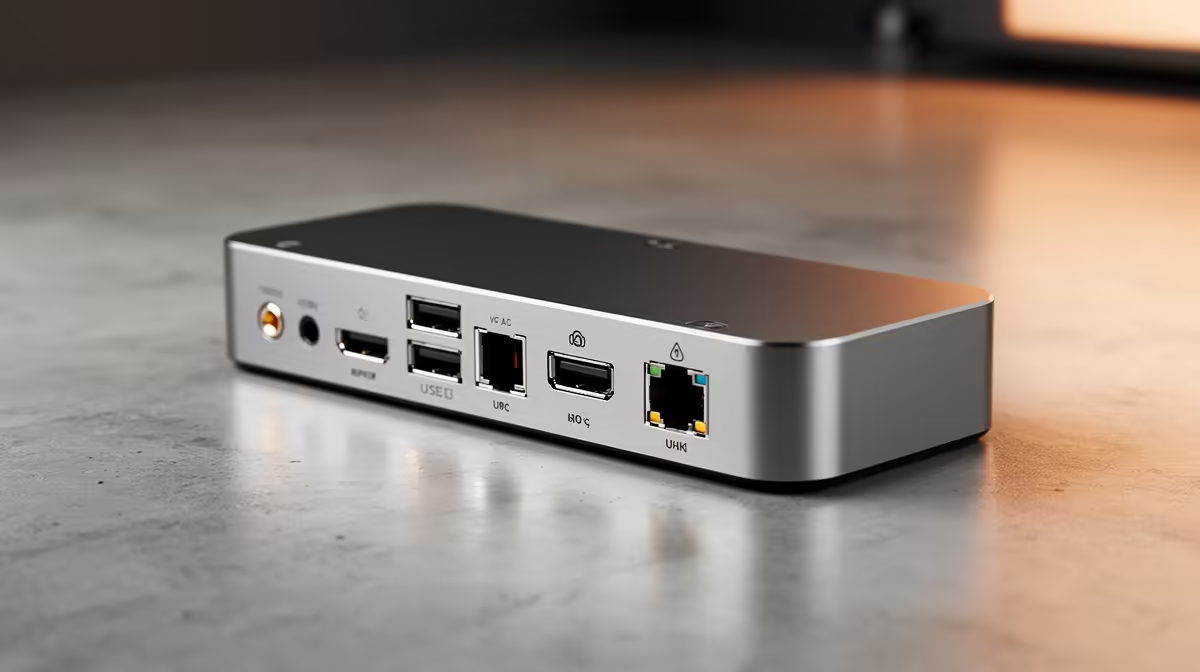
For graphic designers on a laptop, colour-accurate screen space and fast media transfer top the list, and a docking station is often the upgrade that unlocks both. The right dock drives a calibrated external display and pulls in card readers and drives over one cable.
Quick Answer
Graphic designers should prioritise a docking station that drives a colour-accurate external monitor: a Thunderbolt or USB-C dock with 4K 60Hz output and 100W power runs R2,000 to R4,500 at Evetech. It powers a wide-gamut display, adds an SD reader and fast USB for media, and charges the laptop, turning a portable into a calibrated studio.
Screen and colour come first for designers
Design work lives or dies on a calibrated screen, so the dock's job is driving a wide-gamut 4K monitor at 60Hz without dropping to 30Hz. A Thunderbolt 4 or DisplayLink dock at R2,000 to R4,500 handles that, plus an SD card reader for camera imports and 10Gbps USB for moving large PSD and video files. Pair it with a wide-gamut display (around R5,000+ for a decent sRGB/Adobe RGB panel) for accurate proofs.
Bandwidth matters for big design files
Designers move gigabytes of layered files and 4K video, so look for USB 3.2 Gen 2 (10Gbps) or Thunderbolt ports on the dock rather than slow 5Gbps hubs. Confirm 90W+ power delivery so a creative laptop stays charged while exporting. Avoid basic R800 docks that cap external 4K at 30Hz; the panning lag and slow transfers cost real time on deadline-driven design work.
FAQ
What docking station suits a graphic designer?
One that drives a 4K 60Hz wide-gamut monitor and moves files fast. A Thunderbolt or USB-C dock at R2,000 to R4,500 with 10Gbps USB and 100W power covers display, media and charging in one cable.
Will a cheap dock limit my external monitor?
Often, yes. Budget docks cap a second 4K screen at 30Hz, which feels laggy when panning artwork. A Thunderbolt 4 or DisplayLink dock keeps 4K at a smooth 60Hz.
Why does USB speed matter for design work?
Designers move large PSD, RAW and video files, so 10Gbps USB 3.2 Gen 2 or Thunderbolt transfers far faster than a 5Gbps hub. Faster ports save real minutes on every import and export.
Choose a Thunderbolt 4 dock at Evetech that holds 4K at 60Hz and moves files at 10Gbps, then pair it with a wide-gamut display so your laptop becomes a colour-accurate studio.