Quick Answer
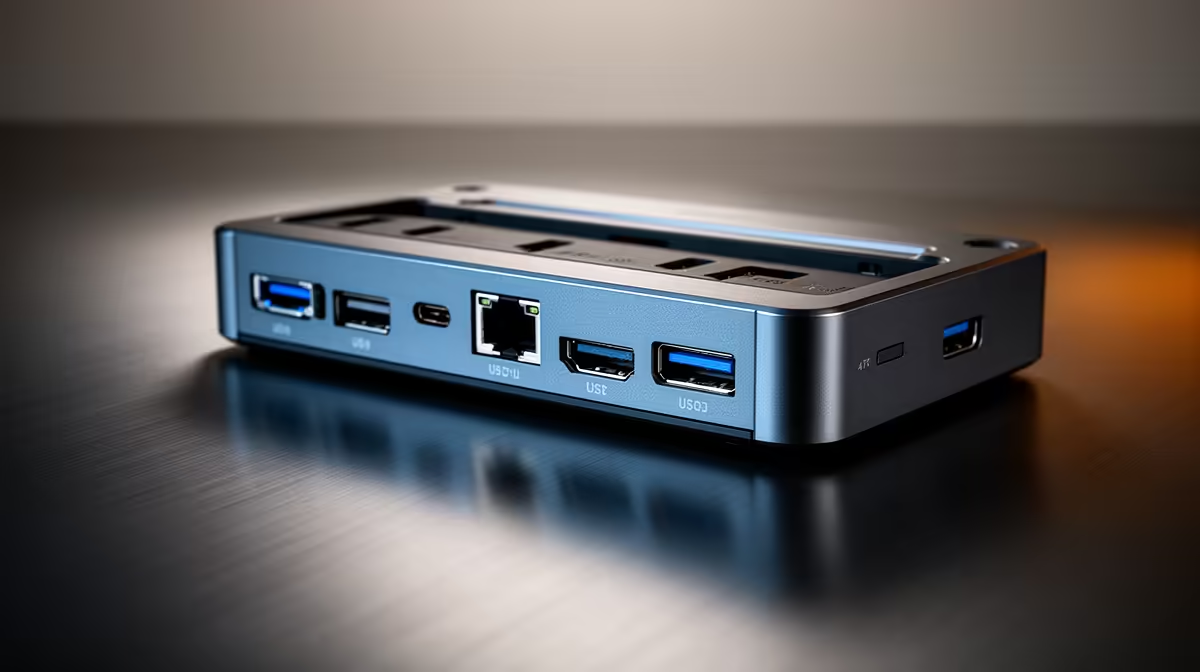
Video editors should upgrade fast external storage support first in a docking station, since editing depends on quick media access: a R2,500-R4,000 Thunderbolt or high-bandwidth USB-C dock lets external NVMe SSDs run near full speed for smooth scrubbing. After that, prioritise dual-display output, then Gigabit Ethernet for moving large files.
The video editor's upgrade priority
Editing performance hinges on how fast you can read and write media, so storage bandwidth is the first dock priority. A dock with Thunderbolt 4 or high-bandwidth USB-C lets external NVMe SSDs deliver the throughput a 4K timeline needs, so scrubbing and playback stay smooth and exports read media quickly. A dock that throttles external drives becomes the bottleneck no matter how strong the laptop is.
Next is screen space: dual-display support lets you keep the timeline on one monitor and the preview or scopes on another, which speeds editing. After that, Gigabit Ethernet matters for moving large project files to a NAS or server reliably.
Buying priorities in order
First, choose a dock with Thunderbolt 4 or high-bandwidth USB-C so external SSDs run near full speed. Second, confirm dual-display output for timeline and preview. Third, ensure Gigabit Ethernet for fast file transfers. Finally, check the dock delivers 90-100W power so the laptop charges while editing and exporting under sustained load.
FAQ
What should video editors upgrade first in a dock?
Fast external storage support, since editing depends on quick media access. A Thunderbolt 4 or high-bandwidth USB-C dock lets external NVMe SSDs run near full speed for smooth scrubbing.
Why does storage bandwidth matter for editing?
A 4K timeline needs fast media reads for smooth scrubbing, playback and export. A dock that throttles external drives becomes the bottleneck, slowing the whole editing workflow.
How much power should an editing dock provide?
Aim for 90-100W so the laptop charges while editing and exporting under sustained load, rather than draining. Underpowered docks let the battery slip during long sessions.
For editing, choose a Thunderbolt or high-bandwidth USB-C dock so external SSDs run near full speed, then add dual displays, Gigabit Ethernet and 90-100W power.