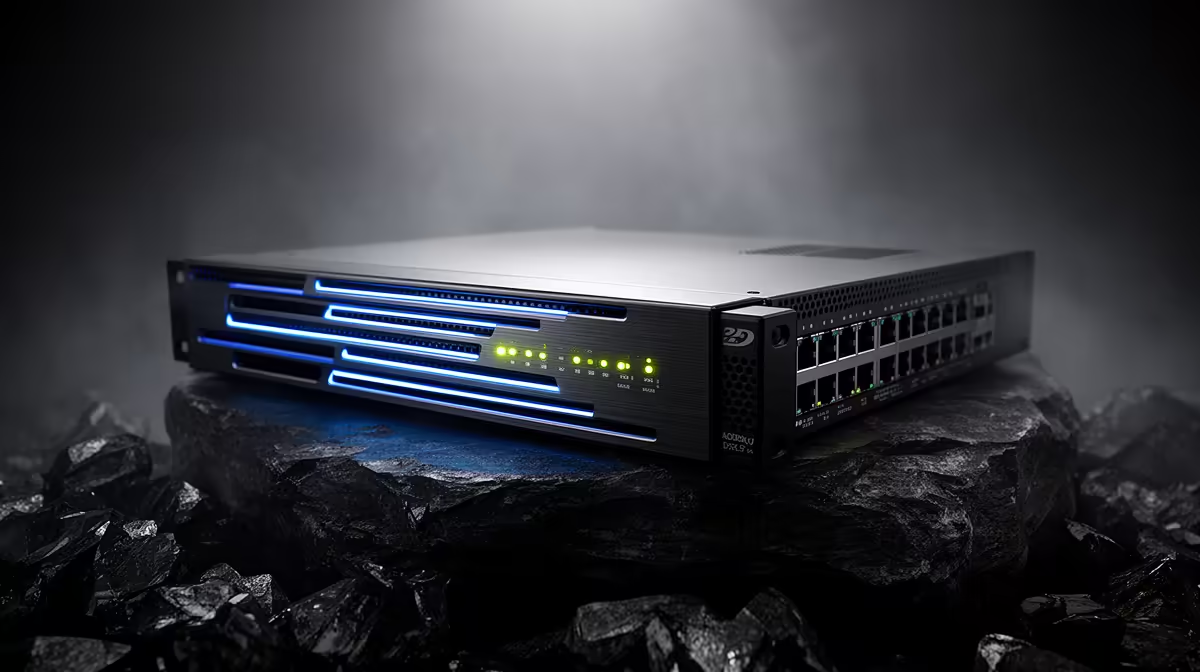
The CUDY AC1200 4G LTE at R1,396 suits a Cape Town home office or counter setup that needs router-first connectivity before adding a switch. For a small-office network, start by checking where the router will sit, how many wired devices need ports nearby, and whether a compact backup-friendly layout matters more than extra desk clutter.
Router first, switch second
A switch only expands wired connections, so the router still does the important work of getting the network online and managing the connection point. The CUDY AC1200 4G LTE at R1,396 is the stronger starting point when the setup needs 4G LTE support and AC1200 wireless coverage before you add extra Ethernet runs.
The CUDY N300 Travel at R450 is better for a lighter temporary desk, service counter, or travel-friendly setup where the key spec is N300 WiFi in a small router. It makes sense when you need a simple wireless network for a few devices rather than a larger fixed installation.
Cape Town fibre cupboard check
Before buying a switch, look at the fibre router cupboard, wall plug position, and where the desktop, printer, TV unit, or till system will actually sit. If the router is hidden in a cupboard, the ASUS PCE-AX1800 adapter at R147 can help a desktop connect over AX1800 WiFi without forcing a long cable across the room.
Ready to choose the right router?
Use CUDY AC1200 4G LTE at R1,396 as the Cape Town setup benchmark, then check whether its listed spec matches the space, workload, and upgrade path.