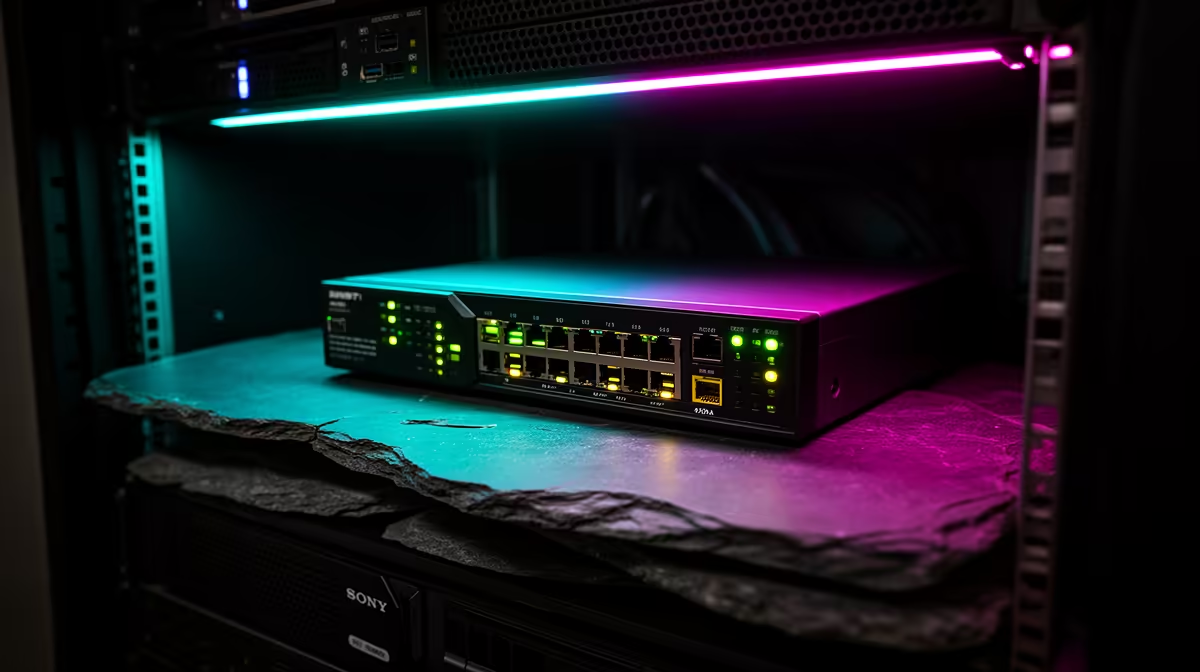
Pair a 2.5GbE switch with compatible endpoint adapters, suitable Cat6 cabling and an uplink that can carry the planned local traffic. A multi-gigabit switch cannot raise a gigabit computer or storage port above its limit. The verified facts contain no 2.5GbE-switch SKU, so verify the path before purchasing elsewhere.
Build an end-to-end speed map
List the computer, network storage, router and access points. Write the wired speed beside each port. Add a compatible PCIe or USB adapter only after checking the host interface and drivers. Use quality Cat6 runs with tested terminations. A Cudy WR6500H at R1,394 is a verified Wi-Fi 6 router, not a dedicated 2.5GbE switch; confirm its current port specifications before including it.
Prove local performance
Move a large file between fast local storage in both directions. Check negotiated link speed and storage throughput. Internet tests measure the service path and may hide a useful local improvement. Label every cable and save the switch configuration where managed features are used. Pair the switch with multi-gigabit endpoints only when the measured workflow needs faster local transfers.
Repeat the copy with two active users to reveal uplink contention that one-computer testing can miss.
Test a large transfer between two capable wired devices while another client uses the uplink; this separates real switching benefit from an internet-speed assumption.
Completing a multi-gigabit LAN? > Explore Evetech routers and adapters, then source a switch around the verified endpoint map.