Quick Answer
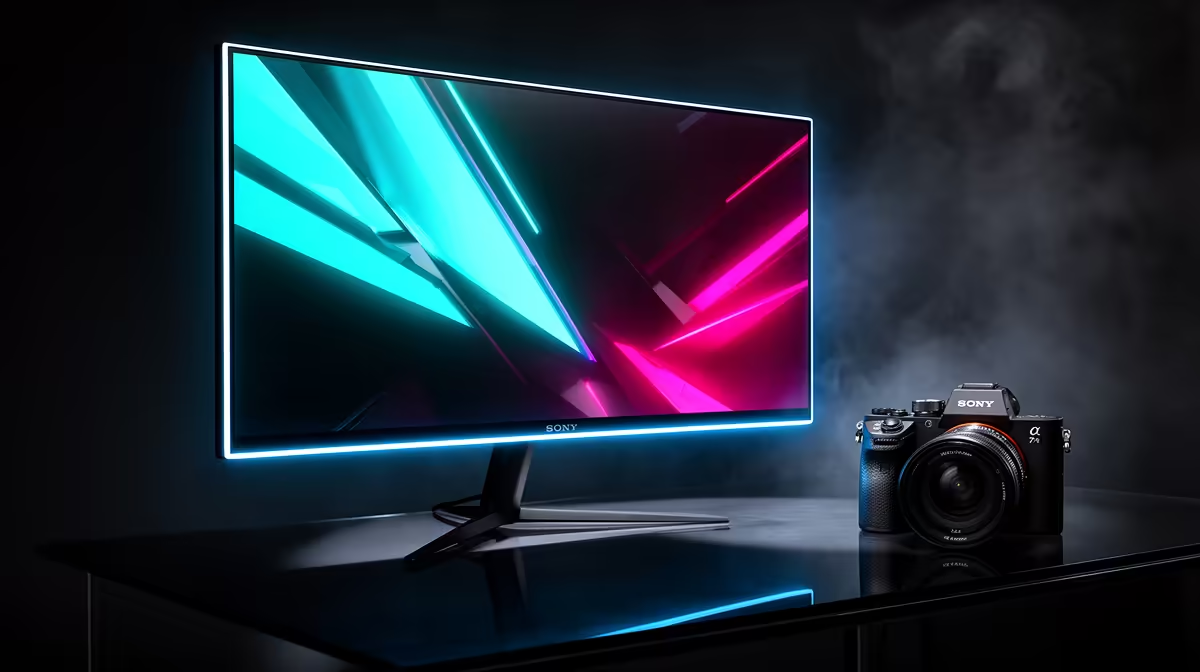
Benoni gamers buy 240 Hz monitors from Evetech with next-day East Rand delivery. The ASUS ROG Swift PG259QN (R5,500, 24.5-inch 1080p IPS) and LG 27GS95QE (R8,500, 27-inch 1440p OLED) are the most popular 240 Hz options currently stocked at Evetech. The ASUS is the value esports pick; the LG OLED is the premium choice for 1440p competitive gaming.
240 Hz Monitor Options for Benoni Buyers
ASUS ROG Swift PG259QN (~R5,500, 24.5-inch 1080p IPS, 360 Hz): Goes beyond 240 Hz to 360 Hz — the highest refresh rate available in this size class. 1 ms GtG response, G-Sync Compatible. Pairs with an RTX 4070 for 200+ fps in esports titles at 1080p competitive settings.
LG 27GS95QE (~R8,500, 27-inch 1440p WOLED, 240 Hz): OLED panel — infinite contrast, 0.03 ms response, 1,000 nit HDR. Best panel quality available at 240 Hz. RTX 4070 reaches 150–200 fps at 1440p in AAA titles, 300+ fps in esports.
ASUS VG278QR (~R3,000, 27-inch 1080p TN, 165 Hz): TN panel capped at 165 Hz. Budget fast-gaming option for Benoni buyers who want high refresh without the premium cost. TN colour is noticeably worse than IPS or OLED.
AOC 24G2 (~R2,800, 24-inch 1080p IPS, 144 Hz): The entry high-refresh IPS pick. 144 Hz covers most competitive use cases; the IPS colour advantage over TN is significant for this price. Not 240 Hz but included as the next-tier-down alternative.
What GPU Do You Need for 240 Hz Gaming?
For 240+ fps in esports titles (Valorant, CS2, Apex Legends) at 1080p: an RTX 4070 or RX 7700 XT delivers this consistently at competitive settings. At 1440p/240 Hz: an RTX 4080 or RX 7900 XTX is required for consistent 200+ fps in demanding titles.
FAQ
Is 240 Hz actually better than 144 Hz for gaming?
Yes, perceptibly so for esports titles. The difference between 144 Hz and 240 Hz is measurable in motion blur tests and reported by competitive players as feeling noticeably smoother in fast-paced titles. The benefit diminishes in story-driven games where you rarely exceed 80–100 fps anyway.
Does Evetech deliver 240 Hz monitors to Benoni next day?
Yes. Benoni is in the East Rand within Evetech's overnight delivery zone. Orders placed before 13:00 on weekdays arrive the following morning in reinforced monitor packaging.
What response time should I look for in a 240 Hz gaming monitor?
Look for 1 ms GtG (grey-to-grey) or lower. IPS panels at 240 Hz typically achieve 1 ms; OLED panels achieve 0.03 ms. TN panels can achieve sub-1 ms but at the cost of colour quality. Avoid monitors that only spec BTB (black-to-black) response — GtG is the meaningful competitive metric.
Tip
Enable G-Sync Compatible or FreeSync Premium in your GPU driver and monitor OSD — at 240 Hz, variable refresh rate eliminates the tearing you'd see when frame rates momentarily dip below 240 fps in complex scenes, keeping the image clean throughout.