Quick Answer
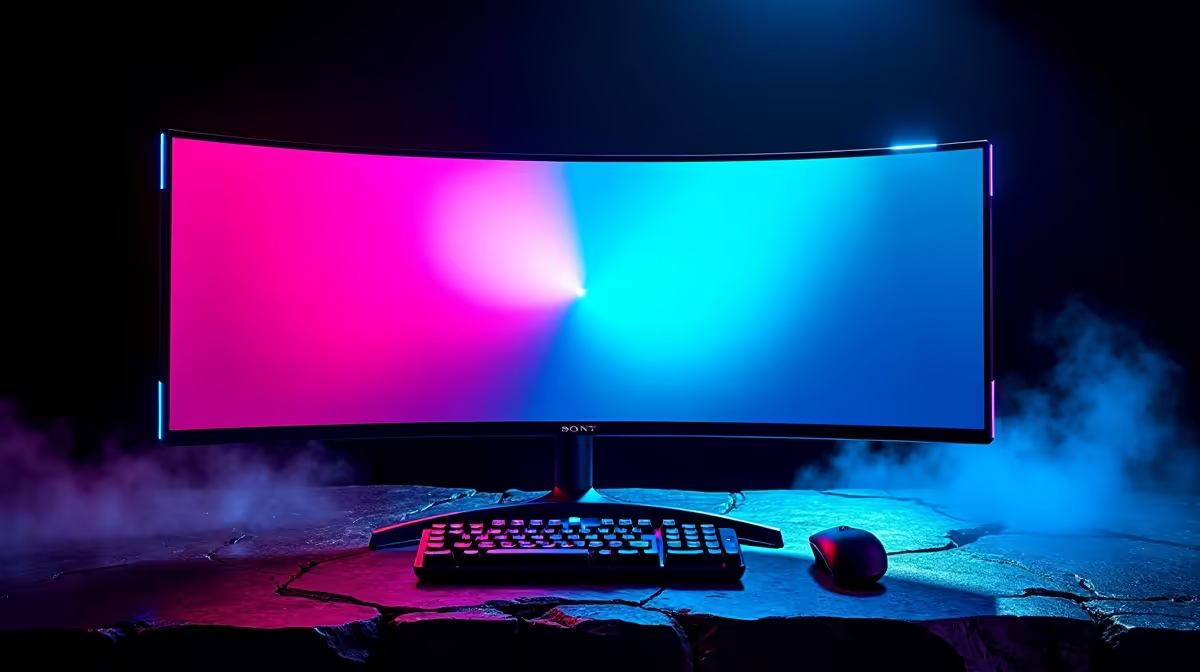
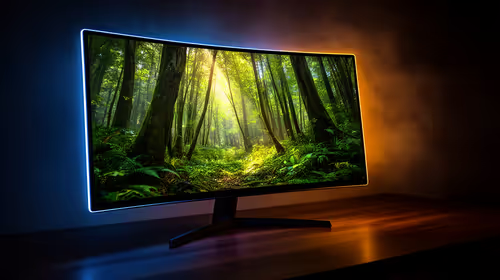
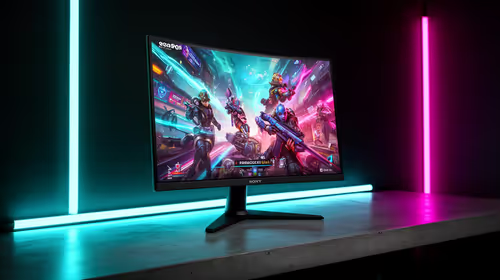
Cape Town gamers should buy a gaming monitor from a South African tech store with live stock, clear warranty handling, and courier options that match their address. Budget around R2,500 to R9,000 for sensible choices, then confirm 144Hz to 180Hz refresh, adaptive sync, DisplayPort, and low input lag before paying. A practical shortlist beats a pretty product page when the part has to fit a real gaming setup.
What To Check Before You Order
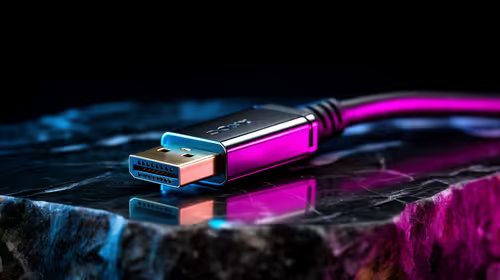
Start with compatibility. For a gaming monitor, the useful checks are 144Hz to 180Hz refresh, adaptive sync, DisplayPort, and low input lag; do those before comparing colour, RGB, or bundle extras. A named option such as MSI G274QPF, ASUS TUF VG27AQ, or a 27-inch 1440p high-refresh display gives you a baseline for the class of product, but the exact live model should still be checked on the product page.
For Cape Town delivery, plan around where the parcel must be received: southern suburbs, CBD, or northern suburbs. Larger boxes such as chairs, cases, monitors, and complete PCs need a receiving window and a safe place to inspect packaging. Keep the invoice, serial number, and box until the first week of testing is complete.
Price And Performance Signals
Use price bands as a filter, not as a promise of live stock. In this category, R2,500 to R9,000 is a cautious range for SA buyers, while premium models can move higher when stock is limited or a new generation launches. The performance reason to spend more is simple: makes an RTX 4060 Ti to RTX 4070-class PC feel sharper at 1440p.
If the product affects gameplay, match it to the screen target. A 144Hz monitor, 32GB RAM kit, or low-latency mouse only shows its value when the PC can keep frame times steady. For comfort products, check measurements and adjustment points because those decide whether daily sessions feel better after the first weekend.
Local Buying Signals
Choose the listing with the clearest warranty route, exact model code, and complete spec table. Avoid assuming that a product photo confirms the included cable, bracket, receiver, or mounting kit. For SA buyers, the safest order is the one where the model name, key spec, delivery method, and support path are all visible before checkout.
FAQ
What budget should a Cape Town gamer set for a gaming monitor?
A sensible SA budget is about R2,500 to R9,000, with entry models below the middle of that range and premium options above it. Check the live Evetech listing because stock, colour, capacity, and generation can shift the final price.
Which spec matters most before buying?
Prioritise 144Hz to 180Hz refresh, adaptive sync, DisplayPort, and low input lag. If that line does not match your current PC, desk, or network, the more expensive model will not solve the right problem.
Is delivery safe for this product in Cape Town?
Yes, if the delivery address is easy to access and someone can inspect the parcel on arrival. Keep packaging and order records until the product has passed setup, reboot, and normal-use checks.
Pro Tip
Before checkout, compare the exact model code against your case, desk, monitor, or motherboard notes. One confirmed fit check prevents most expensive return problems.