Quick Answer
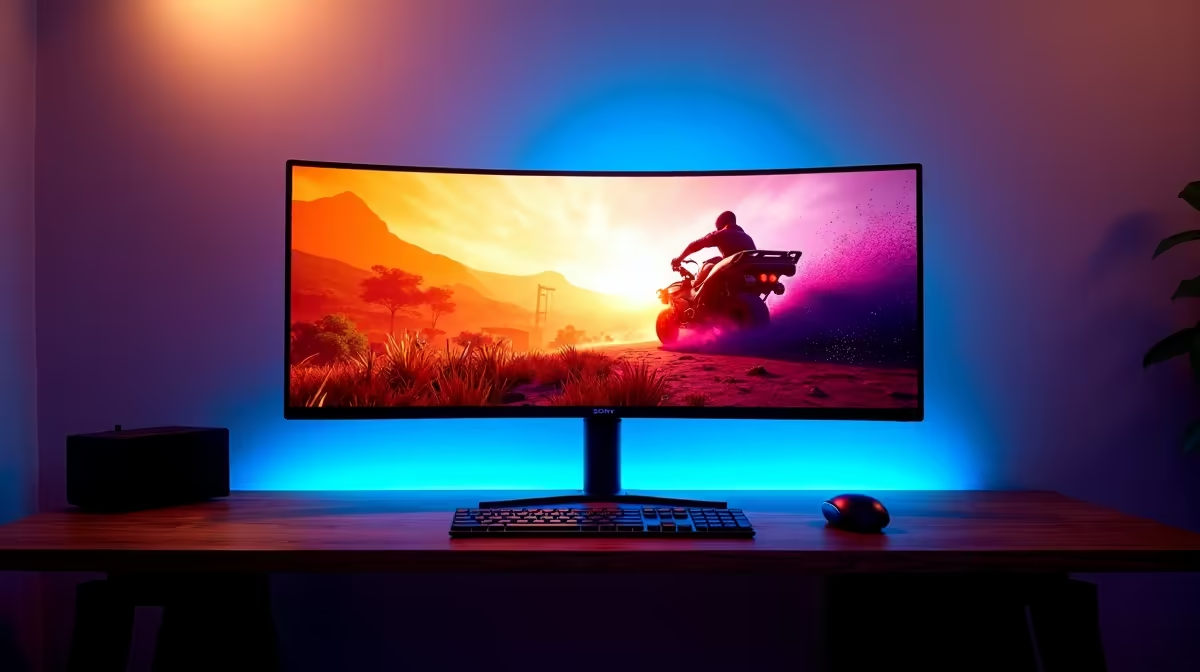
Soweto gamers order ultrawide monitors from Evetech for delivery within 2–3 business days. 34-inch UWQHD (3440x1440) ultrawides are priced from R7,500 for VA panel models to R14,000 for high-refresh IPS and OLED options. The MSI MAG 341CQP (34-inch VA, 175 Hz, curved) sits at around R7,500, and the LG 34GP83A (IPS, 160 Hz) at approximately R9,000.
Ultrawide vs Standard 16:9 Monitors
A 34-inch ultrawide at 3440x1440 displays roughly 33% more horizontal content than a 2560x1440 QHD monitor. This is visible in open-world games, flight sims, racing games, and multi-window desktop productivity. The immersive field of view in games like Cyberpunk 2077 and Forza Horizon is a genuine step-up experience. Trade-off: 3440x1440 requires 35% more GPU power than 2560x1440 to maintain the same frame rate — budget your GPU accordingly.
Panel Type: VA vs IPS for SA Buyers
VA panels deliver 3000:1 contrast ratios that IPS cannot match — dark scenes in games and films look more cinematic. VA refresh rates reach 165–175 Hz on current models. The limitation is slower pixel response time (5–8 ms GtG on budget VAs) that can cause ghosting in very fast FPS titles. IPS panels offer 1–3 ms response time and more accurate colour at the cost of lower contrast (typically 1000:1). For gaming that mixes fast FPS and slow story games, IPS is the more forgiving choice.
GPU Requirements for Ultrawide Gaming
An RTX 4060 Ti drives 3440x1440 at 60–80 fps in demanding AAA games — comfortable for story games but under the monitor's 160–175 Hz ceiling. An RTX 4070 reaches 100–130 fps at 3440x1440 in most titles and fully utilises a high-refresh ultrawide. Pair your GPU selection to the monitor's refresh rate target for best value.
FAQ
What is a good ultrawide monitor budget for a Soweto gamer?
R7,500–R10,000 covers quality 34-inch ultrawides with 165–175 Hz refresh rates and VA or IPS panels. Below R7,000, ultrawide options are limited to 60 Hz panels that waste the format on gaming. Above R12,000, you enter OLED ultrawide territory which adds meaningful contrast quality.
Do ultrawide monitors work with all gaming PCs?
All modern AMD and NVIDIA GPUs support 3440x1440 and 5120x1440 resolutions natively. Older GPUs (GTX 10 and 16 series) support ultrawide but cannot maintain high frame rates at the resolution. Check that your GPU can drive the target refresh rate before pairing with an ultrawide.
How much desk space does a 34-inch ultrawide need?
A 34-inch ultrawide measures approximately 81 cm wide and 34–36 cm tall on the stand. You need at least 90 cm of desk width and 60 cm of depth for comfortable viewing distance (60–80 cm from screen to face). L-shaped desks and gaming desks over 140 cm wide handle ultrawides most comfortably.
-Sync Compatible or FreeSync Premium immediately after setup on your ultrawide — variable refresh rate eliminates screen tearing and makes 60–100 fps gameplay feel dramatically smoother than a fixed 60 Hz presentation.