Quick Answer
For everyday productivity, sensor precision in the 800 to 1600 DPI range, an ergonomic shape suited to your grip, at least one programmable side button, and a scroll wheel with horizontal tilt are the features that make a measurable daily difference. Wireless connectivity is a strong secondary priority for desk cleanliness.
Sensor, DPI and Precision for Office Tasks 🖥️
Productivity work does not require the extreme precision of gaming sensors, but a mouse with a reliable optical sensor and DPI adjustability between 400 and 2,000 gives you the flexibility to fine-tune tracking to your monitor resolution and personal preference. On a 1440p monitor, 1,200 DPI typically offers the best balance between cursor speed and fine control for document work and spreadsheet navigation. Mice using cheap tracking sensors exhibit micro-jitter that accumulates into inaccuracy over a full workday, which is fatiguing in tasks like Illustrator vector work or architectural detail in AutoCAD.
Ergonomics and Grip Compatibility 🤝
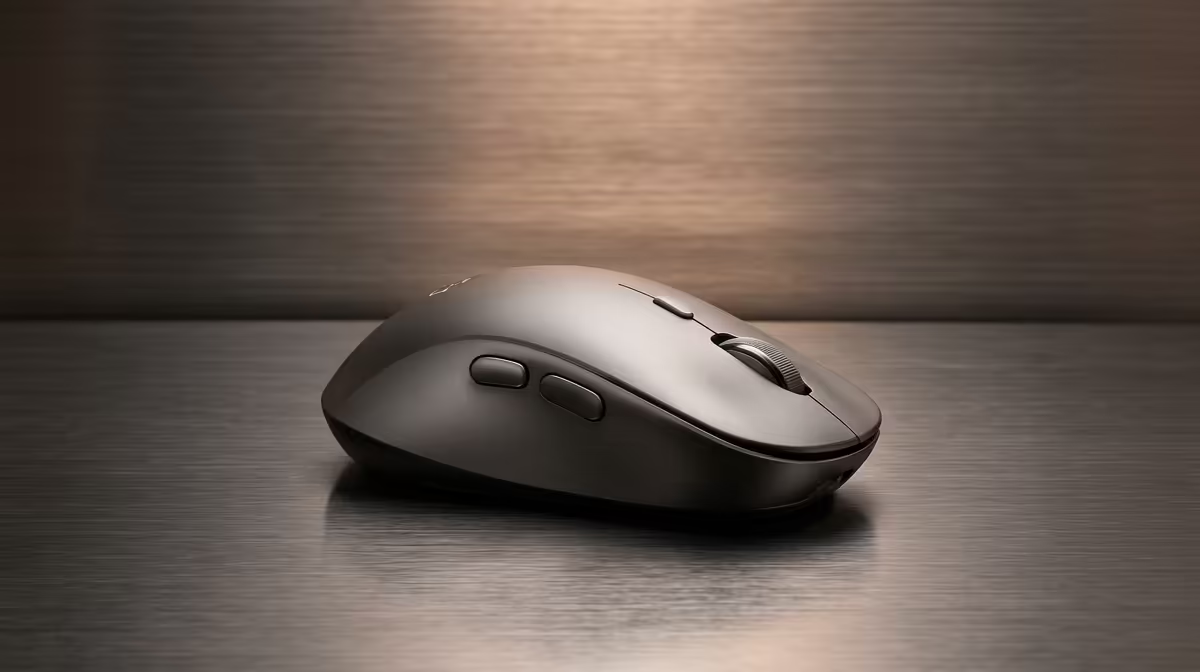
An ergonomically shaped mouse reduces wrist pronation, which is the primary cause of forearm fatigue and repetitive strain injury during eight-plus-hour workdays. Right-handed contoured mice with a raised thumb rest and sculpted right side wall support the natural hand arch, while symmetrical mice suit left-handed users and those who prefer a fingertip grip.
Programmable Buttons and Scroll Wheel Features 🔧
At least two thumb buttons mapped to Back and Forward browser navigation save measurable time during research-heavy workday tasks. A scroll wheel with horizontal tilt (sideways clicking) enables lateral scrolling in Excel spreadsheets and wide Photoshop canvases without holding Shift, which is a small but genuinely time-saving feature. Click response feel matters too: a mouse with a clearly tactile click reduces mis-clicks in precise tasks, while overly light switches cause unintended selections during fast document scanning.
Match DPI to Your Monitor Resolution ⚡
For a standard 1080p monitor, 800 to 1,000 DPI gives precise cursor control without requiring large hand movements. For a 4K or dual-monitor setup, stepping up to 1,600 to 2,000 DPI covers more screen real estate comfortably. Set your mouse DPI through its software rather than adjusting Windows pointer speed, which introduces acceleration artefacts.
FAQ
Is a wireless mouse reliable enough for professional office work in 2026?
Yes. Modern 2.4GHz wireless mice have latency under 2ms in most conditions, which is imperceptible during productivity tasks. Battery life on quality wireless office mice runs 60 to 90 days on a single charge. The only scenario where wired outperforms wireless for office use is in environments with significant 2.4GHz radio interference from multiple routers or wireless devices sharing the same band.
How much should I spend on an office mouse for a professional setup?
A R400 to R700 mouse from a reputable brand covers all meaningful productivity features: quality sensor, ergonomic shaping, at least two programmable buttons, and reliable wireless connectivity. Spending above R800 primarily adds gaming-tier sensor precision and RGB lighting that are irrelevant to office work.
Do vertical mice actually help with wrist pain?
For users already experiencing wrist or forearm discomfort, a vertical mouse reduces forearm pronation and can alleviate symptoms over several weeks of consistent use. The adjustment period takes one to two weeks for most users. Vertical mice are not universally more comfortable than ergonomic contoured designs, so if you have no current discomfort, a well-shaped traditional ergonomic mouse is equally beneficial.
Looking for a reliable office or productivity mouse?
Browse the full mouse range at Evetech to find ergonomic and wireless options suited to your daily workflow.