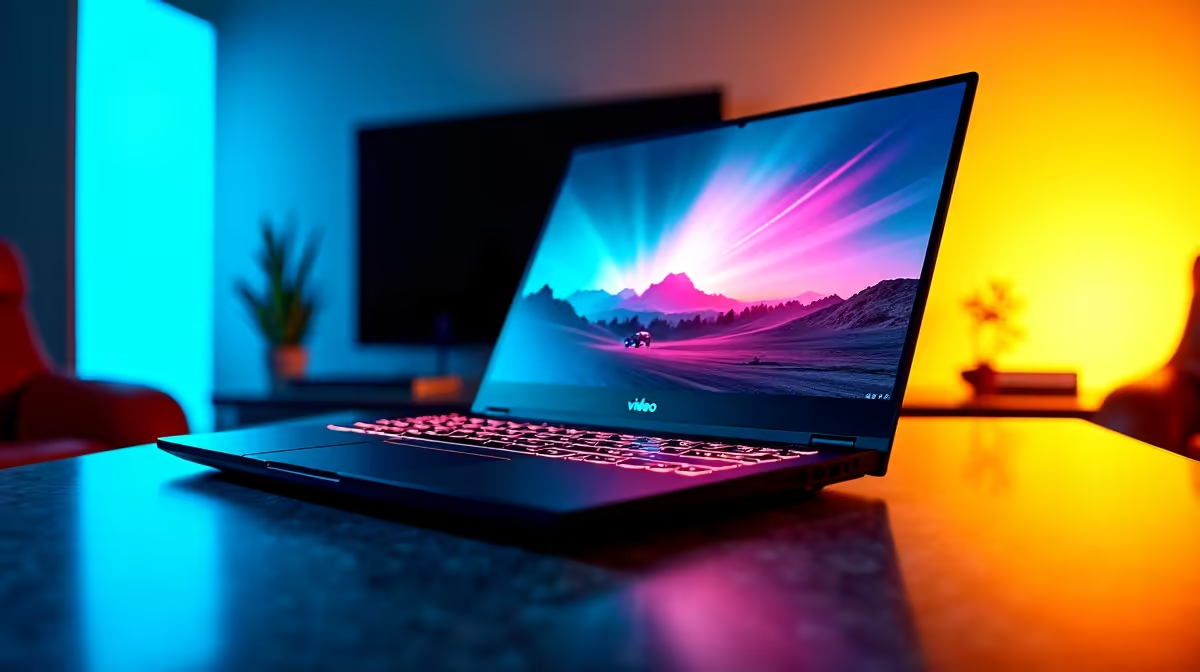
The Lenovo LOQ RTX3050 at R9,500 suits a YouTuber who needs a Windows 11 laptop with stronger graphics headroom for editing timelines, thumbnails, and light gaming capture. It is the best first look here because the RTX3050 gives more creative breathing room than a plain office machine when video work starts to feel heavier.
Best Windows 11 laptop direction for creators
The Lenovo IdeaPad Slim 3 i7 at R13,400 is a sensible step for a creator who wants an i7 chip in a thinner everyday machine. It fits script writing, browser research, uploads, and basic editing without moving straight into a gaming-style chassis.
The ASUS Vivobook X1504VA i7 at R13,999 is another strong Windows 11 choice when the desk setup needs an i7 machine for multitasking. It makes sense for creators who keep notes, image assets, browser tabs, and editing software open while preparing a video.
The ASUS Vivobook S14 OLED at R10,719 stands out when screen quality matters. Its OLED display is useful for checking colours, thumbnails, and final exports before publishing, especially if the creator works without a separate monitor.
Creator desk setup in SA
For a compact creator desk, the ASUS ExpertBook P1503 i5 at R9,858 is the practical office-minded option, while the ASUS ExpertBook P5405 at R12,700 gives a higher-tier ExpertBook route for daily planning, admin, and upload work. If the work includes more editing and gaming footage, the Lenovo LOQ RTX3050 at R9,500 remains the sharper match because the RTX3050 is the clearest performance feature in this list.
Ready to choose the right laptop?
Use ASUS ExpertBook P1503 i5 at R9,858 as the laptop shortlist benchmark, then check whether its listed spec matches the space, workload, and upgrade path.