A Windows 11 upgrade is the right choice for a design student when the computer meets current requirements and every required creative application, plug-in, driver and peripheral is supported. An operating-system change should solve a support need, not happen immediately before a deadline.
Audit the complete design environment
Record the exact computer, TPM status, CPU, storage space, graphics driver, display tools, tablet drivers, fonts and licensed software. Check official compatibility information, then create a recoverable backup and test how project files plus settings can be restored.
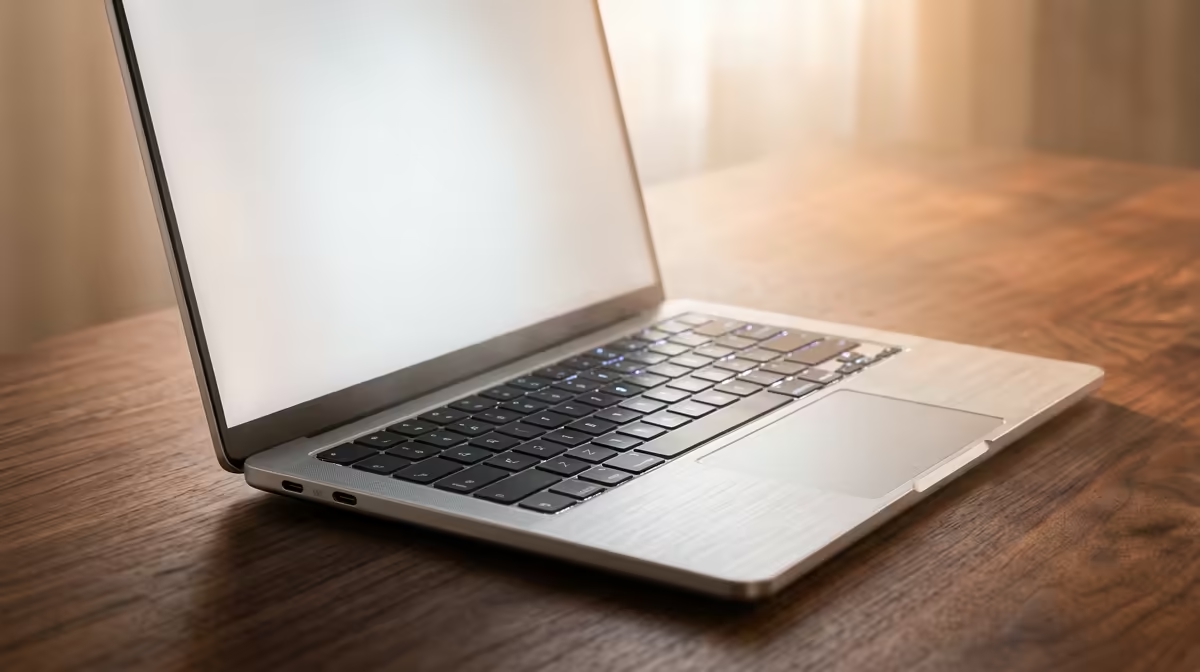
The ASUS ExpertBook P1503 with Windows 11 Pro at R9,858 is a verified laptop reference, not proof that another computer can upgrade. The MSI A520M-A Pro motherboard at R700 is a separate component reference. Confirm current Microsoft requirements, manufacturer support, firmware, application compatibility, drivers and warranty for the exact system.
Save encryption recovery details, export software settings and keep original installers or licence information where authorised. Schedule the upgrade between projects and preserve a supported rollback or recovery route. Never rely on the only copy of design work during migration.
Upgrade after the audit passes and enough time remains to test printing, colour tools and tablet input. If critical software is unsupported, maintain the current safe environment until a planned replacement path exists.
Preparing a design computer? > Compare Evetech systems after checking software, drivers and recovery.