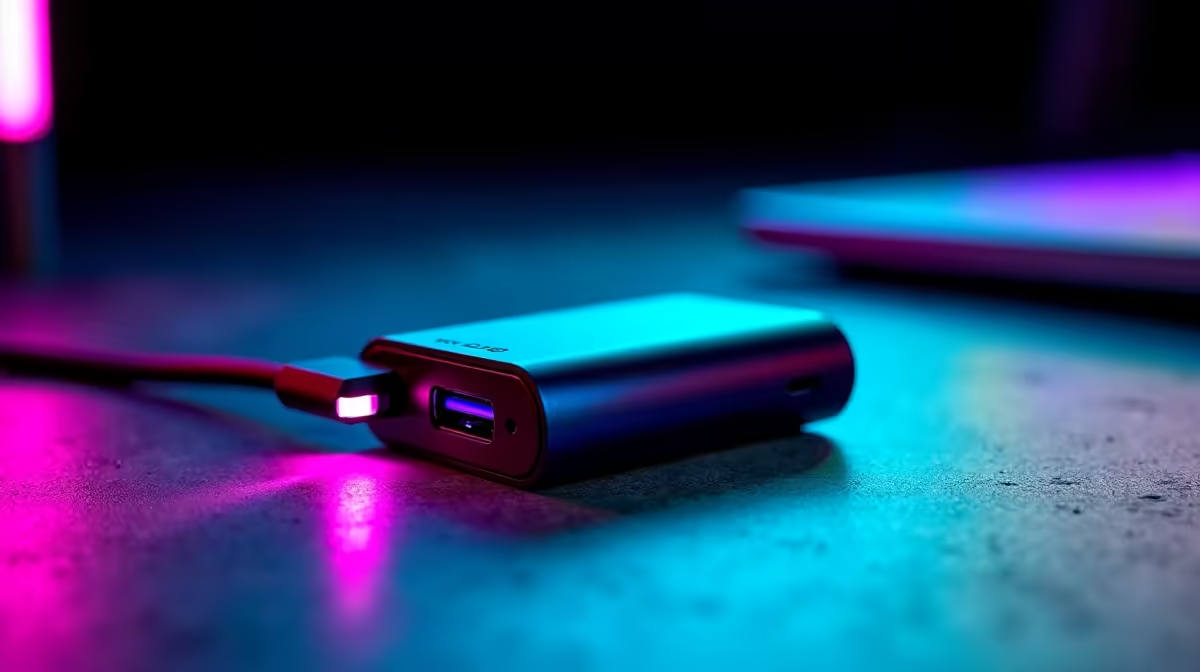
You’ve tweaked your settings, optimised your PC, and your rig is purring. But then you spot it… a tiny, pulsing light on your mouse’s USB receiver. It looks cool, but a nagging question pops into your head: is that flashy wireless dongle RGB secretly sabotaging your performance? Is it draining battery or adding latency? Let’s plug in and find out whether this little light is a friend or a foe to your gameplay.
The Real Job of That Glowing Dongle
Before we dive into performance, let's clarify what that colourful glow is for. In most cases, the RGB on a wireless dongle serves one of two purposes: branding or status indication. It might pulse with your team’s colours, or simply act as a visual cue that the device is connected and working. It’s a small aesthetic touch designed to make the hardware feel more integrated into the "gamer" ecosystem. While it adds a bit of flair, the core function of the dongle remains transmitting data between your PC and one of the many excellent wireless mice available in South Africa.
Wireless Dongle RGB vs. Battery Life: The Power Drain Myth
Here’s the big question for untethered gamers: does the dongle’s light drain your mouse battery faster? The short answer is… not really. ✨
An LED is incredibly efficient, drawing a minuscule amount of power—we're talking fractions of a milliamp. The real power hogs in a wireless mouse are the high-precision optical sensor and the 2.4GHz radio transmitter that’s constantly sending data. The power used by the dongle's tiny LED is insignificant compared to these core components. Worrying about the dongle's RGB is like worrying about your car's dashboard clock draining the petrol tank.
Actually Save Your Mouse's Battery
If you want to extend your playtime, focus on the mouse itself. Turning off the main RGB lighting on the mouse body can add hours of life. Lowering the polling rate from 1000Hz to 500Hz when not in a competitive match also makes a noticeable difference.
While the dongle's light is no issue, keeping your gear charged is. Investing in quality mouse accessories like a charging dock can make battery management a breeze.
Does Dongle RGB Introduce Lag or Interference? ⚡
Okay, so battery life is safe. But what about performance? Could the electrical circuit for the RGB introduce latency or signal interference?
Thankfully, no. The circuitry for the LED is isolated from the data-processing and transmission pathways. It’s a simple, low-power circuit that has no capability to interfere with the complex, high-frequency signal required for a lag-free connection. The real culprits behind wireless lag are almost always environmental:
- Distance: Being too far from the dongle.
- Obstruction: Thick desks or walls blocking the signal path.
- Interference: Other 2.4GHz devices like Wi-Fi routers or even USB 3.0 ports located right next to the dongle.
If you're an esports pro where every millisecond counts, you might still swear by the flawless connection of top-tier wired mice. But for 99% of gamers, a modern wireless mouse's performance is indistinguishable from its wired counterpart, and the dongle's RGB light changes nothing.
The Verdict: Focus on What Truly Matters
So, does wireless dongle RGB affect performance? The evidence is clear: its impact is virtually zero. It’s a purely cosmetic feature that won’t drain your battery in any meaningful way or add a single millisecond of lag to your flick shots. 🚀
When choosing your next gaming mouse, don't let the dongle's colour distract you. Instead, focus on the features that will actually elevate your game. Pay attention to the sensor's quality, the mouse's weight and shape, the click latency, and the reliability of the wireless technology. Understanding these core gaming mouse components is the key to making a smart purchase. The little glowing light is just a bonus.
Ready to Upgrade with Confidence?
Now that you know what really matters, you can shop smarter. Browse the best gaming mouse deals at Evetech for performance that leaves the myths behind.