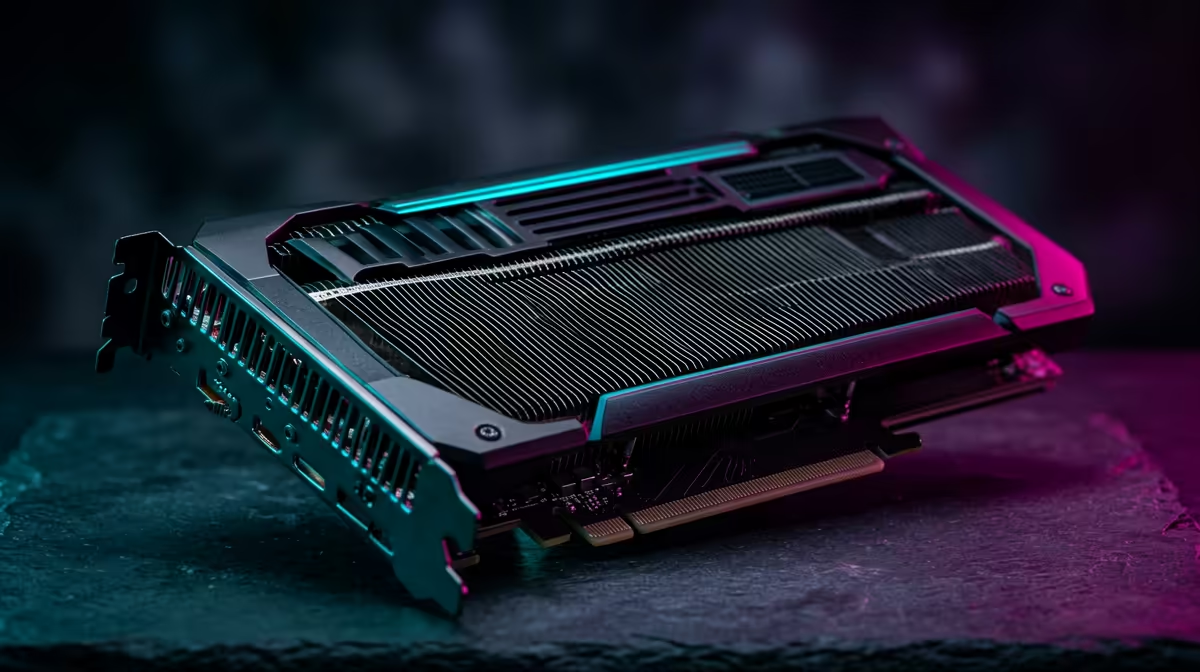
A creator pricing up a new editing rig hits the same fork every time: buy a GeForce card aimed at gamers, or spend far more on a certified RTX PRO workstation card with a professional badge. The honest answer for workstation GPU vs gaming GPU for creators is that software decides it, and for most SA creators that software runs just as fast on GeForce. The premium buys stability features, not raw render speed.
Quick Answer
For Premiere Pro, DaVinci Resolve and Blender, a GeForce RTX card on Nvidia Studio Drivers matches an RTX PRO card on render speed for far less money. RTX PRO earns its premium only when you need certified drivers for specific apps, ECC memory for error-free long jobs, or very large VRAM. Most SA creators should choose GeForce.
What You Are Actually Paying Extra For
The silicon inside a workstation card and a comparable gaming card is often closely related. The price gap comes from three things that have nothing to do with how fast a video exports.
Certified Drivers
RTX PRO cards ship with drivers validated against professional applications like certain CAD, simulation and medical imaging suites. Vendors of that software list specific certified cards and will only support you on them. If your livelihood depends on one of those certified apps, the certification is the product. For video editing and 3D in Premiere, Resolve and Blender, no such certification is required, and Nvidia's free Studio Drivers already provide tested stability.
ECC Memory
Workstation cards offer error-correcting memory that catches and fixes rare bit-flips. On a render that runs for many hours, or a scientific compute job where a single wrong value ruins the result, ECC is genuine insurance. For everyday creative work, a flipped bit at most causes a single odd frame you would re-render anyway, so the value is small.
Larger VRAM Pools
Professional cards often carry more memory, which helps with enormous 3D scenes, 8K timelines, or large AI models held in VRAM. If you routinely run out of memory on a gaming card, this is the real reason to step up. The full professional lineup sits in the workstation graphics card range at Evetech if your work genuinely demands it.
Why GeForce Wins For Most Creators
In the applications most SA creators actually use, render and export times track the GPU's core count and clock speed, not its professional badge. A high-end GeForce RTX card on Studio Drivers will export a Premiere timeline, denoise in Resolve, or render a Blender Cycles frame at speeds that match a much pricier RTX PRO card of similar architecture. The encoder used for video export is also shared across the lineup, so hardware-accelerated exports run at comparable speeds.
That means a creator who spends the RTX PRO premium for ordinary video and 3D work is often paying for stability features they will never trigger. The smarter move is to put that saved budget into more VRAM within the GeForce line, faster storage, or more RAM, all of which speed up real projects.
A Worked Example
Picture a freelance video editor in Cape Town choosing between a high-end GeForce card and an RTX PRO card of similar architecture that costs roughly double. Their day is Premiere edits, the occasional Resolve grade, and light Blender work for motion graphics. Neither app requires certification, the timelines fit comfortably in the GeForce card's VRAM, and renders finish at the same speed on both. Spending the extra here buys ECC and a certified driver that this editor will never benefit from. Redirecting that money into a larger NVMe scratch drive and more system RAM, by contrast, shaves real minutes off every export and cache rebuild. That is the pattern for most creators: the badge is dead weight, the supporting components are not.
How Memory Sizing Actually Plays Out
VRAM is the one specification where creators most often under-buy, and it is worth thinking about per workload. 4K editing with a handful of layers and effects sits comfortably in 8GB to 12GB. Heavy 8K timelines, large Fusion or After Effects comps, and 3D scenes with high-resolution textures push toward 16GB and beyond. AI-assisted features baked into Resolve and Photoshop also reserve VRAM while they run. Size your card to the heaviest project you realistically take on, not the average one, because running out of VRAM forces slow fallbacks to system memory that drag a whole timeline to a crawl. This is the genuine reason to step up a tier, and it is a far better use of money than a professional certification you do not need.
When You Genuinely Need RTX PRO
There are real cases. Choose a workstation card if a client or studio mandates a certified GPU for a specific application, if you run multi-day compute jobs where ECC integrity matters, if you need more VRAM than any GeForce card offers for massive scenes, or if you are deploying many GPUs in a rack where workstation cards' power and cooling profiles suit dense installs. Outside those situations, GeForce is the rational pick.
How To Decide In Practice
Start from your software. List the three apps you spend the most time in. If any of them publishes a certified-GPU list you must follow, the decision is made for you. If not, size your VRAM to your heaviest project, pick the fastest GeForce card that fits your budget, and install Studio Drivers. A quick scan of complete creator-grade machines on the PC best sellers page shows how those parts come together in a balanced build.
Frequently Asked Questions
Does an RTX PRO card render video faster than a GeForce card?
No. For Premiere, Resolve and Blender, a comparable GeForce RTX card on Studio Drivers matches RTX PRO render speed. The premium buys stability features, not extra speed.
What is the difference between Studio Drivers and enterprise drivers?
Studio Drivers are free and tested for creative apps on GeForce cards. Enterprise drivers for RTX PRO add formal certification against specific professional software and longer support cycles, which only matters if your apps require it.
Do I need ECC memory for video editing?
Almost never. ECC fixes rare memory errors and matters for multi-day compute or scientific work. A creative job affected by a bit-flip simply gets re-rendered, so the value is minimal for editing.
When should a creator buy a workstation GPU?
When a client or app mandates a certified card, when you need ECC for long compute jobs, or when you require more VRAM than any GeForce card provides for very large scenes or timelines.
Is more VRAM better than a professional badge?
For most creators, yes. Spending the RTX PRO premium on more VRAM within the GeForce range, faster storage or extra RAM speeds up real projects more than certification you will not use.