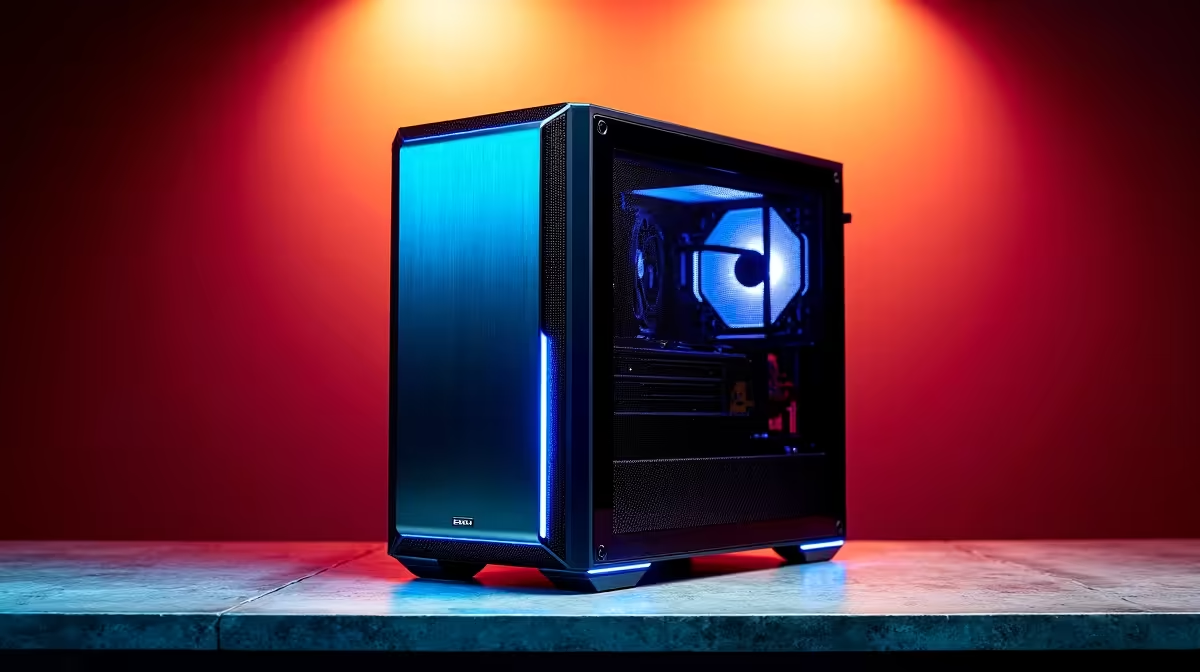
A workstation PC can cope with Revit and AutoCAD when its processor, memory, graphics and storage are selected for the project size and software version. Professional branding alone is not enough. Large linked models, rendering and multiple displays create different demands from simple 2D drafting.
Benchmark the largest model
List application versions, plug-ins, linked files, model size, render engine and display resolution. Time opening, view regeneration, navigation, printing and export. Record errors and interactive delays, then check the vendor’s current certified-hardware information for the exact release.
The NVIDIA RTX 2000 Blackwell 16GB professional graphics card is listed at R12,000. The PNY RTX PRO 4000 24GB card is listed at R16,700. Verify software certification, graphics-memory requirements, case clearance, power connections, supply capacity, drivers and warranty before choosing either.
Allocate enough system memory for the largest live model and keep project files on fast, backed-up storage. Preserve drawings, families, templates and references in a versioned structure. After driver or application updates, repeat a known benchmark before changing every production machine. Keep benchmark notes with software versions for later support decisions.
The workstation is sufficient when the measured project remains responsive and supported. Do not overspend on professional graphics if the bottleneck is a single-threaded task, insufficient memory or slow network storage.
Building a Revit and AutoCAD workstation? > Compare Evetech professional graphics cards by memory and support.