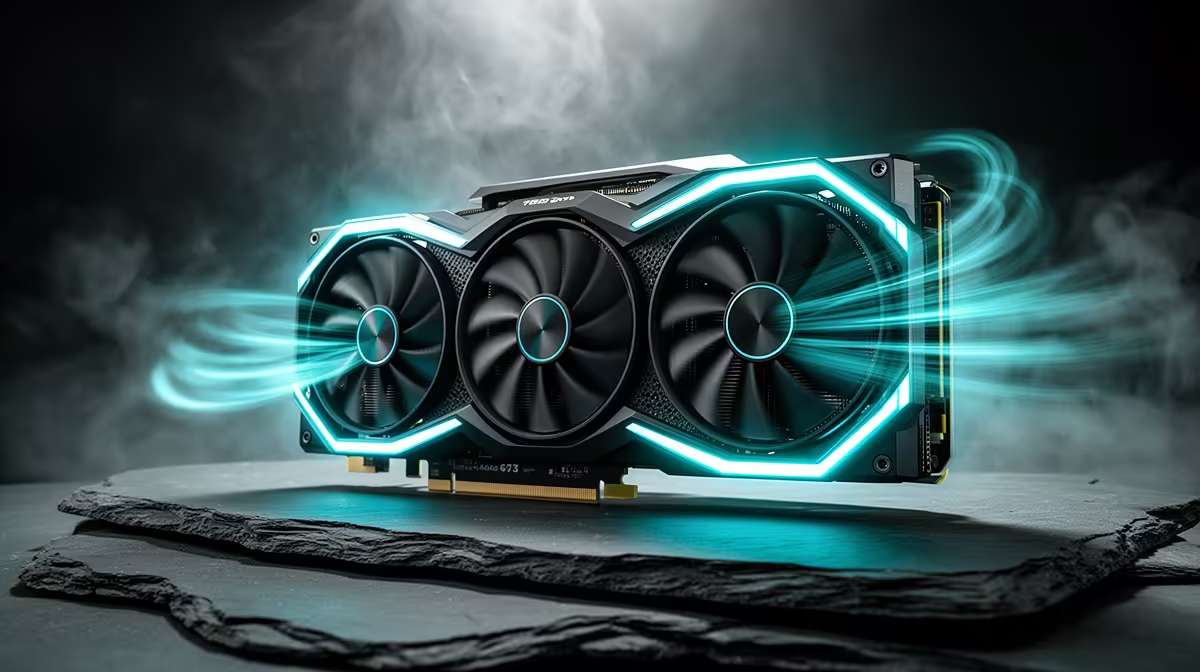
A YouTuber should choose a case fan set from measured temperature, noise and mounting needs. More fans do not automatically cool better, and a louder PC can damage spoken audio. The case layout, cooler, GPU and existing airflow determine whether adding or replacing fans will help.
Record heat and sound during a real production
Run the hardest normal edit, export or stream while logging processor and GPU temperatures, clock behaviour and fan speed. Capture a voice sample at the same desk. Inspect dust build-up, blocked vents and installed fan direction before ordering anything.
No currently priced case-fan set is verified by the supplied factpacks. Assess available options for supported size and thickness, airflow and pressure purpose, connector type, speed control, noise specification, bearing, lighting requirements, included hub or splitter, warranty and local support. Confirm motherboard header capacity and case mounting positions.
Plan a clear intake and exhaust path, preserve positive filtration where appropriate and keep cables away from blades. Do not overload a header or assume proprietary lighting connectors are interchangeable. Power down, disconnect safely and follow the case plus motherboard instructions. Clean filters before judging the result.
Buy when the baseline identifies poor airflow, a failed fan or unacceptable noise. Adjust curves, remove an obstruction or replace one weak unit when those targeted changes solve the problem with less complexity.
Quieting a creator workstation? > Browse Evetech cooling products after mapping every fan position.