


Clean Gaming Keyboard: Guide for Dusty & Humid Conditions
Clean gaming keyboard quickly and safely in dusty or humid conditions with step-by-step tips, tool checklist, and maintenance routines to prevent corrosion and switch failure. 🧼💨
Read moreLearn exactly how to clean your gaming pc safely and boost performance! 🧹 From removing dust to cable management, our 2026 guide covers every step. Keep your rig running cool and quiet with these expert maintenance tips. ⚡
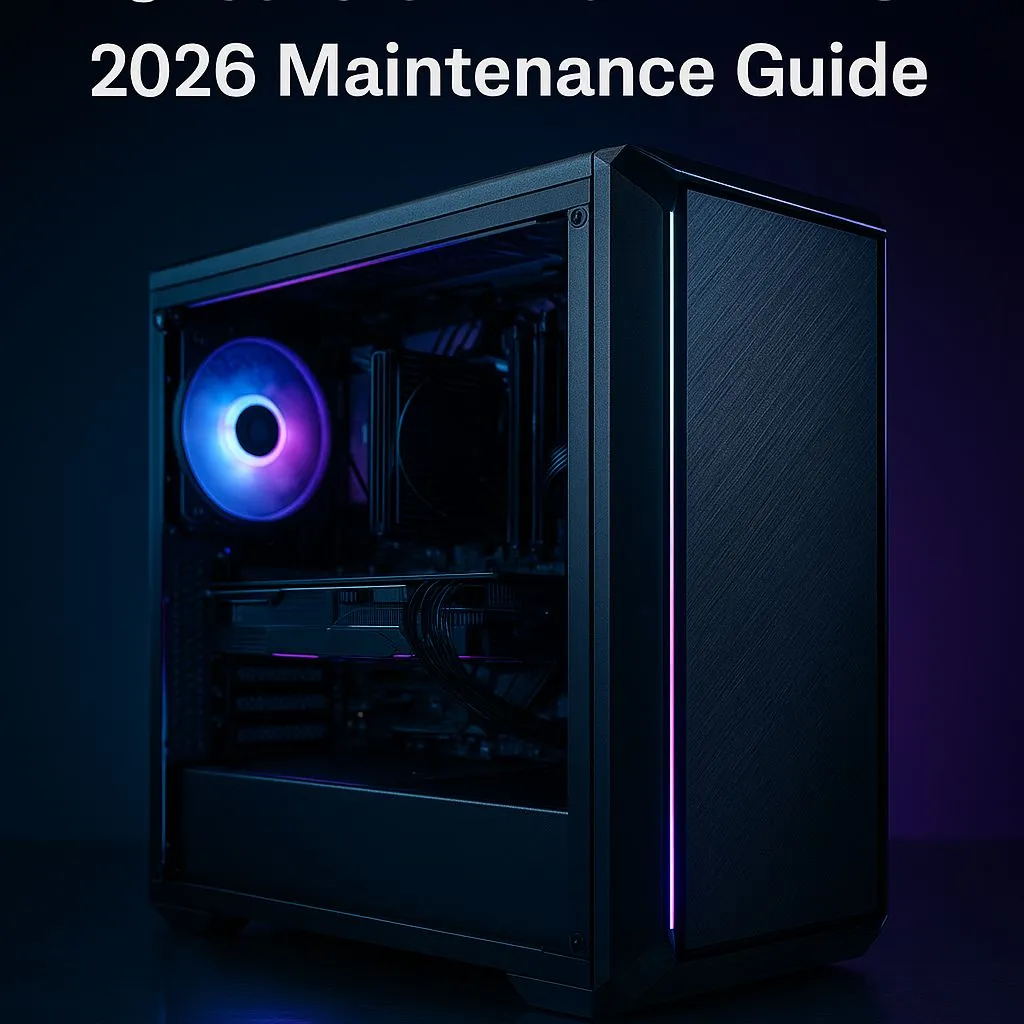
Is your rig running hotter than a Durban summer? Before you blame your GPU, that layer of Highveld dust could be the real culprit. A clean gaming PC isn't just for looks; it's a free performance boost. Learning how to clean your gaming PC properly is the cheapest upgrade you'll ever make. Let’s get your machine running cool, quiet, and fast again, ready for whatever 2026 throws at it. ✨
Heat is the number one enemy of performance. Every component in your PC, from the CPU to the GPU, generates heat under load. Your cooling system—a collection of fans and heatsinks—is designed to pull that heat away. But when dust, pet hair, and other gunk build up, they form an insulating blanket.
This blanket traps heat, forcing your fans to spin faster (and louder) to compensate. If they can't keep up, your components will "thermal throttle," intentionally slowing down to prevent damage. Suddenly, your frame rates drop in the middle of a boss fight. Regular PC maintenance prevents this, extending the lifespan of your components and ensuring you get the performance you paid for. A clean machine is a fast machine, whether you're checking out the latest PC deals or maintaining a rig you've had for years.
You don’t need a high-tech lab to perform a thorough PC clean. Having the right tools makes the job safer and more effective. Before you start, gather these essentials:
Static electricity is a silent killer of PC components. Before you touch anything inside your case, make sure you're grounded. The easiest way is to touch the metal part of your plugged-in (but switched off) power supply. Working on a hard floor instead of a carpet also reduces static buildup. An anti-static wrist strap is a cheap and effective piece of pro gear.
Ready to get hands-on? This simple process will get your machine looking and performing like new. Set aside about 30-45 minutes for a proper clean.
Shut down your PC completely. Switch the power supply off at the back and unplug it from the wall. Disconnect all peripherals like your monitor, keyboard, and mouse. Move your PC tower to a well-ventilated area—your garage or balcony is perfect, as this process can get dusty.
Place the tower on its side and unscrew the thumb screws holding the main side panel in place. Slide it off and set it aside. Now you have full access to the internals. Take a moment to see where the dust has settled the most; it's usually on the intake fans, CPU cooler, and the GPU.
Take your can of compressed air and, using short, controlled bursts, blow the dust out of the case. Start from the top and work your way down.
This is the core of how to clean your gaming PC, and doing it correctly is vital for all machines, including today’s top gaming PCs which pack incredible power into dense spaces.
Use your microfibre cloth to wipe down the inside of the case, cables, and any flat surfaces. For stubborn dust on fan blades, lightly dampen a cotton swab with isopropyl alcohol and carefully wipe them clean. Don't forget to remove and clean your case's dust filters—most can be rinsed with water (just make sure they are 100% dry before reinstalling).
A basic clean is fantastic, but for enthusiasts, there's always another level. Once a year, consider tidying up your cable management. Better airflow not only looks great but also improves cooling efficiency. For those comfortable with more advanced tasks, reapplying thermal paste to your CPU every 2-3 years can dramatically improve temperatures, especially on older systems. This principle of meticulous care applies to all high-end hardware, as even high-performance workstation PCs require regular maintenance to deliver consistent results on demanding tasks.
Learning how to clean your gaming PC is a fundamental skill for any serious gamer. It saves you money, boosts your performance, and gives you a deeper connection to the machine that powers your passion.
Keep It Cool or Upgrade Your Rig? A clean PC is a happy PC. But if your machine is still struggling after a thorough clean, it might be time for an upgrade. From entry-level beasts to 4K monsters, we build them clean and cable-managed from day one. Explore our legendary gaming PC deals and get the performance you deserve.
Ideally, clean dust filters monthly and perform a deep clean every 3 to 6 months to prevent overheating and maintain optimal airflow.
No, vacuum cleaners generate static electricity (ESD) which can fry components. Always use compressed air or an ESD-safe electric duster.
Not always. Replace thermal paste every 2-3 years or if you remove the CPU cooler during a deep clean to ensure proper heat transfer.
Hold the fan blades steady to prevent spinning, then use compressed air to blow out dust. Wipe blades with a microfiber cloth for stubborn grime.
Yes, use 99% Isopropyl Alcohol with a lint-free cloth to clean thermal paste or sticky residue. Avoid water or household cleaners.
Use a glass cleaner spray on a microfiber cloth, not directly on the case, to avoid liquid dripping into the chassis or PSU shroud.
Clean gaming keyboard quickly and safely in dusty or humid conditions with step-by-step tips, tool checklist, and maintenance routines to prevent corrosion and switch failure. 🧼💨
Read more
Best gaming keyboard features to prioritize when building a high-end setup: mechanical switches, low latency, hot-swap, RGB, macros, durability and ergonomics 🎮⌨️
Read more
Custom actuation point keyboard setup guide: learn to set per-key actuation on your analog gaming keyboard for faster, precise inputs and better control 🎮⚙️
Read more
Cable management for home entertainment helps you eliminate cable clutter quickly and safely. Learn routing, concealment, and product picks to tidy your setup fast 📺🔌
Read more
conference room setup Microsoft Teams Zoom: Upgrade AV, camera, mic, and network to ensure seamless meetings, clear audio, and crisp video 🎯🔧
Read more
• Audit setup • Link accounts • Configure ViewBoard • Test workflows Integrate Google Workspace with ViewSonic ViewBoard to enable secure SSO, calendar and Drive sync, and smooth collaborative whiteboarding 🔗📋
Read more
Discover webcams that automatically adjust light and color for crystal-clear video calls 🎥✨. Boost your streaming quality today!
Read more
Discover webcams that blend into your workflow 🎯 Capture moments while you work, stream, or create. Upgrade your setup with smart, multitasking tech!
Read more
Dedicated media keys give streamers one-touch control to mute, switch scenes, clip highlights, and adjust audio — cutting task time and boosting consistency 🎛️⚡
Read more
PBT vs ABS keycaps: Clear, local guide for South African gamers—compare feel, sound, durability and where to buy. Find the best material for your budget and playstyle 🎮🇿🇦
Read more
- Multi-Function Digital Dial: define benefits - Show gamer setups and macros - Offer buying and setup tips Multi-Function Digital Dial puts programmable control at your fingertips for faster actions and smoother streaming. 🎮⚙️
Read more
- Explain benefits; - Show the science; - Compare options; - Recommend picks. Magnetic wrist rest for gaming cuts wrist strain and boosts comfort during long sessions 🕹️✨
Read more