


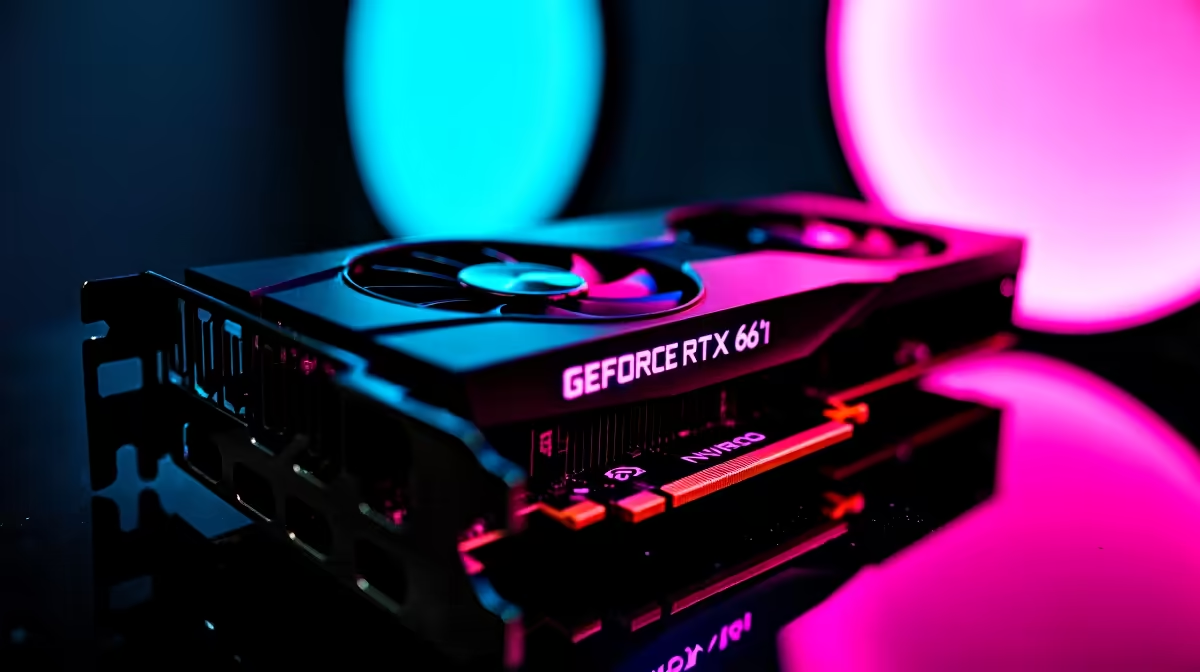
Why Adjusting Baldur's Gate 3 Settings Matters for Your RTX 4060 Ti
Are you ready to dive into Baldur's Gate 3 with silky-smooth visuals? South African gamers know every frame counts when battling through Faerûn’s epic quests. The RTX 4060 Ti is a mighty GPU for this RPG, but tweaking your game settings can unleash its full power, balancing vibrant graphics with buttery frame rates. Let’s explore the best Baldur's Gate 3 settings to optimise FPS without sacrificing visual flair 🔧.
Key Settings for Maximum FPS on RTX 4060 Ti
Resolution and Refresh Rate
Start by setting your resolution to 1920x1080 or 2560x1440 depending on your monitor, as higher resolutions can tax your GPU. Match your refresh rate in-game with your monitor’s native rate (commonly 60Hz or 144Hz) to prevent wasted frames. The RTX 4060 Ti handles 1080p effortlessly but pushing beyond with smart tweaks gives you that competitive edge.
Graphics Quality and Ray Tracing Choices
Baldur's Gate 3 offers ray tracing options that add incredible lighting depth but at a cost to FPS. For the smoothest gameplay, set ray tracing to “Off” or “Low.” Medium settings may be playable on the 4060 Ti, but keep an eye on frame dips during complex scenes in the Underdark or combat-heavy areas.
Lower shadows and textures to “Medium” and keep post-processing effects subtle. These changes reduce GPU load while preserving the game's atmospheric feel ⚡.
Advanced Tweaks to Keep FPS High
Display Mode & V-Sync
Switching to “Fullscreen” mode reduces input lag and improves performance over windowed modes. V-Sync can eliminate screen tearing but may introduce latency; disabling it is better for action-packed combat responsiveness with your RTX 4060 Ti.
DLSS and Performance Boost
If available, enable DLSS in Baldur's Gate 3 settings. DLSS uses AI to upscale your visuals with minimal FPS loss. While this tech is built for Nvidia cards like the 4060 Ti, not every game supports it—check your config before assuming it’s on.
Smart Fan Speed Adjustment
Lower your GPU fan curve by 5% to shave off 2°C... quieter rig, same FPS. This keeps your RTX 4060 Ti cool during long Baldur's Gate 3 sessions.
Optimise Your Whole Setup for Baldur's Gate 3
Desktop Upgrade Ideas
Pairing your RTX 4060 Ti with fast CPUs and ample RAM is key. Consider browsing Evetech’s PC Components for compatible GPUs and parts designed to crush bottlenecks in RPG performance.
Ready-Built and Special Deals in South Africa
For hassle-free upgrading, check out Evetech’s pre-built PC deals. Their rigs come optimised for immersive titles like Baldur's Gate 3 and often bundle exclusive deals in ZAR to stretch your budget.
Also, browse Evetech’s gaming PCs and notebooks for sale in South Africa if you prefer portable setups that deliver solid FPS numbers.
Don’t Miss Out on Specials
Keep an eye on Evetech’s specials for limited-time offers on hardware upgrades. A savvy purchase can greatly improve your Baldur's Gate 3 experience without breaking the bank.
Optimise and Play at Peak Performance Ready to push Baldur's Gate 3 to its limits on your RTX 4060 Ti? Shop now at Evetech for all the gear you need to leave lag behind and enter the game fully equipped.









