


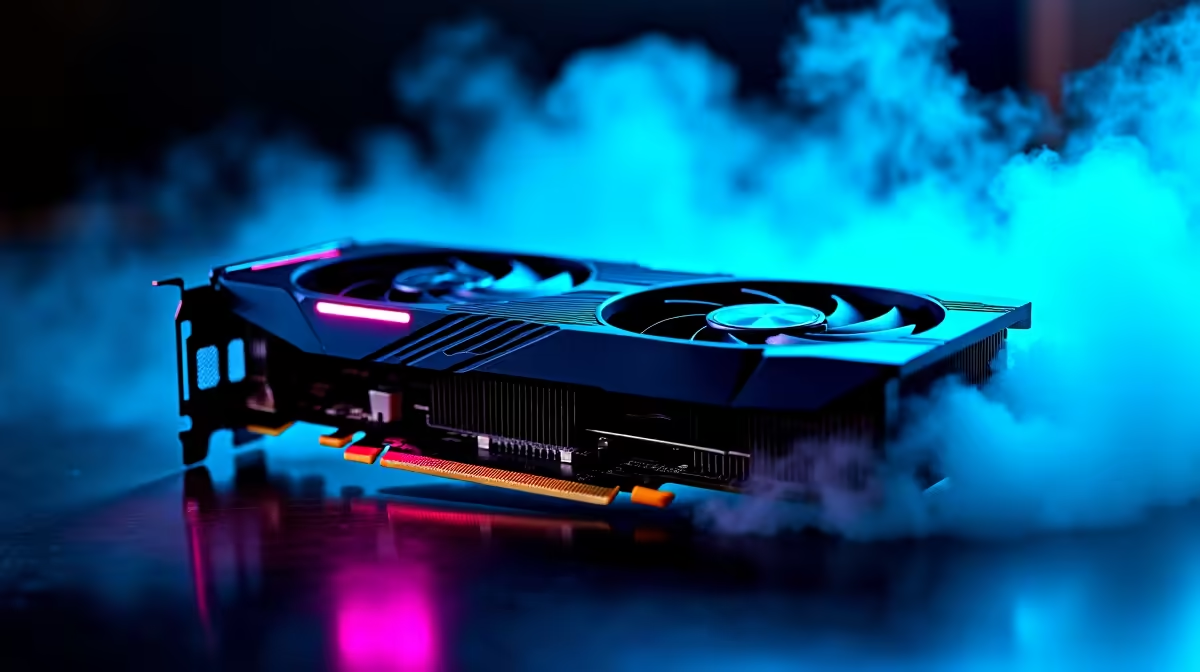
Pushing an entry-level GPU to 4K sounds crazy... right? If you recently grabbed an AMD Radeon RX 7600, you already know it crushes 1080p gaming. But what if you hook it up to a massive 4K TV in your lounge? With the right tweaks, it is entirely possible. Let us dive into the best settings for RX 7600 at 4K to keep your frame rates buttery smooth.
Understanding the 4K Memory Challenge 🔧
The RX 7600 features 8GB of VRAM. That is perfect for standard desktop monitors, but 4K gaming demands massive memory bandwidth. To avoid stuttering during intense firefights, you need to be smart about your visual sliders. If you are building a rig from scratch, checking out our pre-built PC deals gives you a baseline for what components pair well with this GPU.
The Magic of AMD FSR ✨
You cannot run native 4K on this card and expect 60 FPS in modern AAA titles. This is where AMD FSR becomes your best friend. Set FSR to 'Performance' or 'Balanced' mode. This renders the game at a lower resolution and upscales it beautifully. It is the ultimate secret to finding the best settings for RX 7600 at 4K without sacrificing visual clarity. To upgrade an older desktop to support this tech, browse our range to buy graphics cards featuring RDNA 3 architecture.
Optimisation Pro Tip ⚡
Always turn off Ray Tracing when using the RX 7600 at 4K. Ray Tracing tanks your frame rate and eats up valuable VRAM. Stick to standard rasterisation to ensure you stay above that crucial 60 FPS mark.
Tweaking Graphics for Maximum FPS
Textures can be tricky at high resolutions. Leave texture quality on Medium. Pushing them to High might exceed your VRAM limit... causing massive frame drops. Turn down volumetric clouds, shadows, and water quality to Low. These settings drain performance while offering minimal visual upgrades. If you prefer taking your gaming on the go instead of tweaking desktops, explore our notebooks for sale in South Africa.
System Optimisation and Airflow 🚀
Pushing your GPU to its limit generates serious heat. Make sure your chassis has excellent airflow. A cool GPU maintains higher boost clocks... translating directly to better performance. If you are hunting for a complete system overhaul to handle 4K displays, keeping an eye on the best gaming PC deals is a smart move. You can save thousands of ZAR.
Final Adjustments for Smooth Gameplay
Lock your frame rate to match your display. Cap your frames at 60 FPS to prevent wild fluctuations that make gameplay feel jittery. Remember that the best settings for RX 7600 at 4K will vary slightly from game to game. Older esports titles will run natively without a sweat. Do not forget to check our daily specials to upgrade your cooling if your system struggles.
Ready to Push Your Pixels? Getting 4K performance on a budget requires the right hardware and the right tweaks. If you want to build a machine capable of stunning visuals without breaking the bank, explore our massive range of PC components and find the perfect upgrade to conquer your world.











