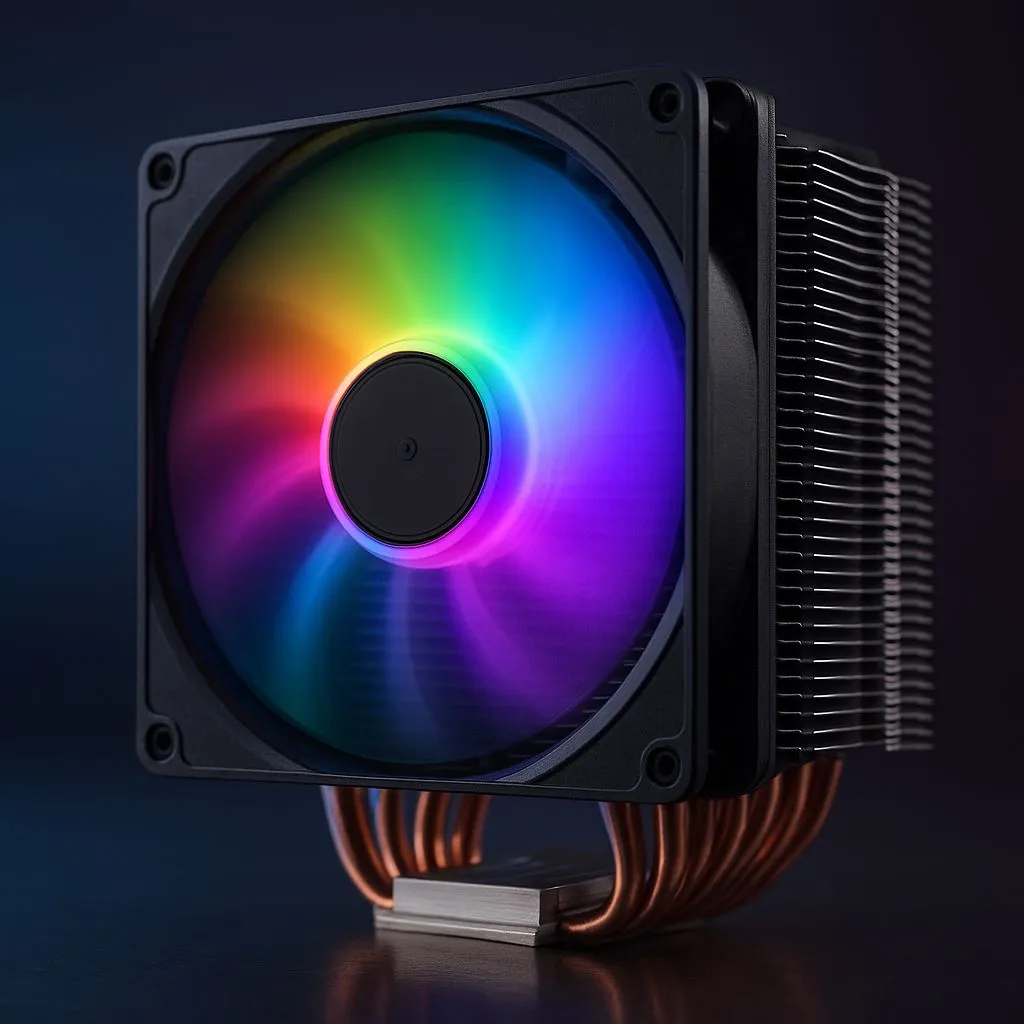
Building a PC in South Africa that looks as cool as it performs shouldn't drain your wallet. You want those smooth frame rates in a heated Apex Legends match, but you also want a rig that glows with your unique style. The problem? High temps can throttle your performance, and custom looks often come with a high price tag. Let's fix that. Here’s how to find the best budget RGB CPU coolers for 2025.
Why Upgrade? The Case for a Better CPU Cooler
That cooler that came with your CPU? It’s… fine. For basic tasks. But when you’re pushing your system with demanding games or creative work, that stock cooler quickly becomes a bottleneck. It gets loud, and worse, it can lead to thermal throttling—where your CPU intentionally slows down to avoid overheating. That means dropped frames and sluggish performance right when you need it most.
Upgrading is one of the most effective, low-cost ways to boost your PC's health and performance. A solid aftermarket cooler keeps your CPU running at peak speeds for longer, extending its lifespan and giving you a quieter, more stable experience. With so many affordable options available, there's a massive selection of CPU coolers to choose from, making it easy to find one that fits your budget and build.
Air vs. AIO: Finding the Best Budget Cooling Solution
When looking for an affordable RGB cooler, you'll face the classic choice: traditional air cooling or an All-in-One (AIO) liquid cooler?
Classic Air Coolers
These are the workhorses of PC cooling. A heatsink with metal fins draws heat away from the CPU, and a fan blows it away. For budget-conscious builders, a beefy air cooler is often the king of value, offering fantastic, reliable performance for a great price. They are simple to install and have fewer points of failure.
AIO Liquid Coolers
AIOs use a closed loop of liquid to transfer heat from your CPU to a radiator, where it's dispersed by fans. They often provide a cleaner, more modern aesthetic inside your case and can offer superior cooling in certain scenarios. While once a premium option, the market for an All-In-One liquid cooler (AIO) has become incredibly competitive, with many budget-friendly RGB models now available.
Getting the Glow: Your Motherboard Sync Guide ✨
Getting all your RGB components to dance in harmony is the goal. This is where motherboard sync technology comes in. The best budget RGB CPU coolers will almost always be compatible with one of these major ecosystems:
- ASUS Aura Sync
- MSI Mystic Light Sync
- Gigabyte RGB Fusion 2.0
- ASRock Polychrome Sync
These software suites allow you to control the colour and effects of your cooler, RAM, case fans, and more from a single dashboard. Before you buy, check the product page to ensure the cooler supports your motherboard's specific RGB software.
Check Your Headers! 🔧
Before adding any RGB cooler to your cart, check your motherboard's manual or product page for its RGB headers. A standard 4-pin (12V) header is for basic RGB, while a 3-pin (5V) header is for Addressable RGB (ARGB), which allows for more complex, per-LED effects. Buying a cooler with the wrong connector is a classic rookie mistake!
Our Top Picks: Best Budget RGB CPU Coolers in SA
While specific models change, certain brands consistently deliver excellent value. When searching for your perfect cooler, keep an eye on options from manufacturers known for reliable performance without the premium price tag.
Brands like Corsair, Cooler Master, and Deepcool often have excellent budget-friendly options that balance performance with brilliant lighting. For AIOs, 120mm and 240mm radiators are the sweet spot for budget builds. While often pricier, you can sometimes find great deals on larger 360mm radiator models during sales, offering top-tier cooling for less. The key is to find a cooler with a solid warranty and positive reviews from fellow South African gamers.
Final Checks: Compatibility and Clearance
You’ve found a great-looking cooler that syncs with your motherboard… brilliant! Just do these two final checks:
- Case Clearance: If you're eyeing a tall air cooler, measure the space between your motherboard and the side panel of your case. The cooler's height specification should be listed on its Evetech product page.
- RAM Clearance: Some large air coolers can overhang the RAM slots. Check the cooler's design to ensure it won't interfere with your memory modules, especially if you have tall, flashy RAM sticks.
Taking a few minutes to confirm these details will save you a massive headache later. Happy building! 🚀
Ready to Find Your Perfect Match?
Choosing the right cooler can feel complex, but getting that perfect blend of icy performance and stunning RGB is easier than ever. Explore our massive range of CPU coolers and find the perfect upgrade to make your rig truly yours.