


You’re in the final circle. The tension is thick enough to cut with a bakkie key. You line up the perfect headshot... and your frames drop. Stutter. Game over. Before you blame Eskom or your ISP, look at your PC. Is it running hotter than a summer’s day in Durban? A hot PC is a slow PC, and in the world of esports, that’s a death sentence. Getting the best cooling for competitive gaming PCs isn't a luxury; it's essential hardware.
Why Your PC's Cooling is Your Secret Weapon
Thermal throttling. It sounds technical, but it’s simple: when your CPU or GPU gets too hot, it automatically slows down to protect itself. For you, the gamer, this means lower frame rates, input lag, and frustrating stutters right when you need peak performance. It’s the digital equivalent of an athlete running out of breath.
Consistent, high FPS is non-negotiable in fast-paced titles. A rig that can maintain its cool under pressure ensures you get the smooth performance needed to dominate in games like Counter-Strike 2, where every millisecond counts.
Air vs. Liquid: Choosing the Best Cooling for Your Gaming PC
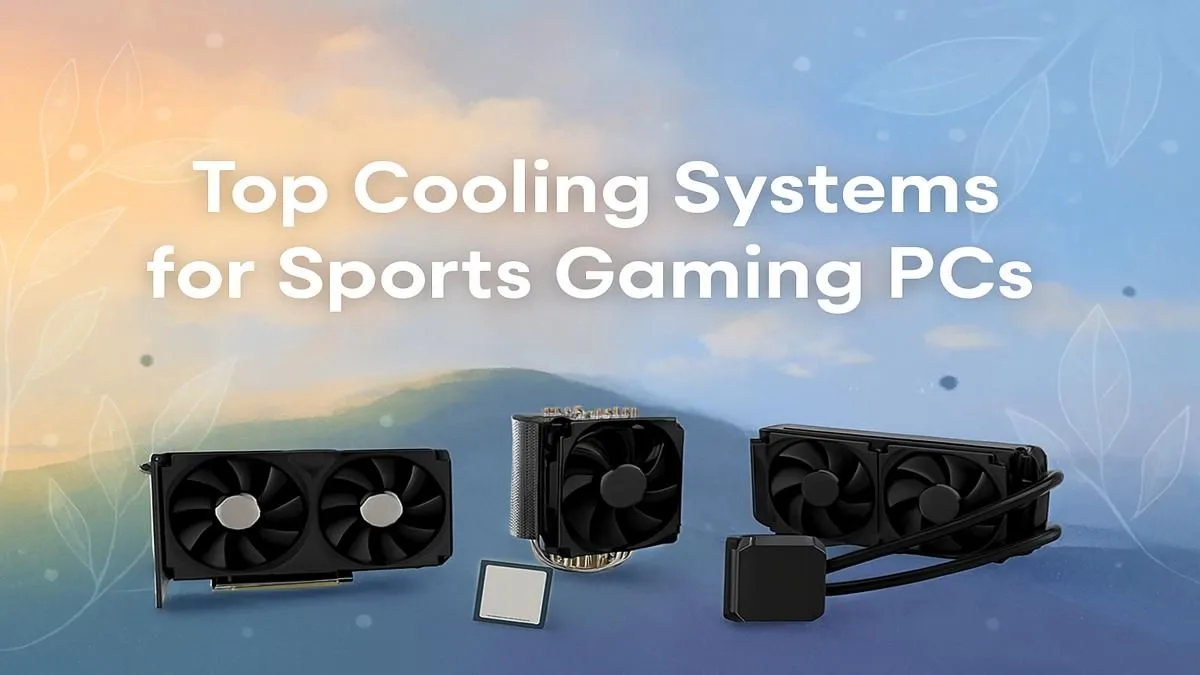
The big debate often comes down to two choices: traditional air coolers or modern All-In-One (AIO) liquid coolers. There’s no single "right" answer; the best cooling for your gaming PC depends on your budget, case, and performance goals.
Air Coolers: The Reliable Workhorse 🌬️
An air cooler uses a heatsink (a block of metal fins) and fans to draw heat away from your CPU.
- Pros: Highly reliable (fewer moving parts to fail), often more affordable, and modern high-end models can compete with many AIOs.
- Cons: Can be bulky, potentially interfering with tall RAM sticks or side panels.
For most builds, including powerful machines designed for titles like Fortnite, a quality air cooler provides more than enough cooling power.
Liquid Coolers (AIOs): The High-Performance Option 💧
An AIO uses a closed loop of liquid to transfer heat from your CPU to a radiator, where it's dispersed by fans.
- Pros: Superior cooling potential for high-end, overclocked CPUs. They often run quieter under heavy load and offer a clean, modern aesthetic.
- Cons: More expensive and have more potential points of failure (the pump, fittings).
If you’re pushing a top-tier CPU to its limits in demanding games like Call of Duty: Warzone 2.0, an AIO is an excellent investment for keeping temperatures and noise levels down.
Check Your Airflow! ⚡
's easy to install case fans the wrong way around. A simple tip: the "ugly" side of the fan with the frame and sticker is almost always the exhaust side (where air blows out). The "pretty," open side is the intake. Ensure you have a clear path for cool air to enter from the front bottom and exit out the top back.
More Than Just the CPU Cooler: A Holistic Approach
Slapping a massive cooler into a case with poor airflow is like putting a V8 engine in a car with flat tyres. To achieve the best cooling for competitive gaming, you need to think about the entire system.
Proper case airflow is critical. You want a steady stream of cool air coming in (intake) and an efficient way to expel hot air (exhaust). This system-wide approach ensures all your components, not just the CPU, stay cool. This is vital whether you're rendering complex worlds in a modded Minecraft session or exploring the vast map in PUBG. A well-ventilated case is the foundation of a frosty gaming rig.
Beating the Heat: Cooling Tips for South African Gamers
Let's be honest, South Africa gets hot. That ambient room temperature in Gauteng or the Western Cape adds to the thermal load on your PC.
A high-performance system built for chaotic team fights in Overwatch 2 or pushing pixels in Cyberpunk 2077 generates immense heat. Add a warm room to the mix, and you're asking for trouble. Regularly cleaning the dust filters on your PC is crucial—our dusty environment can clog them up quickly, suffocating your components. For CPU-intensive simulators like Microsoft Flight Simulator or long sessions in GTA V, ensuring your room is well-ventilated can make a surprising difference.
Ultimately, the right cooling solution transforms your PC from a stuttering liability into a reliable, victory-claiming machine. 🚀
Ready to Build a PC That Stays Frosty Under Pressure? Choosing the best cooling for your competitive gaming PC is crucial for victory. Don't let thermal throttling rob you of that win. Explore our massive range of customisable gaming PCs and build a machine that's engineered to perform.









