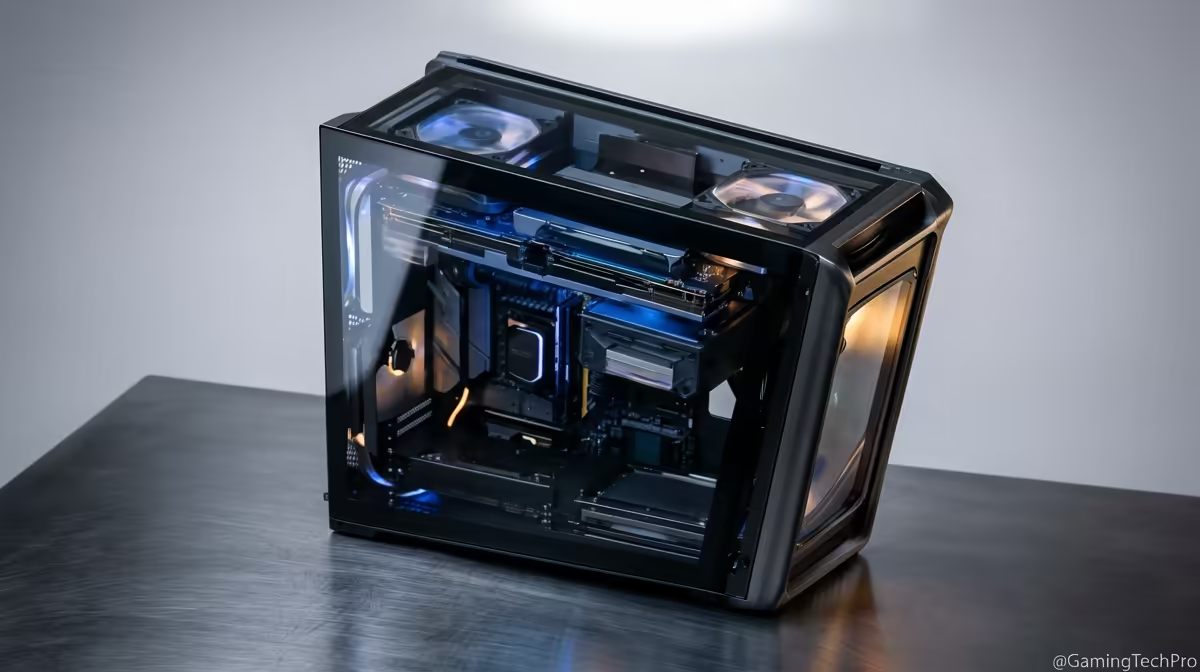
Staring at a render bar that moves slower than rush-hour traffic on the N1? We've all been there. For South African creators, the dream of a smooth, lag-free editing workflow can feel expensive. But what if you could get a powerhouse machine without breaking the bank? Building one of the best editing PCs under R30k is more achievable than you think, and it’s the key to unlocking your creative potential. Let's dive in. 🚀
Why Your Current Rig is Bottlenecking Your Creativity
Is your timeline stuttering every time you add a colour grade? Do you go make coffee... and dinner... while waiting for a 4K export? That’s not a workflow issue; it’s a hardware bottleneck. A slow PC directly impacts your creative flow, turning exciting projects into frustrating chores. Often, the culprit is a CPU that can't handle complex tasks, not enough RAM for multitasking, or a GPU that offers zero acceleration.
For many creators starting out, a solid entry point can be found among budget gaming PCs, as they often share the core components needed for content creation.
The Core Components for the Best Editing PCs Under R30k
Finding the right balance of components is crucial when building an effective editing PC under 30,000 ZAR. You don't need the absolute top-of-the-line everything, but you do need to be smart about where you invest your budget. Here’s a breakdown of what truly matters.
### The CPU: The Engine of Your Editing Machine
The Central Processing Unit (CPU) is the most critical component for video editing. It handles tasks like encoding, decoding, and rendering. For a budget-friendly editing PC, focus on core count.
- What to look for: Aim for a modern processor with at least 6 cores, like an Intel Core i5 or AMD Ryzen 5. These chips offer a fantastic performance-per-rand ratio, easily handling 1080p and even 1440p timelines without a sweat. You can find excellent options in builds starting from our PCs under R20k range.
### RAM: Your Timeline's Best Friend
Random Access Memory (RAM) is like your computer's short-term memory. The more you have, the more applications and complex assets (like 4K clips and After Effects compositions) you can juggle simultaneously.
- The sweet spot: 16GB is the absolute minimum for 2024. However, for a truly smooth experience, especially with 4K footage, pushing for 32GB is a wise investment. Many of the most capable PCs above R20k come equipped with 16GB or more, giving you the headroom you need.
Workflow Pro Tip ⚡
DaVinci Resolve is fantastic, but it loves VRAM. If you're a Resolve editor, prioritise a graphics card with at least 8GB of VRAM. For Premiere Pro users, CPU clock speed and core count often have a slightly bigger impact on overall performance. Know your software to optimise your build!
### The GPU: The Visual Powerhouse ✨
Your Graphics Processing Unit (GPU) isn't just for gaming. Modern editing software leverages the GPU to accelerate rendering, playback, and visual effects. This is where a gaming PC build really shines for creators.
- Why it matters: A card like an NVIDIA GeForce RTX 3050, 3060, or even a 4060 can drastically cut down export times thanks to its dedicated CUDA cores and NVENC encoder. Exploring the best gaming PC deals is a clever way to find a powerful creator rig in disguise.
### Storage: Speed Kills... Lag Time
Your storage configuration is vital. A slow hard drive means sluggish loading times for your OS, apps, and project files.
- The ideal setup: Use a fast NVMe M.2 Solid State Drive (SSD) as your primary drive for your operating system and editing software. A 500GB or 1TB NVMe is perfect. For your project files and media cache, a second, larger SSD or a traditional Hard Disk Drive (HDD) works wonders.
Finding Your Perfect Pre-Built Creator PC
Building a PC is fun, but if you want to get straight to creating with a warranty-backed, professionally assembled machine, a pre-built system is the way to go. You get a balanced, optimised rig without the hassle. This ensures component compatibility and saves you precious time you could be spending on your next project. 🔧
At Evetech, we specialise in crafting machines that hit that perfect price-to-performance target. Our wide selection of pre-built PC deals includes systems specifically configured to be fantastic editing PCs under R30k, giving you the power you need to bring your vision to life.
Ready to Unleash Your Creativity?
Stop letting slow hardware dictate your workflow. A powerful, affordable editing PC is the best investment you can make in your content. Explore our massive range of pre-built PC deals and find the perfect machine to conquer your next project.