


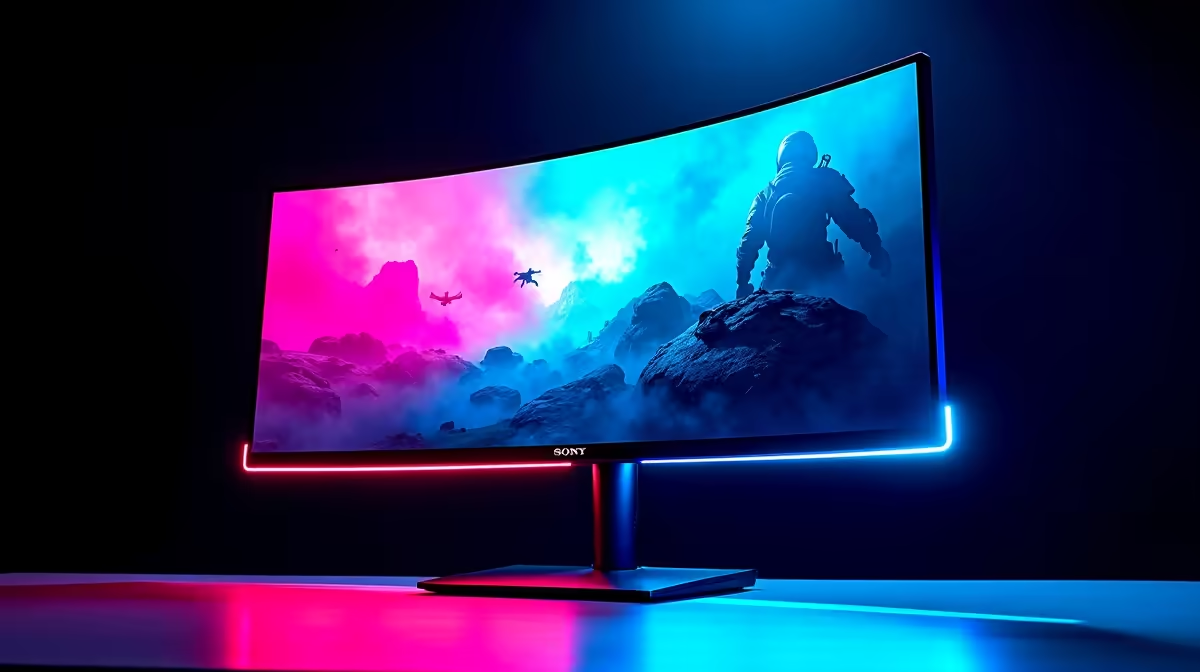
The hype is real. NVIDIA's next-gen RTX 5080 is on the horizon, promising a colossal leap in gaming power. But all that graphical muscle is wasted if your screen can't keep up. So, what's the play, South Africa? Do you go for the razor-sharp detail of 4K or the cinematic sweep of an ultrawide? This performance guide will help you find the best monitor for your RTX 5080 and your unique gaming style.
Why Your Monitor Choice is Crucial
Think of it this way: pairing a powerhouse GPU like the RTX 5080 with a mediocre monitor is like putting budget tyres on a supercar. You're creating a bottleneck and leaving tons of performance on the table. The goal is to find a display that can truly showcase what the card is capable of, whether that's rendering breathtaking worlds at insane resolutions or delivering buttery-smooth frame rates for a competitive edge. An RTX 5080 monitor needs to be a top-tier performer.
The 4K Contender: Pixel-Perfect Precision ✨
For gamers who crave the absolute sharpest image quality, 4K is the undisputed king. With four times the pixels of 1080p, the level of detail is staggering. You'll spot enemies from further away in Apex Legends and appreciate the incredible artistry in games like Baldur's Gate 3. The anticipated power of the RTX 5080 means that high-refresh-rate 4K gaming is finally becoming a mainstream reality, not just a dream. The latest high-quality PC monitors offer stunning colour accuracy and brightness, making them perfect for both gaming and content creation.
The Ultrawide Champion: Unrivalled Immersion 🚀
If you want to feel completely absorbed in your game, nothing beats an ultrawide. The expanded 21:9 or 32:9 aspect ratio fills your peripheral vision, creating an incredibly immersive experience, especially in racing sims, RPGs, and atmospheric single-player adventures. Flying through the cosmos in Starfield or driving the Nürburgring in Assetto Corsa Competizione on an ultrawide is a sublime experience. You can find incredible immersive displays from brands like Dahua that pull you right into the action.
Ultrawide Productivity Hack ⚡
On Windows, use the PowerToys FancyZones utility to create custom snap layouts. It's a lifesaver for managing Discord, your game, and a browser on a single ultrawide screen. You can create a perfect layout for streaming or multitasking without constantly alt-tabbing.
Performance Guide: Matching the Monitor to Your Games
The best monitor for an RTX 5080 ultimately comes down to what you play. Let's break it down.
For the Competitive FPS Player
Here, speed is everything. You need a high refresh rate (165Hz+) and a lightning-fast response time (1ms GTG or less) to gain an advantage. To eliminate screen tearing and stuttering during intense firefights, look for NVIDIA G-Sync compatible screens that synchronise the monitor's refresh rate with your GPU's output. While 4K is tempting, a high-refresh 1440p monitor might still be the sweet spot for maximum frames. Check out these fast-paced AOC gaming monitors built for competitive play.
For the RPG & Adventure Guru
For you, it's all about the experience. The extra field of view from an ultrawide monitor can transform how you see a game world. A smooth, tear-free picture is crucial for maintaining that immersion. Even with an NVIDIA card, many AMD FreeSync monitors work perfectly thanks to the broad Adaptive Sync technology standard, giving you more options to find that perfect panel.
For the Creator & Hybrid User 🔧
This is where the choice gets tough. A 4K monitor's superior pixel density is a massive benefit for video and photo editing, giving you a crisp, detailed canvas. However, an ultrawide's horizontal screen real estate is fantastic for managing timelines, toolbars, and multiple applications side-by-side. You can find great versatile options from HP that balance colour accuracy for creative work with the gaming features you need.
The Verdict: So, 4K or Ultrawide?
There is no single correct answer, only what's correct for you.
- Go 4K if: You prioritise absolute image clarity, play a mix of genres, and do detail-oriented creative work.
- Go Ultrawide if: You crave maximum immersion, primarily play cinematic single-player games, racing sims, or want a productivity powerhouse.
The fantastic news is that the RTX 5080 is expected to have enough power to drive either choice beautifully. You're not choosing between a good or bad option... you're simply choosing your preferred flavour of awesome.
Ready to Unleash Your RTX 5080? Whether you crave the pixel-perfect detail of 4K or the breathtaking immersion of Ultrawide, the perfect screen is waiting. Don't let your new GPU be bottlenecked by an old display. Explore our massive range of gaming monitors and find the perfect panel to complete your ultimate setup.











