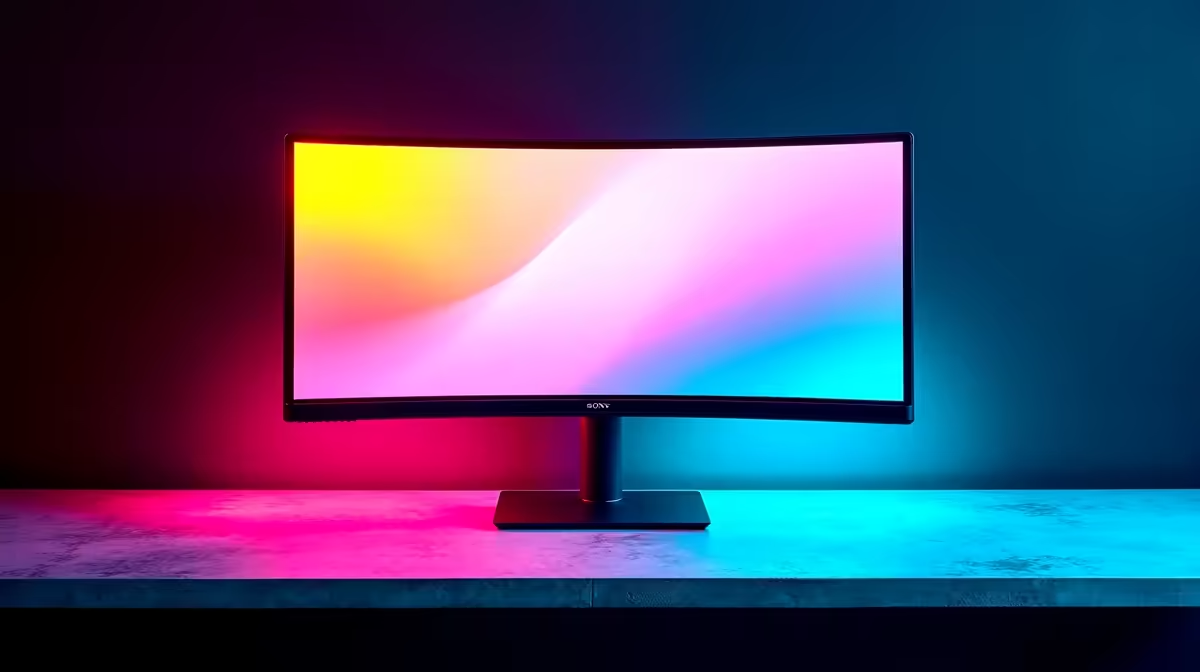
Your desk space is prime real estate. Between your keyboard, mousepad, and that half-empty mug of coffee, the last thing you need is another cable snake for your phone. Imagine just placing your phone on your monitor's base and… it starts charging. A monitor with wireless charging isn't a far-fetched gadget from a sci-fi movie; it's the ultimate desk decluttering tool for 2024, merging essential tech into one sleek, powerful package for South African setups.
Why a Monitor with Wireless Charging is Such a Smart Upgrade
Let's be honest, we've all been there. Your phone is on 5%, and the charging cable has mysteriously vanished behind your desk, probably lost forever. The primary benefit of a monitor with wireless charging is pure, blissful convenience. It’s a dedicated spot for your phone that keeps it topped up and within view, all without adding to the cable chaos.
This simple integration creates a minimalist aesthetic that just works. A cleaner desk can lead to a clearer mind, whether you're deep in a spreadsheet or lining up a headshot in Warzone. It’s a small change that makes a big difference to your daily workflow and gaming sessions. This feature is becoming more common across a wide range of PC monitors, making it more accessible than ever.
How the Magic Happens: Understanding the Tech
The technology behind this feature is almost always Qi (pronounced "chee") wireless charging. It's the universal standard used by Apple, Samsung, Huawei, and virtually every other major smartphone brand.
A transmitter coil in the monitor's stand or base creates a small magnetic field. When you place your phone (which has a receiver coil) on it, the field induces an electrical current, charging your battery. It's safe, efficient, and completely automatic. You just drop your phone down, and it starts charging. Simple. ✨
Key Features to Look For in Your 2024 Buyer's Guide
While the built-in charger is a fantastic perk, it's just one piece of the puzzle. The display itself is still the most important part. Here’s what to prioritise when looking for the best monitor with wireless charging for your needs.
Display Quality: The Main Event
A great monitor has to deliver stunning visuals first and foremost. Don't let the charging feature distract you from what really matters:
- Resolution: For crisp text and immersive visuals, 1440p (QHD) is the sweet spot for most. However, if you're a creative professional or want the absolute sharpest picture, jumping to one of the incredible 5K or 4K monitors is a worthy investment.
- Refresh Rate & Response Time: Gamers, this is for you. A high refresh rate (144Hz or more) provides buttery-smooth motion, giving you a competitive edge. You'll find this spec highlighted across all gaming monitors worth their salt.
- Panel Type: IPS panels offer the best colour accuracy and viewing angles, making them ideal for content creation and general use. VA panels provide superior contrast, perfect for movie lovers.
Ergonomics and Design
Your monitor should adapt to you, not the other way around. Look for a stand with height, tilt, and swivel adjustments to ensure you can find a comfortable viewing position and avoid neck strain. The design also plays a role in your overall setup. For ultimate immersion in games and movies, the gentle wrap-around effect of curved monitors is hard to beat.
Check Your Case! ⚡
Many thick or metal-reinforced phone cases can interfere with wireless charging. If your phone isn't charging, try removing its case first. For best results, use a slim, Qi-compatible case to ensure a solid connection every time you place your phone on the monitor stand.
Connectivity and Extras
A modern monitor should be a hub for your devices. Look for a good selection of ports, including HDMI, DisplayPort, and especially USB-C. A single USB-C cable can often handle video, data, and power for a laptop, further simplifying your setup. If your dream monitor doesn't have wireless charging, you can often replicate the convenience with clever monitor accessories like charging stands that sit neatly beside it.
Are There Any Downsides to Consider?
For the sake of a balanced view, it's worth noting a couple of things. Firstly, the charging speed from a monitor stand might not be as fast as a dedicated high-wattage wall charger. It’s more for keeping your phone topped up throughout the day than for a rapid 0-100% boost.
Secondly, this feature is typically found on mid-range to premium models. But as with all tech, it's becoming more common and affordable. Sometimes, a different type of convenience might suit you better, like the grab-and-go functionality of portable monitors for a multi-screen setup on the move.
Finding the Best Value in South Africa 🇿🇦
Ultimately, the best monitor with wireless charging is one that fits your budget and your needs. The key is to find a model that excels as a display first, with the wireless charging acting as the brilliant, convenient bonus. Keep an eye out for seasonal sales and promotions to get the most bang for your buck. You can often find incredible value by browsing the best PC monitor deals, where premium features sometimes pop up at surprisingly low prices.
Ready to Declutter Your Desk?
A monitor with built-in wireless charging is the perfect upgrade for a clean, efficient, and modern setup. Explore our massive range of PC monitors and find the perfect screen to conquer your work and play.