


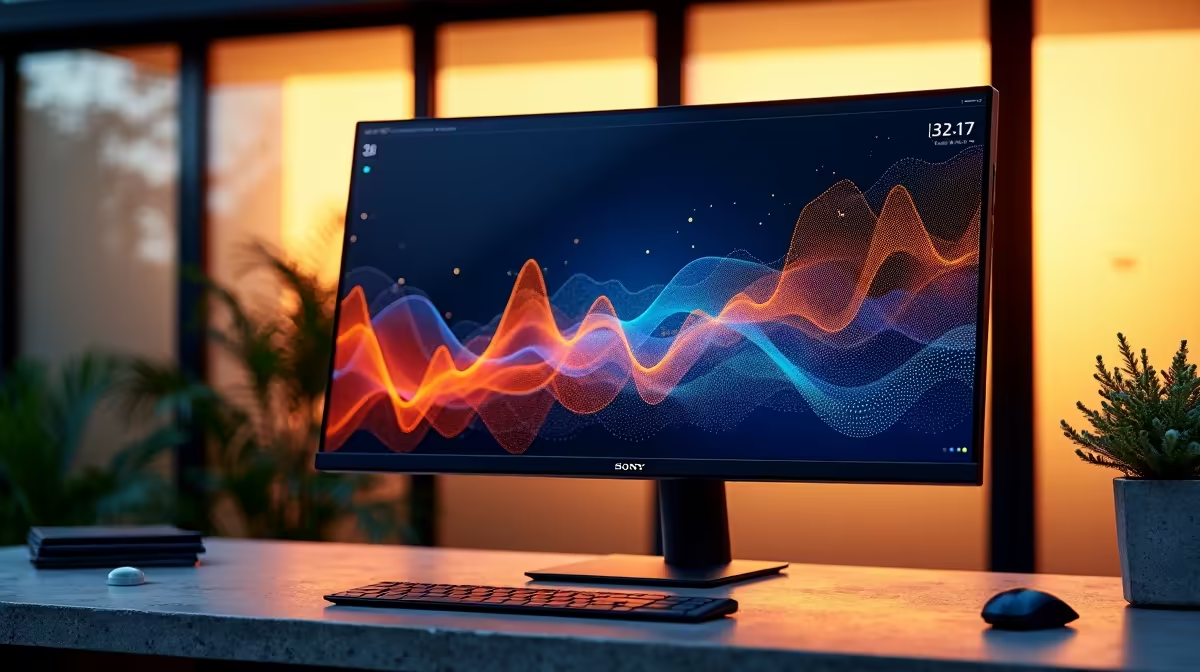
Staring at a tiny, fuzzy screen all day? We've all been there. It’s a guaranteed recipe for tired eyes and tanking productivity. In 2026, your monitor is more than just a display; it's the command centre for your entire workflow. Finding the best productivity monitor for your South African office or home setup can genuinely transform your workday. Let's dive into the top SA office picks and features to look for. ✨
Why Your Old Monitor is Holding You Back
Before we look at the best new tech, let's be honest about the old one. That 1080p screen you've had for years might seem "fine," but it's likely costing you time and comfort. Low resolution makes text fuzzy, limited screen space forces constant window-switching, and poor colour accuracy can be a disaster for creative work. Upgrading isn't just a luxury; it's an investment in efficiency and your eyesight. A modern display is the foundation of a powerful workspace, and exploring the latest PC monitors is the first step to reclaiming your focus.
Key Features of the Best Productivity Monitors in 2026
Choosing the right display involves more than just picking the biggest screen. The best productivity monitors of 2026 balance a few key elements to create the perfect work environment.
Resolution: Say Goodbye to Pixels
The biggest leap forward for most people is resolution. While 1080p is okay, QHD (2560x1440) is the new sweet spot for clarity and space, offering a significant upgrade without needing a top-tier graphics card. For ultimate sharpness, especially on screens 27 inches or larger, nothing beats the crisp detail of 4K and 5K monitors. Text looks like it's printed on a page, and you have a massive canvas for your applications.
Size & Aspect Ratio: Go Wide or Go Home?
An ultrawide monitor (21:9 or 32:9 aspect ratio) is a multitasking powerhouse. It’s like having two monitors side-by-side without the annoying bezel in the middle. These are fantastic for video timelines, massive spreadsheets, or just keeping your email and browser open simultaneously. Many of these ultrawides are also curved monitors, which helps reduce distortion at the edges and creates a more immersive field of view. 🖥️
Productivity Pro Tip ⚡
On Windows, use the PowerToys FancyZones utility to create custom snap layouts for your windows. It's a lifesaver for managing multiple apps on an ultrawide monitor, letting you organise your timeline, preview window, and asset folders perfectly for video editing.
Ergonomics & Connectivity
A great screen you can't position correctly is a literal pain in the neck. Look for stands with height, tilt, and swivel adjustments. A VESA mount option is also crucial for custom setups. On the connectivity front, USB-C is the gold standard. It can carry video, data, and even power to charge your laptop with a single cable, decluttering your desk instantly. Don't forget to grab the right cables and stands from a good selection of monitor accessories to complete your setup.
Top SA Office Picks for Different Needs
Not every professional needs the same screen. Here’s a quick breakdown of our top recommendations for different South African work styles.
- For the Creative Pro (Designers, Editors): You need colour accuracy above all else. Look for a 4K IPS panel with high sRGB and DCI-P3 coverage. A 27-inch or 32-inch screen gives you the canvas you need to see your work in detail.
- For the Hybrid Worker: If you're constantly moving between the office and home (or the local coffee shop during an unexpected outage), a portable monitor is an incredible tool. These lightweight screens connect via USB-C and give you a dual-monitor setup anywhere.
- For the Work-and-Play User: Who says your work monitor can't be fun? Many of the features that make for a great productivity monitor—like high resolution and great colours—are also brilliant for entertainment. If you also enjoy gaming after hours, exploring the world of all gaming monitors can offer high-refresh-rate options that are still excellent for daily tasks.
Ultimately, the best productivity monitor for you is one that fits your specific workflow, budget, and desk space. By focusing on resolution, ergonomics, and the right features for your job, you can build a setup that makes work feel less like a chore.
Ready to Upgrade Your Workspace? A great monitor is the cornerstone of a productive setup. Investing in one of the top SA office picks for 2026 is an investment in your own efficiency and comfort. Explore our massive range of PC monitors and find the perfect screen to boost your focus.











