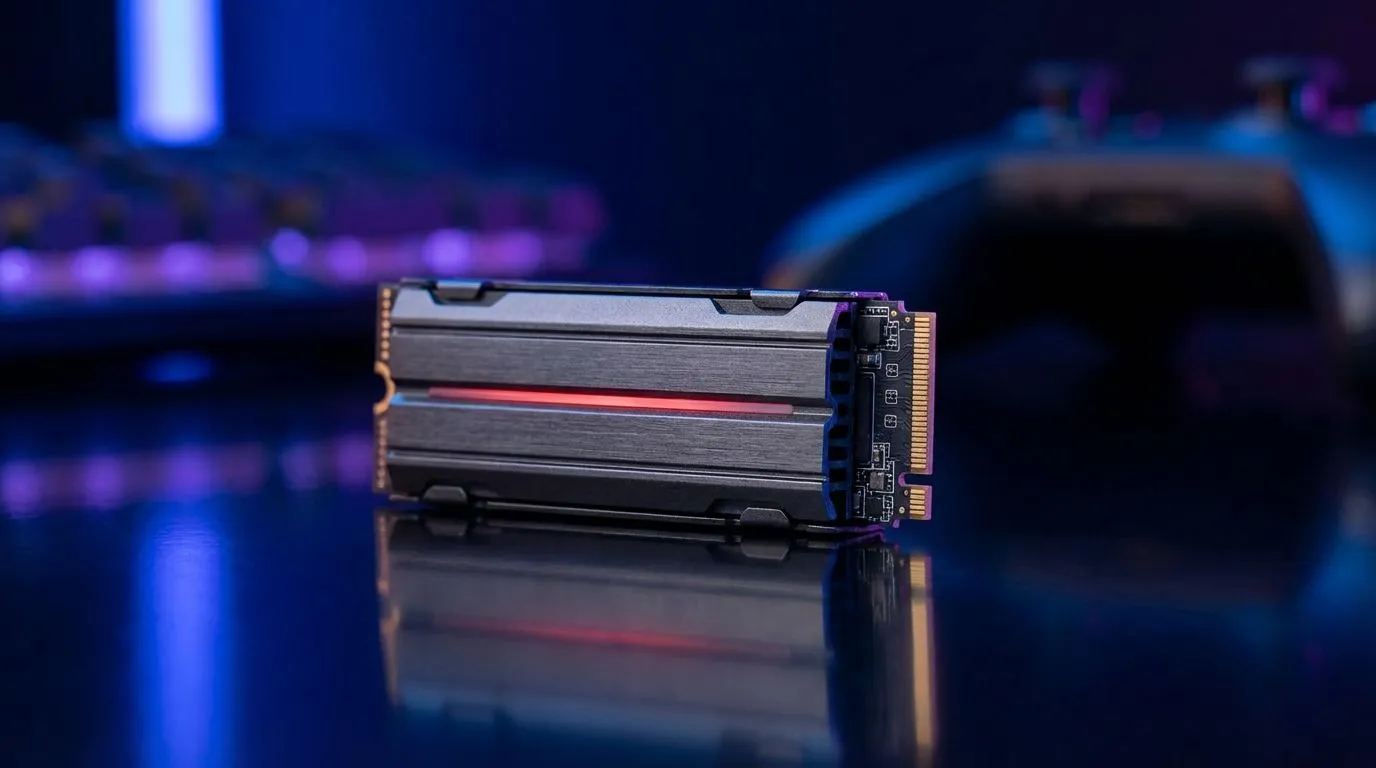
You’re creeping through the derelict corridors of the Ishimura, the only sound your own heartbeat and the distant groan of failing machinery. Suddenly, a Necromorph bursts from a vent… and your screen freezes for a split second. The tension is shattered. A slow drive is the ultimate horror villain, and in 2025, the best SSDs for horror games are non-negotiable. They are the key to unlocking seamless, terrifying immersion without a single stutter.
Why Your SSD is a Horror Game's Secret Weapon 😱
Think of your storage drive as the stage manager for your game. In atmospheric horror titles like Alan Wake 2 or Resident Evil 4 Remake, the world is constantly loading new textures, sounds, and enemy assets just out of your view. A traditional hard drive (HDD) with its moving parts simply can't keep up.
This leads to immersion-breaking problems:
- Long Loading Screens: Nothing kills the mood faster than a loading bar when you’re fleeing a monster.
- Texture Pop-In: Walls and objects suddenly shifting from blurry messes to sharp textures can pull you right out of the experience.
- Stuttering & Freezes: The game hitches as it struggles to pull data, often at the worst possible moment.
Modern solid-state drives eliminate these issues, ensuring the only thing that makes you jump is the game itself, not a technical hiccup. An upgrade to a fast SSD for horror games is one of the most noticeable improvements you can make to your rig.
What Makes the Best SSD for Horror Games?
Not all SSDs are created equal. When you're hunting for the perfect drive to optimise your horror experience, a few key specifications matter more than anything else. Let's break down what you need to look for.
NVMe vs. SATA: The Speed Factor
The biggest difference you'll encounter is between SATA and NVMe (Non-Volatile Memory Express) drives. While a SATA SSD is a massive leap from an old HDD, an NVMe SSD is in another league entirely.
- SATA SSDs: These connect via the same cable as older hard drives and top out at around 550MB/s. They're great for budget builds or storing older games.
- NVMe SSDs: These plug directly into the motherboard, allowing for mind-blowing speeds. A modern PCIe 4.0 NVMe drive can reach speeds over 7,000MB/s... more than 12 times faster than SATA.
For the demanding, open-world environments and high-resolution textures of modern horror games, an NVMe is the undisputed champion. It's the best way to ensure instant loading and a smooth, stutter-free descent into madness. Exploring our range of cutting-edge NVMe SSDs is the first step to a truly next-gen experience.
Check Your Motherboard 🔧
Before buying a super-fast PCIe 4.0 or 5.0 NVMe SSD, quickly check your motherboard's specifications online. You need a compatible M.2 slot to take full advantage of its blistering speeds. Plugging a Gen4 drive into a Gen3 slot will still work, but it will be limited to Gen3 speeds.
Capacity: Room for All Your Nightmares
Horror games are getting huge. Alan Wake 2 demands over 90GB of space, and future titles will only get bigger. A small drive fills up fast, forcing you to constantly uninstall games to make room for new ones.
For a dedicated games drive in 2025, we recommend at least 1TB of space. This gives you plenty of room for your operating system, a few massive AAA horror titles, and your favourite indie gems. If you're a serious collector, a 2TB drive offers fantastic peace of mind. Keep an eye out for great SSD deals to get the most storage for your Rand.
Beyond the PC: Elevating Your Console Horror
PC gamers aren't the only ones who can benefit from a storage upgrade. Both the PlayStation 5 and Xbox Series X|S allow for storage expansion. Adding an internal NVMe SSD to your PS5 or using an expansion card for your Xbox is a fantastic way to keep your entire horror library installed and ready to play.
Furthermore, for older titles or simply moving games between systems, high-speed external SSDs offer a brilliant plug-and-play solution. You can load games directly from them and enjoy significantly faster loading times compared to an external HDD. 🚀
Ready to Banish Loading Screens for Good?
Choosing the right drive is the key to unlocking seamless, terrifying gameplay. Don't let your hardware be the scariest thing about your horror games. Explore our massive range of solid-state drives and find the perfect upgrade to survive the horrors of 2025.