Load shedding is suspended, but your work laptop is still lagging. You want to edit videos or play games after hours... but that integrated graphics chip is struggling. You are likely wondering how to upgrade your work laptop with a new GPU. This SA guide will walk you through your exact options. The truth? It is not as simple as swapping out a desktop part. 🚀
The Reality of Internal Laptop Upgrades
Most modern work laptops have their graphics processing units soldered directly onto the motherboard. This helps keep the chassis thin and light. It also means you cannot simply open the back panel and drop in a new chip.
If you crave total freedom to swap parts, a desktop is always superior. With a desktop tower, you can easily buy graphics cards whenever you need more power. Laptops require a different approach entirely.
Hardware Pro Tip 🔧
Check if your laptop has a Thunderbolt 3 or Thunderbolt 4 port. Standard USB-C ports do not have the bandwidth required for external graphics. You need that lightning-bolt symbol next to the port to even consider an eGPU setup.
The eGPU Route vs Starting Fresh
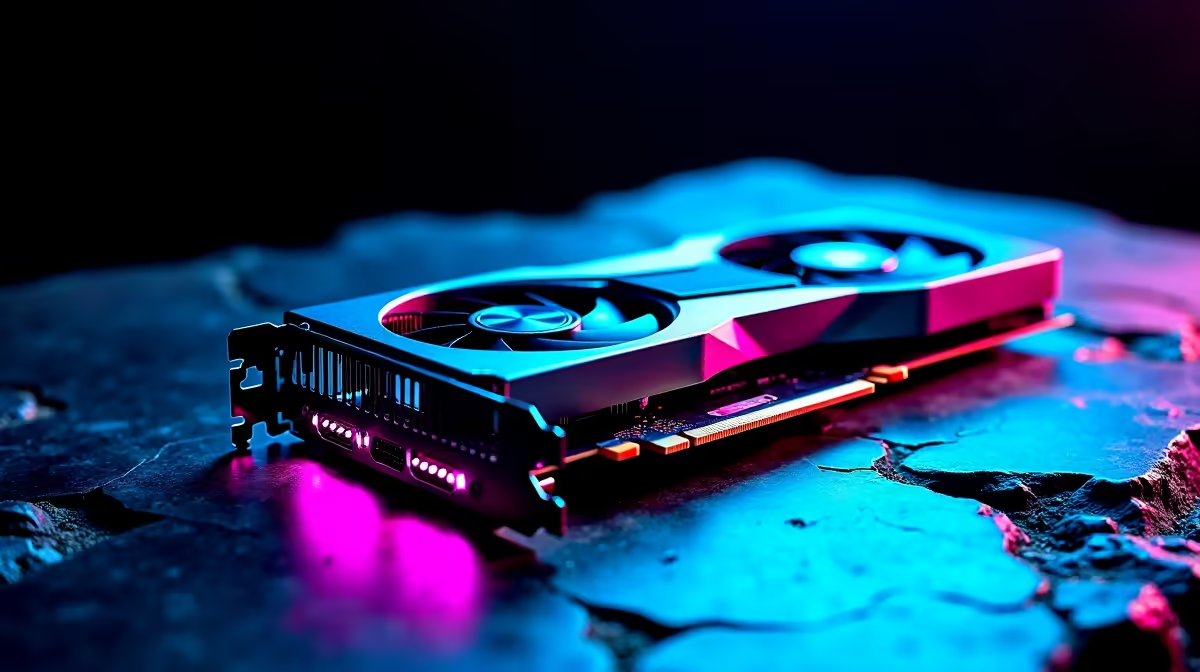
If you have a Thunderbolt port, you can use an external GPU enclosure. You place a standard desktop graphics card inside a separate box on your desk. You then plug it into your laptop.
While this sounds amazing, eGPU enclosures are quite expensive in ZAR. Add the cost of the card itself, and you are easily looking at R15,000 or more just to get started. Furthermore, you lose up to 20 percent of the card's native performance due to cable bandwidth limitations.
Because of this high entry cost, many professionals choose to upgrade their entire machine instead. Browsing the latest notebooks for sale in South Africa often reveals powerful options with dedicated RTX graphics already built inside. These modern mobile GPUs are incredibly efficient to optimise both Adobe Premiere Pro and evening gaming sessions.
Shifting Heavy Workloads to a Desktop
Do you strictly work from a home office? If mobility is not a strict daily requirement, moving your heavy rendering tasks to a desktop makes perfect sense. You can keep your current thin-and-light work laptop for daily emails and client meetings.
A dedicated tower gives you unmatched thermal performance and zero battery anxiety. You can find some of the best gaming PC deals that double as absolute productivity monsters for heavy video editing and 3D design.
You do not even need to build it yourself to get these benefits. Grabbing one of our fantastic pre-built PC deals gets you a fully tested, warranty-backed machine delivered straight to your door. ⚡
Making the Smart ZAR Investment
When figuring out how to upgrade your work laptop with a new GPU, you must carefully weigh the financial costs. An external enclosure is bulky and ties you to a desk anyway. If you are going to be tied to a desk, a proper desktop tower offers far better cooling.
Before you spend your hard-earned Rands on a complicated external setup, look at what else your budget can achieve. You can regularly check our hardware specials to find massive discounts on systems that actually fit your workflow. Sometimes, investing in a brand-new system is the smartest and most cost-effective upgrade of all. ✨
Ready to Find Your Perfect Match?
Upgrading a laptop GPU is tricky, but finding maximum power and value in South Africa is easy with Evetech. Explore our massive range of laptop specials and find the perfect machine to conquer your world.