


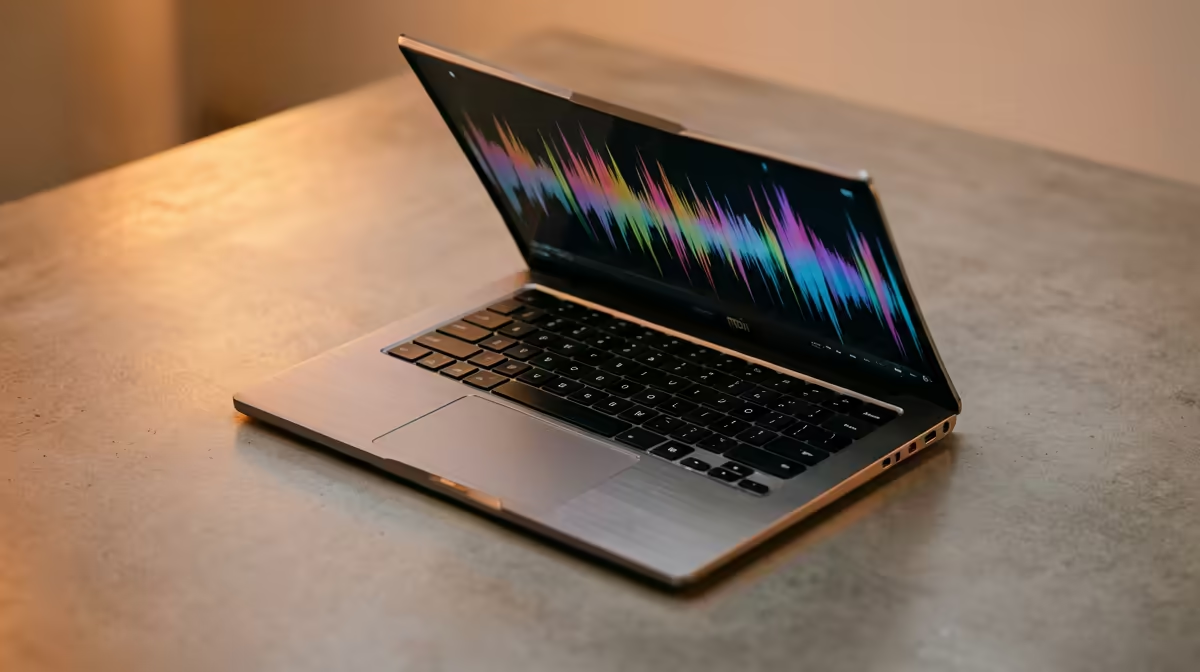
So, you're ready to lay down some fire tracks, but your old laptop sounds like it’s struggling more than a dial-up modem. Finding the right gear is key. For aspiring producers from Cape Town to Jozi, choosing one of the best laptops for music production in South Africa can feel daunting. You need a machine that can handle complex projects without crashing mid-flow, turning your creative spark into a frustrating blue screen. Let's get you sorted. 🚀
What to Look for in a Music Production Laptop
Before you even look at brands, you need to understand the core components that will make or break your workflow. A laptop for making music is all about raw processing power and speed. Forget fancy touchscreens or 2-in-1 designs; focus on the engine under the hood.
The CPU: Your Creative Core
The Central Processing Unit (CPU) is the brain of your operation. It juggles all your plugins, virtual instruments (VSTs), and audio tracks. A weak CPU will crackle, pop, and freeze under pressure. For a smooth experience, you should be looking at multi-core processors. Modern Intel laptops on special with Core i7 or i9 chips, or powerful AMD laptops on special featuring Ryzen 7 or 9 CPUs, are fantastic choices. More cores and higher clock speeds mean you can layer more effects and instruments without a single stutter.
RAM: Your Short-Term Workspace
Think of RAM (Random Access Memory) as your studio's workspace. The more you have, the more projects and large sample libraries you can load simultaneously. 8GB is the absolute bare minimum, but honestly, it's not enough for serious work. We strongly recommend 16GB for a smooth workflow and 32GB if you work with heavy orchestral libraries or complex electronic projects. This ensures your Digital Audio Workstation (DAW) runs like a dream. ✨
Storage: Speed is Everything
When it comes to storage, speed is non-negotiable. A Solid State Drive (SSD), specifically an NVMe SSD, will change your life. Projects will load in seconds, not minutes. Samples will trigger instantly. Aim for at least a 1TB NVMe SSD to store your operating system, software, and current projects. You can always use an external drive for archiving, but your working drive needs to be lightning-fast.
DAW Optimisation Tip 🔧
In Windows, go to 'Power Options' and select the 'High performance' plan. This prevents the CPU from throttling (slowing down) to save energy, giving your DAW maximum consistent power. Also, disable unnecessary startup programs in the Task Manager to free up RAM and CPU resources before you start a session.
The Producer's Secret: Why Gaming Laptops Rule
Here’s a tip many people miss: some of the best laptops for music production in South Africa are actually gaming laptops. Why? Because the specs required for high-end gaming—a powerful CPU, tons of fast RAM, and ultra-quick storage—are exactly what you need for a demanding DAW. They are built for performance and often offer the best power-for-rand value. Plus, their advanced cooling systems are designed to handle heavy loads for hours, perfect for a long studio session. Exploring the best gaming laptop deals can uncover a powerhouse machine perfect for your music.
Finding Your Perfect Beat Machine
Ultimately, the best music production laptop for you depends on your specific needs and budget. You don't necessarily need the most expensive machine on the market, but you shouldn't cut corners on the CPU, RAM, or SSD. By focusing on these core components, you can find a reliable workhorse that will serve you well for years to come. The right machine is out there, waiting to bring your musical ideas to life. 🎧
Ready to Find Your Perfect Match? Whether you're a seasoned pro or just starting out, the right hardware makes all the difference. For maximum power, choice, and value in South Africa, a high-performance laptop is hard to beat. Explore our massive range of laptop specials and find the perfect machine to produce your next hit.









