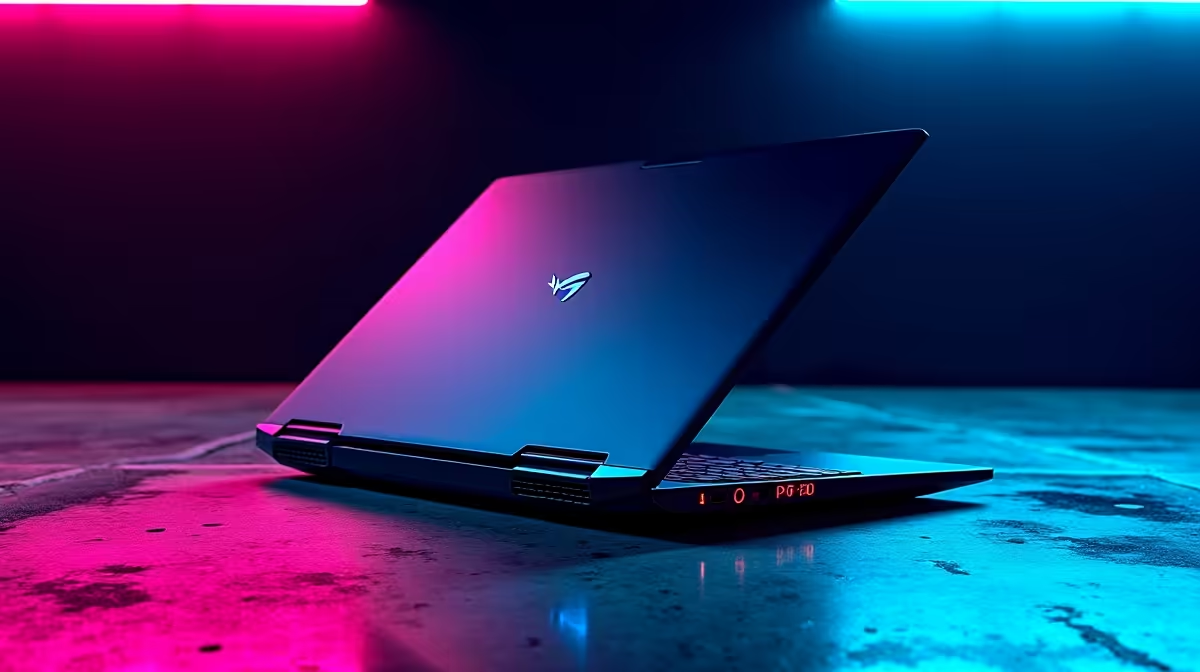
The hunt is almost on. Monster Hunter Wilds is gearing up to be a highly demanding release. But before you start dreaming of taking down massive beasts, there is a crucial question. Does your current rig have the muscle to run it smoothly? Let us break down the official Monster Hunter Wilds laptop requirements... and see if you need an upgrade.
Decoding the Minimum Hardware Specs
Capcom has pushed the visual boundaries with this latest instalment. The lush environments and complex monster animations require serious processing power. If you are playing on an older machine, you might struggle to maintain stable frames.
To get off the ground, the minimum specs demand a solid quad-core CPU. You also need at least 16GB of RAM. Your GPU must have 6GB of VRAM just to hit 1080p at 30 frames per second. This is strictly on the lowest visual settings.
The game also demands a massive amount of storage space. You will need at least 140GB of free space on a fast NVMe SSD. Traditional hard drives simply cannot load the textures fast enough... leading to frustrating stutters. If your mobile setup is falling behind, it might be time to browse our notebooks for sale in South Africa.
Recommended Specs for Smooth Hunting 🐉
Nobody wants to face a charging Rathalos with stuttering frames. To optimise your experience and see every vibrant colour, the recommended Monster Hunter Wilds laptop requirements step things up.
You need an RTX 4060 or equivalent to achieve 60fps at 1080p. Frame generation technology like DLSS 3 is highly recommended to keep things smooth. If you prefer a desktop experience over portability, exploring the best gaming PC deals is a smart move. It ensures you get maximum performance per ZAR.
Alternatively, you might want a plug-and-play desktop solution. Skipping the hassle of building it yourself is easy. Our pre-built PC deals offer incredible value for local gamers.
Upgrading vs Buying New 🔧
So... can your laptop handle it? If you are sitting on an older RTX 3050 laptop, you must lower your settings. Laptops are notoriously difficult to upgrade. You can add more RAM or a faster SSD, but the graphics chip is permanent.
Performance Pro Tip ⚡
Keep your laptop elevated and ensure your cooling fans are clean before launching demanding titles. Thermal throttling is the biggest enemy of stable frame rates on mobile gaming rigs.
If you own a desktop and just need a visual boost, upgrading is simple. Check out our selection of high-performance graphics cards to give your existing rig new life. However, if a full system overhaul is necessary, keep an eye on our weekly specials. You can easily save thousands of Rands while securing a rig that will last for years.
Ready to Find Your Perfect Match?
The hardware requirements are steep, but finding the right gaming rig in South Africa is easy. Explore our massive range of laptop specials and find the perfect machine to conquer your next hunt.