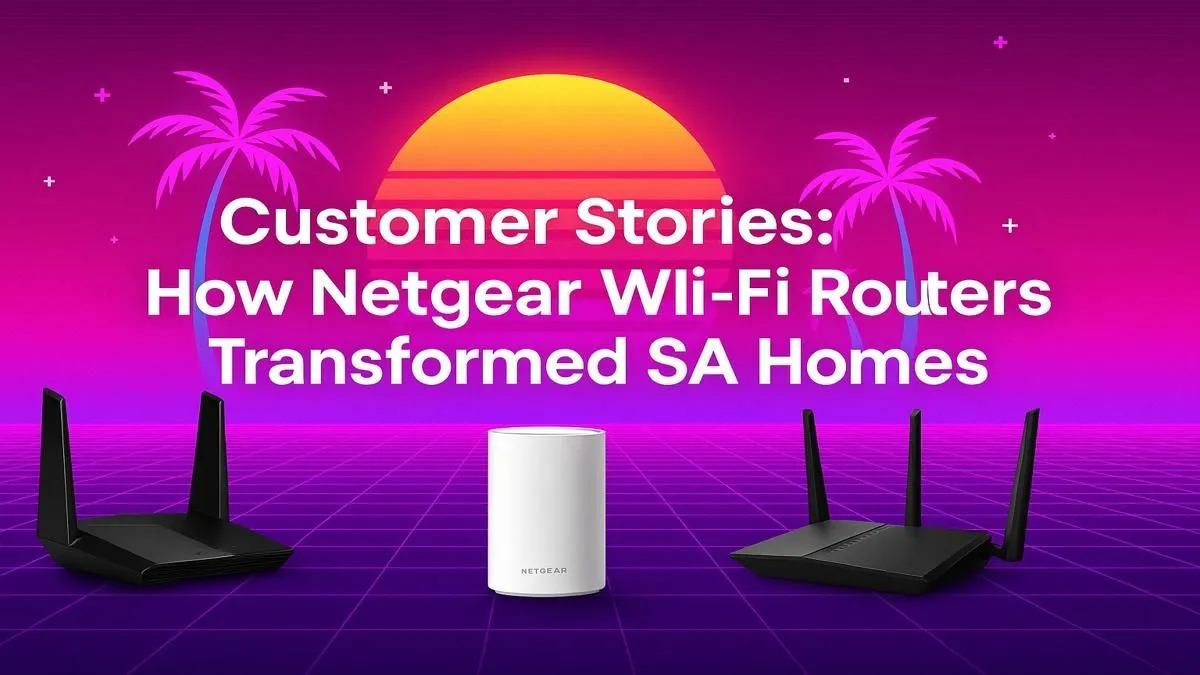
Is your fibre connection feeling... a bit underwhelming? You're paying for high-speed internet, but still suffering from lag spikes in crucial Warzone moments and buffering Netflix in the bedroom. You're not alone. For many South Africans, the router provided by their ISP is the bottleneck holding back their entire home network. A high-performance Netgear router in South Africa isn't just an upgrade; it's a total transformation for your digital life. 🚀
Why Your ISP-Supplied Router Often Fails
Internet Service Providers (ISPs) usually give you a basic device that just gets the job done. These routers often lack the processing power, advanced antennas, and smart features needed for a modern, device-heavy home. Think about it: you have phones, laptops, smart TVs, consoles, and maybe even a smart geyser all competing for bandwidth.
This is where a dedicated Netgear router South African homes can truly benefit from comes in. They are engineered for performance, designed to handle dozens of simultaneous connections, prioritise gaming traffic (thanks to QoS features), and blast a powerful signal through those classic double-brick walls.
A Real-World Wi-Fi Transformation
Let's talk about the Botha family in Cape Town. They upgraded to a 100Mbps fibre line but were frustrated. The signal barely reached the braai area, and their son's gaming PC, connected via Wi-Fi upstairs, was a lag-fest. The culprit? A weak, ISP-issued router.
They invested in a Netgear Nighthawk, one of the most popular high-performance wireless routers available. The difference was immediate. Suddenly, they had full-strength Wi-Fi in every corner of their home. The Nighthawk's powerful processor and beamforming technology meant no more dead zones and a stable, low-latency connection for gaming. It was the key to unlocking the true speed they were paying for.
Wi-Fi Optimisation Tip ⚡
Your router's placement is crucial! Avoid stashing it in a cabinet or behind the TV. For the best coverage, place your router in a central, elevated position in your home, free from obstructions. This simple change can dramatically improve signal strength and speed throughout your house.
Building a Rock-Solid Home Network
A great router is the heart of your network, but sometimes you need a few extra components to perfect it.
Getting the Most from Fibre
If you have a high-speed fibre connection, you need a router that can keep up. Many standard routers just can't handle gigabit speeds. Pairing your line with purpose-built fibre routers ensures you're not leaving performance on the table.
Eliminating the Last Dead Spots
For very large or multi-storey homes, even a powerful router might have a tough time reaching every nook and cranny. Instead of living with weak signal, strategic placement of wireless range extenders can blanket your entire property in seamless Wi-Fi. ✨
Upgrading Older Devices
What if your router is powerful, but your PC isn't? An older desktop or laptop might have an outdated Wi-Fi card. Fortunately, upgrading with a new wireless adapter is a simple and affordable fix that allows your machine to take full advantage of modern Wi-Fi speeds.
Choosing the right Netgear router in South Africa means matching the hardware to your specific needs—whether you're a competitive gamer needing the lowest possible ping, a family streaming 4K content, or someone working from a home office who just needs unwavering stability.
Ready to Banish Buffering for Good?
Stop letting a weak router throttle your internet speed. A proper networking setup unlocks the performance you're already paying for. Explore our complete wireless networking solutions and find the perfect gear to conquer lag forever.