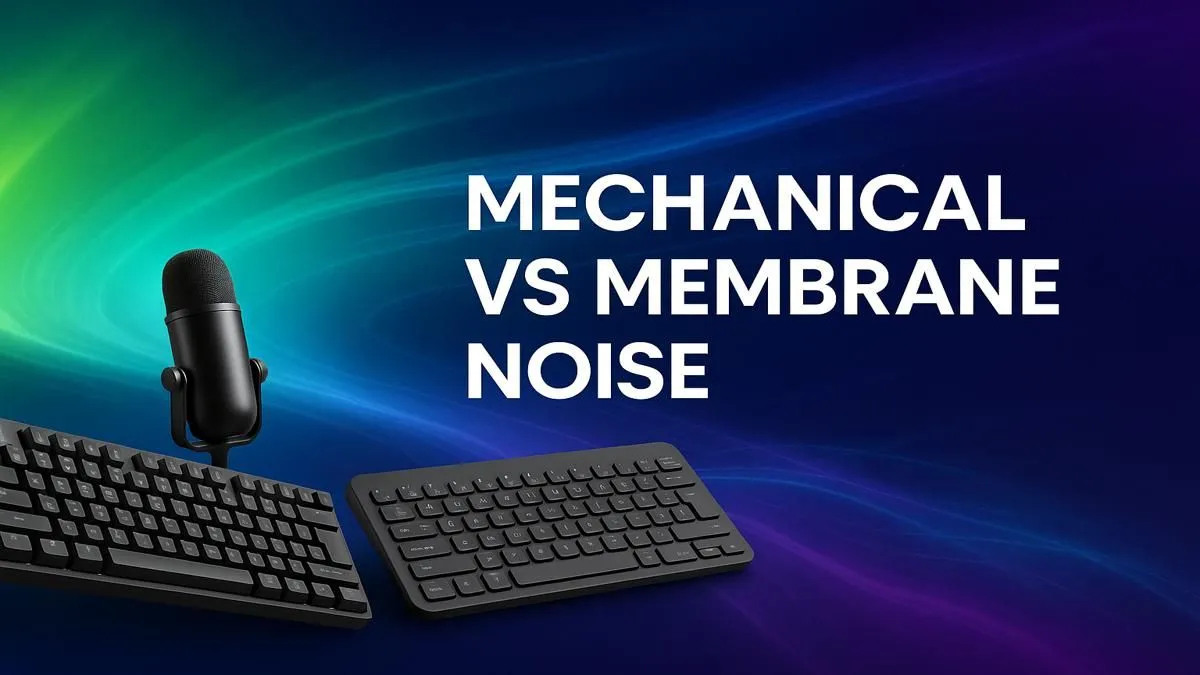
You've got your lighting perfect, your mic sounds crisp... but your viewers can't hear your commentary over the clack-clack-clack of your keyboard. Sound familiar? 🎙️ Finding a quiet keyboard for streaming is a massive challenge for South African creators. It’s the final piece of the puzzle for a professional broadcast. But do you have to sacrifice that satisfying mechanical feel for silence? We put them to the test to find out.
The Great Debate: Mechanical vs. Membrane Keyboards
At the heart of the keyboard noise issue is the technology under the keycaps. For years, the choice has been between two main camps: mechanical and membrane.
- Mechanical keyboards use individual physical switches under each key. They offer superior feedback, durability, and a customisable feel that gamers love. The trade-off? They are traditionally louder.
- Membrane keyboards use a rubber dome sheet that pushes down on a circuit board. They are naturally quieter and often more affordable, but can feel "mushy" and less precise for high-APM gaming.
Deciding between them often comes down to personal preference and budget. You can check out our latest gaming keyboard deals to see the price differences in action.
Understanding Keyboard Noise: What Makes a Keyboard Loud?
Not all mechanical keyboards are created equal when it comes to noise. The sound a keyboard makes comes from a few key sources:
- The Switch Type: This is the biggest factor. Mechanical switches come in three main flavours: Clicky (loud, audible click), Tactile (a noticeable bump but no click), and Linear (smooth travel all the way down). For a quiet mechanical keyboard, you want to focus on Linear or special "Silent Tactile" switches.
- "Bottoming Out": This is the sound of the keycap stem hitting the bottom of the switch housing when you press a key all the way down. This creates a distinct "clack" sound.
- The Case and Keycaps: The material and shape of your keyboard's case and keycaps can amplify or dampen sound, acting like a tiny echo chamber.
Understanding these factors is crucial when you're choosing the right keyboard switches for a stealthy setup.
Finding the Best Quiet Keyboard for Your Streaming Setup
So, how do you get that satisfying feel without waking up the whole house? You have excellent options in both categories.
The Silent Mechanical Option ✨
This is the holy grail for many streamers: a mechanical keyboard that doesn't sound like a hailstorm on a tin roof. The secret lies in specialised silent switches, like the Cherry MX Silent Red or Gateron Silent Brown. These switches have built-in rubber dampeners that cushion the downstroke and upstroke, drastically reducing noise without sacrificing that smooth mechanical feel.
Pairing these silent switches with high-quality PBT keycaps can further refine the sound profile, making it deeper and less sharp.
DIY Silencing Tip 🔧
Got a mechanical keyboard you love but it's too loud? Try installing rubber O-rings under your keycaps. They cost next to nothing and cushion the impact when you 'bottom out' a key, significantly reducing that harsh clacking sound without changing the switch feel too much. It's a quick and affordable mod for any streamer!
The Reliable Membrane Option
Don't write off membrane keyboards just yet. Modern "mecha-membrane" or "mem-chanical" keyboards offer a hybrid experience, providing a more tactile feel than old-school office boards while remaining exceptionally quiet. They are a fantastic, budget-friendly choice for streamers who want a plug-and-play solution without any fuss. Many excellent all-in-one keyboard and mouse combos feature quiet membrane boards perfect for a first streaming setup.
Beyond the Keyboard: Other Ways to Reduce Noise 🤫
Even the perfect quiet keyboard for streaming can be undermined by a poor setup. Here are a few extra tips:
- Mic Placement: Position your microphone correctly. A cardioid mic, for instance, is most sensitive in the front and rejects sound from the back. Point it at your mouth, with the keyboard behind it.
- Software Noise Gates: Use software like OBS Studio or NVIDIA Broadcast to set a noise gate. This will prevent your mic from activating until your voice hits a certain volume, effectively cutting out background typing.
- Desk Mats & Ergonomics: A large desk mat can absorb vibrations from your typing. Adding an ergonomic wrist rest can also encourage a lighter typing style, further reducing noise.
Ultimately, whether you're looking for a top-tier silent mechanical board or browsing our range of affordable gaming keyboards, there's a quiet solution for every South African streamer.
Ready to Silence the Noise?
Whether you're a tactile mechanical fan or prefer the soft touch of a membrane, the perfect quiet keyboard for your stream is waiting. Stop letting keyboard clatter ruin your audio. Explore our massive range of gaming keyboards and find the perfect board to elevate your South African stream today.