Quick hook for South African gamers
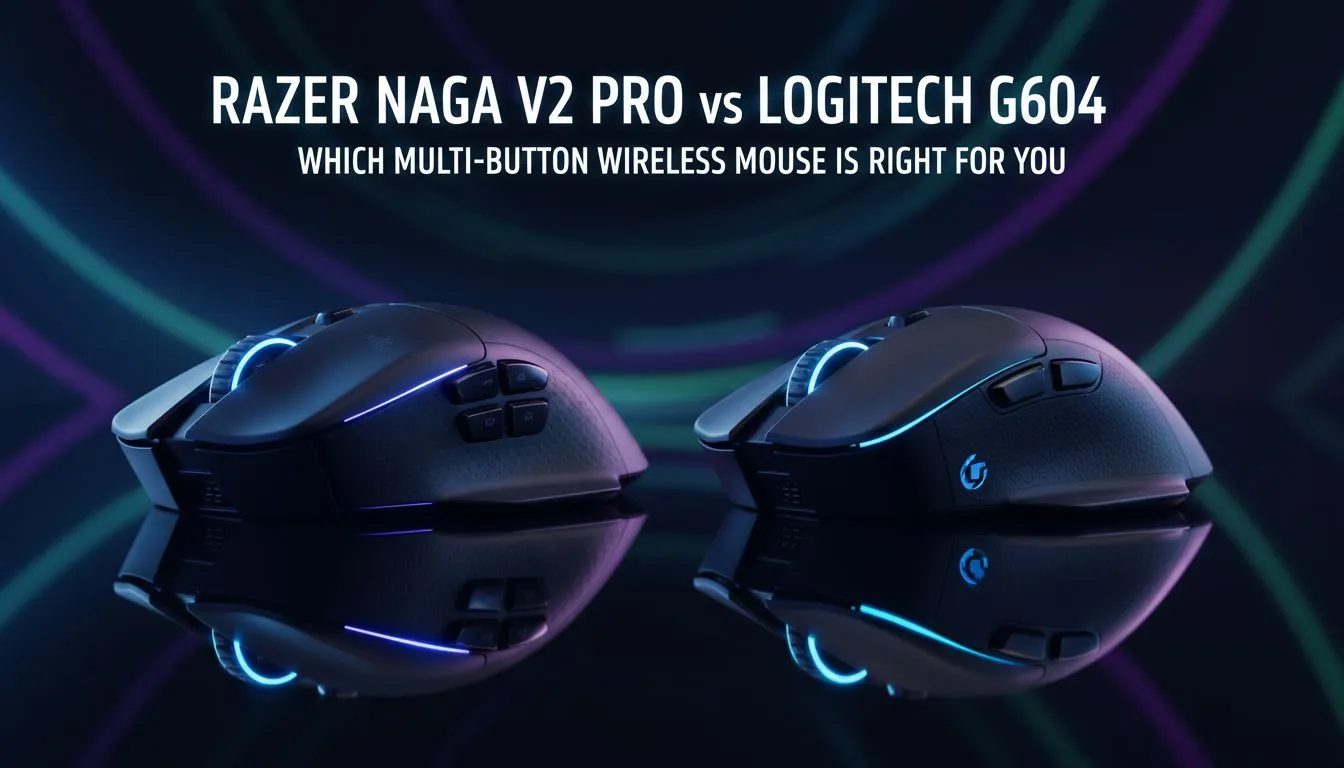
If you’re hunting for a multi‑button mouse that wins both raids and ranked matches, this is for you. Razer Naga V2 Pro vs Logitech G604: Which Multi-Button Mouse? is the showdown many ZA gamers ask about when choosing macro control, comfort, and wireless tech. Read on for practical tips, honest pros and cons, and where to compare prices in ZAR. 🎯
Multi‑button design and ergonomics
Both mice aim squarely at heavy‑macro users. The Razer Naga V2 Pro leans into a full thumb grid for MMO macros. The Logitech G604 favours fewer, larger side buttons for quick binds and MOBA play. Want to physically test grips? Browse Evetech’s wider gaming mouse range to feel the shapes before you commit: https://www.evetech.co.za/components/gaming-mouse-117.
Ergonomics matters more than button count. If you palm, a fuller body may suit. If you claw, a compact thumb wedge might be faster. Try to imagine your most common play session: long raids or short skirmishes.
Performance, sensors and real‑world use
Raw sensor numbers can be sexy. But in real matches, consistent tracking, lift‑off distance, and stable macros matter more. Both manufacturers use proven sensors; choose based on how the software maps buttons for you. For current deals and price checks in ZAR, see Evetech’s best gaming mouse deals page: https://www.evetech.co.za/best-gaming-mouse-deals/x/54. ⚡
If you prefer a fully wireless setup, consider battery and dongle reliability. For a dedicated wireless shopping run, check Evetech’s wireless mice selection: https://www.evetech.co.za/buy-wireless-mouse/x/1597.
Wired vs wireless, battery life and connectivity
The G604 often balances battery life with Bluetooth/2.4GHz choices, while the Naga V2 Pro focuses on premium wireless performance. If competitive latency is top priority, explore wired options too. Evetech lists wired alternatives if you want zero compromises on latency: https://www.evetech.co.za/buy-wired-mouse/x/1596.
Think about charging cadence. If your play sessions stretch late, a mouse that charges fast or uses swappable batteries can be a lifesaver.
Add‑ons, software and accessories
Mapping dozens of macros needs tidy software. Both Razer Synapse and Logitech G Hub are capable. Don’t forget physical accessories: thumb grips, skates, and a trusted mouse mat change the feel significantly. Shop mouse accessories here: https://www.evetech.co.za/buy-mouse-accessories/x/1595. ✨
Grip & Macro Tip 🔧
If you’re new to multi‑button layouts, start with 6 useful macros. Label them by function and train muscle memory for two weeks before expanding. This avoids overload and makes remaps painless.
Final recommendation and how to decide
If you want maximum thumb macros and an MMO focus, the Naga family is compelling. If you prefer a leaner thumb cluster with generous primary button options, the G604 is a strong choice. The best pick depends on your grip, the games you play, and how you map macros.
Ready to try before you buy? Compare specs, test shapes, and lock in the best price in ZAR at Evetech. Small tests now save frustration later.