


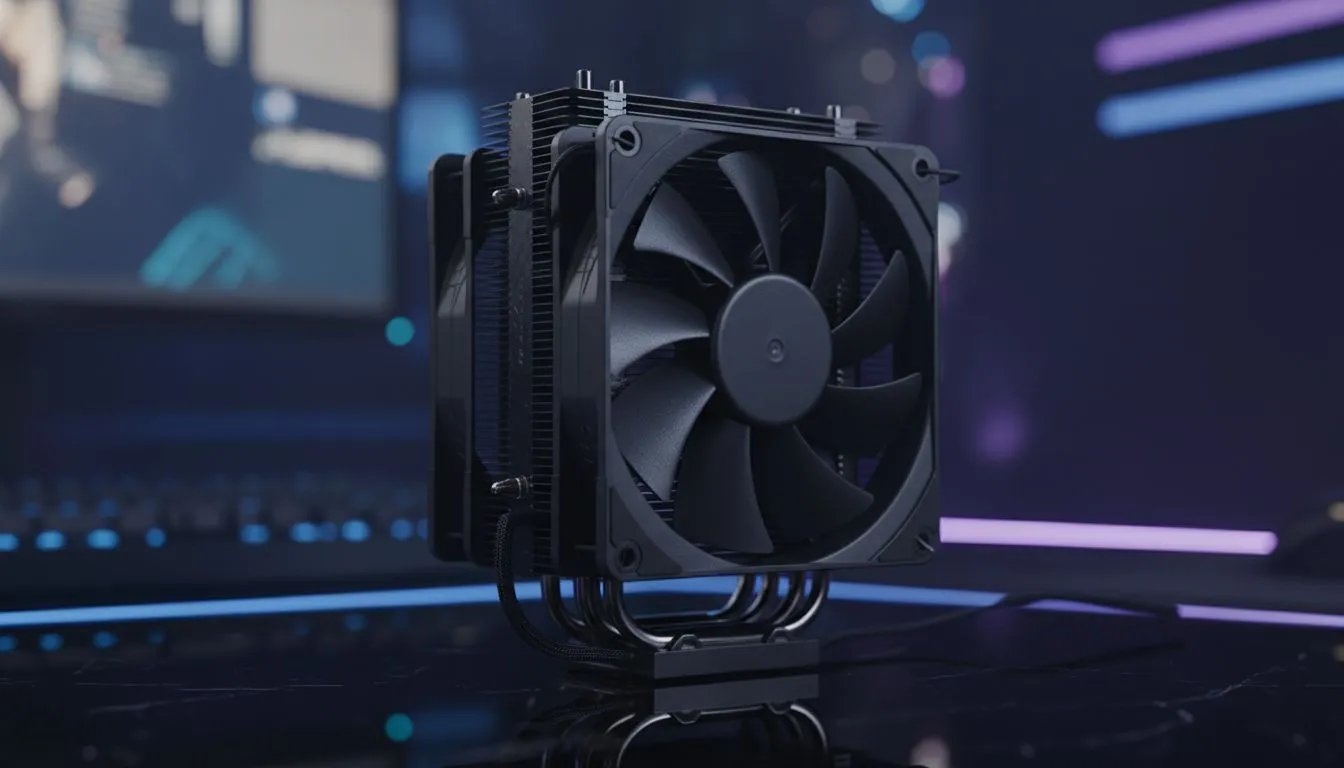
Your high-end rig crushes the latest titles after hours, but during that Monday morning Teams call, its rainbow RGB lighting screams "gamer," not "go-getter." Sound familiar? For professionals who are also passionate PC gamers, the struggle is real. Enter the era of the office-gaming hybrid, powered by sleek, powerful, and understated stealth black coolers. It's the ultimate "business in the front, party in the back" solution for your PC build. 🚀
Why Stealth Black Coolers Define the Hybrid PC
The beauty of a stealth black cooler lies in its subtlety. It’s about achieving maximum performance without the visual noise. These coolers swap distracting RGB for matte black finishes, clean lines, and a minimalist design that blends seamlessly into any professional workspace. This aesthetic choice doesn't just look good; it communicates sophistication and focus. It allows your custom-built PC to be a powerhouse for rendering video or compiling code by day, and a top-tier gaming machine by night, all without compromising its professional appearance.
This design philosophy is perfected by top-tier brands like Corsair, who deliver exceptional cooling performance wrapped in an elegant, all-black package.
Choosing Your Cooling: Air vs. Liquid Stealth Coolers
When building your office-gaming hybrid, the first big decision is your cooling method. Both air and liquid cooling have fantastic stealth black options, each with unique advantages.
The Reliability of Air Cooling
For many, the simplicity and reliability of a tower cooler are unbeatable. Modern high-performance air coolers offer incredible thermal performance that can rival many liquid solutions. They feature dense fin stacks and heat pipes, all coated in a non-reflective black finish. With fewer moving parts, they offer peace of mind and are often quieter at idle—perfect for a silent work environment.
The Performance of Liquid Cooling (AIO)
If you're pushing a high-core-count CPU like an Intel Core i9 or AMD Ryzen 9, an AIO is often the superior choice. These all-in-one liquid coolers move heat away from the CPU socket directly to a radiator, providing excellent thermal headroom for overclocking and demanding tasks. Aesthetically, an AIO's blacked-out CPU block offers an exceptionally clean look inside your case.
Silent Operation Tip 🤫
For a truly stealthy office-gaming hybrid, tune your fan curves in your BIOS or motherboard software. Create a 'Silent' profile for work hours that keeps fans at their lowest RPM until the CPU hits a higher temperature (around 60°C). This keeps your PC whisper-quiet during spreadsheets and video calls, only ramping up when you launch a game.
Sizing Up Your Stealth Black Cooler
Performance isn't just about the type of cooler; it's also about size. For those choosing the liquid cooling path for their stealth build, radiator size is a key factor. While 240mm AIOs are a great starting point, a powerful 360mm radiator provides a larger surface area for heat dissipation. This means the fans can spin slower and quieter while keeping your CPU temperatures frosty, achieving the perfect balance of silent operation and peak performance. ✨
Ultimately, the goal of the office-gaming hybrid is to build a PC that adapts to every part of your life. A stealth black cooler is the cornerstone of that philosophy, ensuring your powerful rig always looks the part. Whether you're finalising a presentation or leading a raid, your PC will be cool, quiet, and impeccably styled.
Ready to Build Your Ultimate Hybrid PC? A stealth black cooler is more than just a component; it's a statement. It says you value performance without sacrificing professionalism. Explore our massive range of CPU coolers and find the perfect cooling solution to conquer your workday and dominate the leaderboard.









