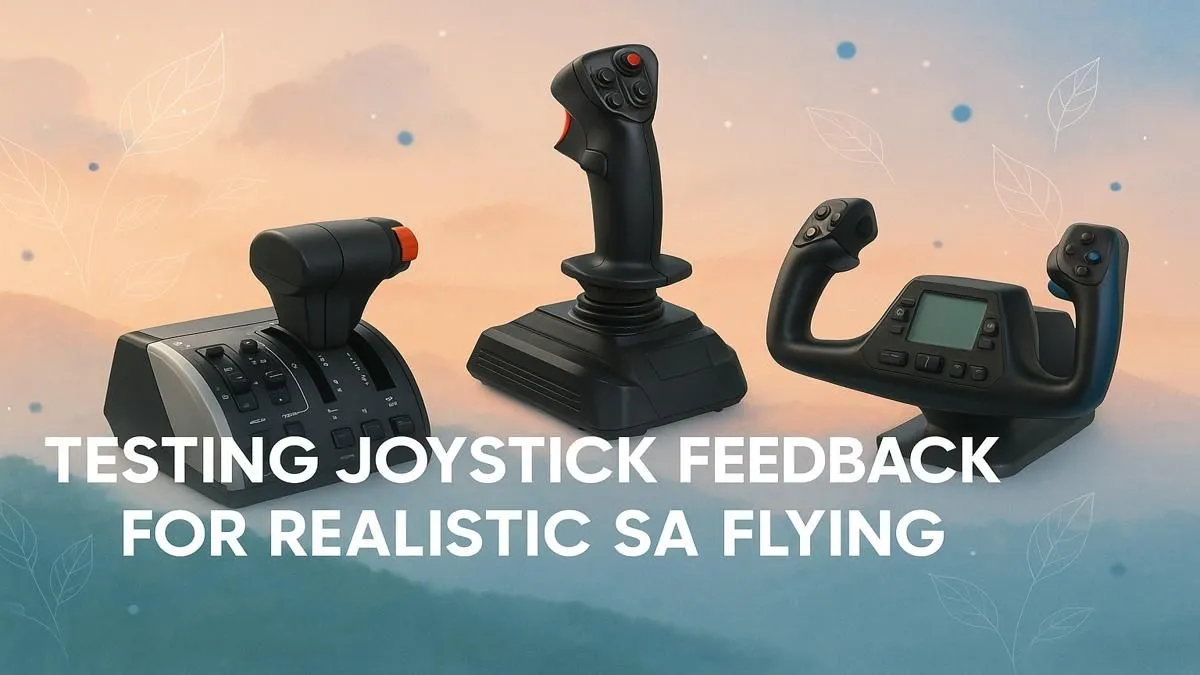
Feeling the rumble of the landing gear deploying... the subtle resistance as you bank into a turn over the Drakensberg. That’s the magic of flight simulation. But if your joystick feels more like a plastic toy than the controls of a real aircraft, you're missing out. Achieving realistic joystick feedback is the key to true immersion, transforming your desktop into a genuine cockpit. Let's explore how to get that authentic feel right here in South Africa.
Understanding Realistic Joystick Feedback
So, what does realistic joystick feedback actually mean? It’s far more than a simple vibration. It's a sophisticated system of technologies working together to simulate the physical forces a pilot would feel through their controls. This includes:
- Force Feedback (FFB): The stick actively pushes back against your hand, mimicking air resistance, G-forces, and turbulence.
- Vibrations: Simulates everything from engine rumble and runway texture to critical stall warnings.
- Dynamic Resistance: The tension in the stick changes based on your airspeed and control surface deflection.
Getting this combination right makes every flight more intuitive, challenging, and ultimately, more believable.
The Right Gear for Authentic Flight Control 🔧
Your journey to better feedback starts with the stick itself. A basic, spring-loaded joystick simply can't deliver the nuanced sensations required for serious simulation. For a truly tactile experience, you need hardware designed specifically for flight sims. Exploring the Thrustmaster flight sim range is the best first step for any pilot, offering everything from entry-level sticks to professional-grade HOTAS (Hands-On Throttle-And-Stick) systems known for their precision and powerful feedback motors.
Calibration is Key ⚡
Before you even load up the sim, make sure your joystick is properly calibrated in Windows. Then, dive into your simulator's control settings. Don't just use the default profile! Tweak the sensitivity curves and force feedback strength until the aircraft feels responsive but not twitchy. A little time spent here pays off massively in the air.
This focus on quality hardware is central to achieving the most realistic joystick feedback and separating a fun game from a serious hobby.
Building a Truly Immersive Cockpit
Authentic feedback isn't just about what you feel in your hands. True immersion is a full-body experience. How can you feel like you're in a cockpit if you're sliding around in a worn-out office chair? A stable, ergonomic gaming chair from South Africa's top suppliers provides the crucial support and stability needed for long-haul flights without fatigue.
Your view of the world is just as important. Flying with a standard monitor is like looking through a letterbox. To get that proper cockpit perspective, nothing beats the peripheral vision offered by curved monitors. They wrap the scenery around you, making it easier to spot landmarks and judge your final approach. Of course, any high-quality display with great colour and a fast response time will be a huge upgrade, so be sure to check out a wide variety of PC monitors to find the perfect fit for your budget and desk space.
The Power Behind the Performance 🚀
You've got the stick, the chair, and the screen... but none of it matters if your PC can't keep up. Modern flight simulators are incredibly demanding, streaming photorealistic scenery and calculating complex physics in real-time. To get smooth frame rates and enjoy your hardware's incredible feedback without stutters, you need a powerful rig. Investing in one of these purpose-built Microsoft Flight Simulator gaming PCs ensures you have the horsepower needed to run the sim at high settings, making the entire experience seamless and breathtaking.
Ready to Take Flight?
Achieving realistic joystick feedback transforms your setup from a game into a true simulation. The right gear is your ticket to the skies. Explore our curated range of flight sim controls and find the perfect joystick to begin your journey.