


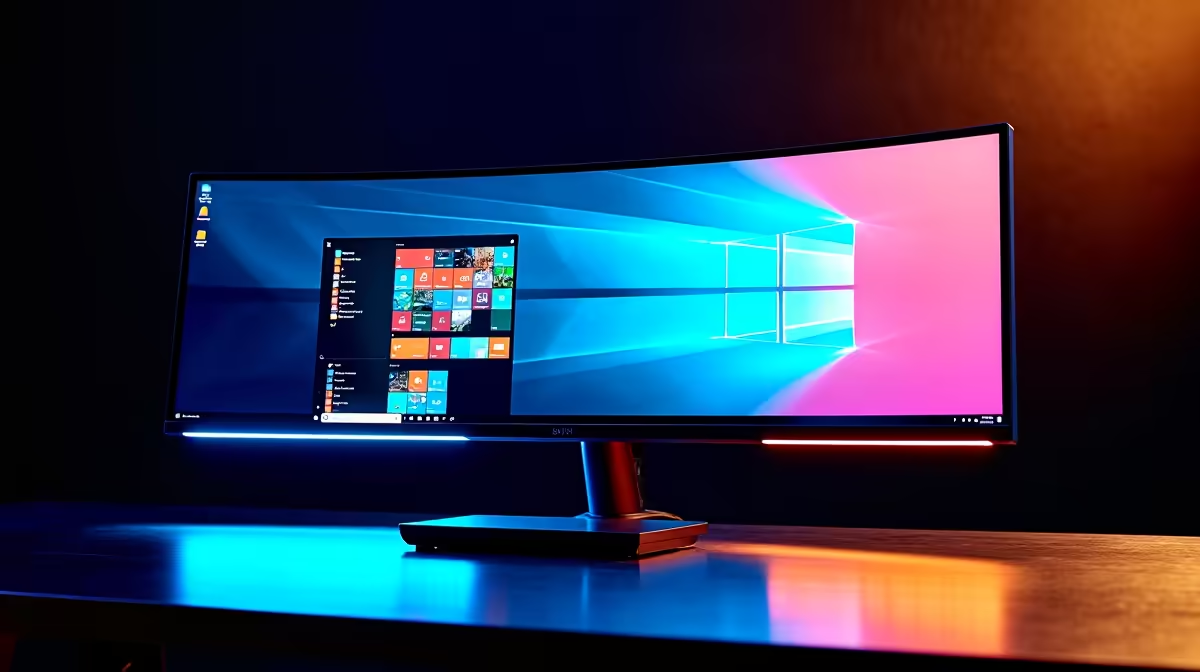
Juggling your work laptop and your gaming rig in your home office? The cable spaghetti is real. What if you could control both with one keyboard, one mouse, and one glorious screen... without swapping a single plug? An ultrawide monitor with a KVM switch is the clean, powerful solution many South African setups are crying out for. Let's break down if this powerful piece of tech is worth the investment for you. ✨
What Exactly is a KVM Switch in a Monitor?
Let's cut through the jargon. KVM stands for Keyboard, Video, and Mouse. Traditionally, a KVM switch was a clunky external box that let you share one set of peripherals between multiple computers. It worked, but it meant more cables and another gadget on your desk.
An ultrawide monitor with a KVM builds this technology directly into the display. You plug your keyboard, mouse, and other USB devices (like a webcam or headset) into the monitor itself. Then, you connect your PCs—say, your work laptop via USB-C and your gaming desktop via DisplayPort. With the press of a button, the monitor instantly switches which computer your keyboard, mouse, and display are controlling. No more unplugging and replugging. It's a seamless, integrated solution.
Productivity Pro Tip ⚡
On Windows, use the PowerToys FancyZones utility to create custom snap layouts for your windows. It's a lifesaver for managing multiple apps on an ultrawide monitor, letting you organise your timeline, preview window, and asset folders perfectly for video editing.
Key Benefits of a KVM Ultrawide Setup
So, why is this setup becoming so popular in South African home offices and gaming dens? The advantages go beyond just looking cool.
### One Setup to Rule Them All
The number one benefit is decluttering. Imagine a clean desk with just one keyboard and mouse, controlling everything. This single-screen solution eliminates the need for a second monitor and duplicate peripherals, freeing up valuable desk space. This is especially useful for hybrid workers who bring a laptop home. You simply connect one cable to your laptop, and you're instantly docked with your full-sized keyboard, mouse, and that gorgeous panoramic display. It’s a far cry from juggling a laptop and separate portable monitors for extra screen space.
### Boosted Productivity and Gaming Immersion
For work, the sheer horizontal space of an ultrawide is incredible. You can have your code, a browser window, and your team chat open side-by-side without feeling cramped. When the workday is done, switching to your gaming PC is instant. Many of these are also incredible immersive curved monitors, pulling you right into the action in games like Cyberpunk 2077 or Microsoft Flight Simulator. The combination of ultrawide immersion and KVM convenience is a powerful one.
Is an Ultrawide Monitor with KVM Worth It for You?
This is the big question. While the tech is brilliant, it's not for everyone. Ask yourself these questions:
- Do you regularly use more than one computer at the same desk? (e.g., a work laptop and a personal/gaming PC). If yes, a KVM is a massive quality-of-life improvement.
- Is desk space and a clean aesthetic important to you? An integrated KVM ultrawide is the ultimate minimalist solution.
- Does your work or gaming benefit from extra horizontal screen real estate? Think video editing, programming, spreadsheets, or immersive racing and strategy games.
If you answered yes to two or more of these, then an ultrawide monitor with KVM is almost certainly worth it. However, if you're a single-PC user or on a tighter budget, you might find better value elsewhere. For many, a setup with multiple standard PC monitors might still be the answer, though you'll need the right cables and other monitor accessories to get it all connected.
Finding the Right KVM Monitor in SA 🇿🇦
When shopping, look beyond just the KVM feature. Pay attention to resolution (WQHD or higher is ideal), refresh rate (120Hz+ for smooth gaming), and panel type (IPS for great colour). While many chase the pixel density of stunning 4K monitors, the 21:9 aspect ratio of an ultrawide offers a unique, wrap-around experience.
Ultimately, an ultrawide monitor with KVM is a premium investment in your productivity and enjoyment. It simplifies your workflow and cleans up your space, letting you focus on what matters... whether that's crushing deadlines or crushing your opponents online. If you want to see what's out there, you can browse all our gaming monitors or keep an eye on the best PC monitor deals in South Africa to snag a bargain.
Ready to Upgrade Your Command Centre? An ultrawide monitor with a KVM can transform your desk from a cable mess into a streamlined productivity and gaming powerhouse. Whether you need one screen to rule them all or are just looking for a visual upgrade, we've got the perfect fit. Explore our massive range of PC monitors and find the perfect display to conquer your world.











