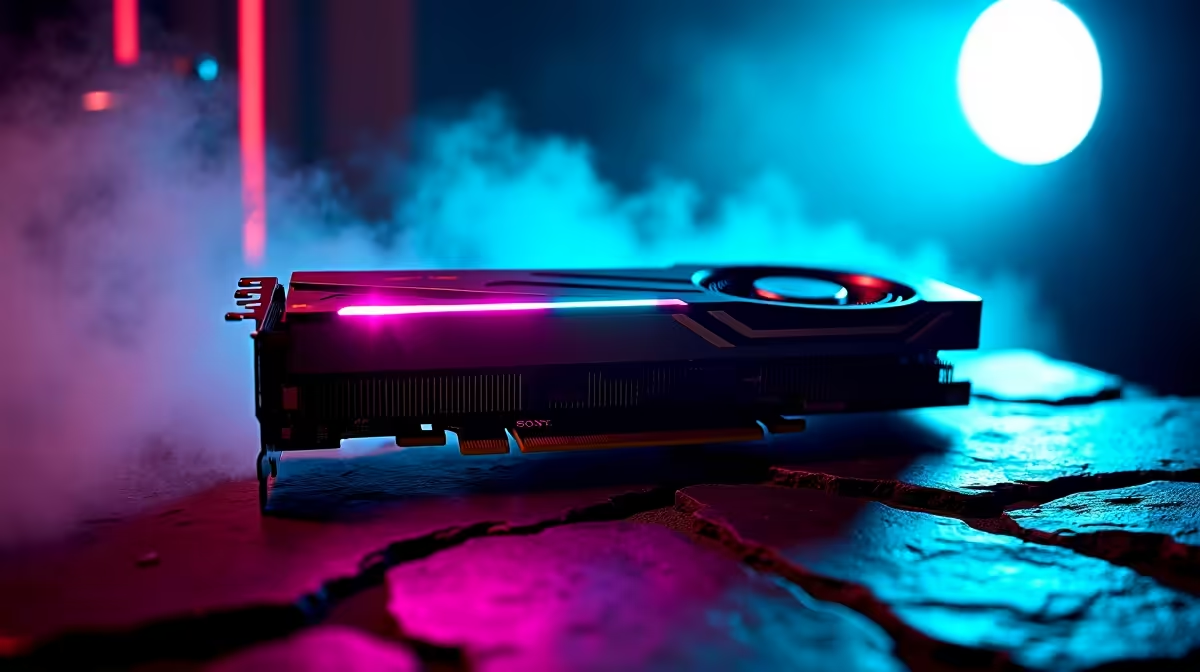
Optimising Your Experience with RTX 5070 Ti Game Settings
If you’ve recently bagged an RTX 5070 Ti or are planning to, unlocking its full potential starts with the right game settings. South African gamers deserve smooth, crisp visuals without dialling every slider to ultra and sacrificing performance. Choosing settings that balance frame rate and quality can keep your gameplay buttery while preserving your system’s stability and temperature.
The RTX 5070 Ti handles most AAA games at 1080p and 1440p resolutions with ease, but fine-tuning your options ensures you’re getting the best bang for your rand. Curious about how to tweak shadows, textures, and ray tracing? Let’s unpack the ideal in-game settings to maximise your RTX 5070 Ti’s power with practical advice rooted in Evetech’s hardware insights. 🔧
Essential Graphics Settings for the RTX 5070 Ti
Resolution and Refresh Rate
Start with your monitor’s native resolution. The RTX 5070 Ti performs brilliantly at 1080p and 1440p. If you have a 144Hz panel, pair that with a matching refresh rate in-game—higher refresh rates mean smoother gameplay for shooters and fast-paced titles. You may want to drop to 1080p for esports games to hit ultra-high frame rates, while 1440p works well for immersive single-player experiences.
Texture and Shadow Quality
Texture quality uses VRAM aggressively, but the RTX 5070 Ti’s 8GB buffer offers enough headroom for high settings without stuttering. Shadows, however, are a GPU tax — medium shadows are a smart middle ground. Ultra shadows look incredible but cost you frames. For ray-tracing fans, dial shadows and reflections down slightly if you want a steady 60+ FPS.
Ray Tracing and DLSS Settings
Ray tracing adds gorgeous lighting effects but is demanding. Enabling DLSS (Deep Learning Super Sampling) can boost FPS by rendering at a lower resolution and upscaling with NVIDIA’s AI tech. For the RTX 5070 Ti, using DLSS Quality or Balanced mode is a good compromise between sharpness and speed.
For South African gamers mindful of power and thermals, DLSS can keep your GPU running cooler and quieter while still enjoying next-gen lighting. Pair this with a robust airflow setup in your PC case—Evetech offers great components and pre-built PCs tailored for RTX setups here.
Customising Settings with Expert Tips to Maximise RTX 5070 Ti
Adjust Anti-Aliasing Wisely
Anti-aliasing smooths out jagged edges but taxes the GPU. RTX 5070 Ti handles moderate settings well. TAA (Temporal AA) is often preferred for its balance of clarity and performance. Turn it off or reduce it in competitive games for sharper visuals at higher FPS.
Simple RTX 5070 Ti Boost
Slightly lowering volumetric lighting or particle effects can free up FPS without noticeable quality loss—especially in dense game environments.
Monitor Your GPU Temperatures
The Cape Town and Johannesburg summers can push rigs to their thermal limits. Keep an eye on GPU temps using tools like MSI Afterburner. Keeping your RTX 5070 Ti under 75°C ensures longevity and consistent frame rates. Clean cable management and quality fans help a lot here.
Keep Drivers Updated and Explore Software Settings
NVIDIA’s game-ready drivers often include optimisations for new titles. Regular updates from NVIDIA and Evetech’s graphics cards collection keep you ahead.
Ready-Made Performance with Pre-Built and Custom PCs
Not keen on building your rig? Check out Evetech’s pre-built PC deals designed with high-performance RTX 5070 Ti configurations in mind. You get professionally tuned settings and components that pair perfectly with your GPU.
If you’re after ready-to-rock laptop solutions or solid deals on rewards for gaming performance, browse popular notebooks for sale in South Africa and best gaming PC deals on Evetech’s site.
Final Insights: Balancing Visual Fidelity and Frame Rates
RTX 5070 Ti users benefit most by targeting a fluid experience over maxed-out graphics that kill frame rates. It shines by smartly using DLSS, medium-high texture settings, and tuned shadow quality. Keep your drivers current and explore the power of presets as starting points for your fine adjustments.
For South African gamers with fibre connections and solid rigs, ultra settings can push frames below 60 FPS in some new AAA titles. Instead, enjoy buttery frame pacing with these balanced settings plus Evetech’s special deals and expert-built rigs tailored for you.
Find the sweet spot for your gaming style, whether competitive or cinematic — and keep your system cool and efficient for marathon sessions.
Quick RTX 5070 Ti Game Settings Checklist
- Enable DLSS (Quality or Balanced)
- Set shadows to medium
- Use TAA anti-aliasing
- Match resolution to monitor’s native and refresh rate
- Monitor temps and update drivers regularly
Upgrade Your Game Setup Today
Don’t settle for less than premium gameplay. Shop now at Evetech for exclusive RTX 5070 Ti specials and gear deals that put you ahead.