


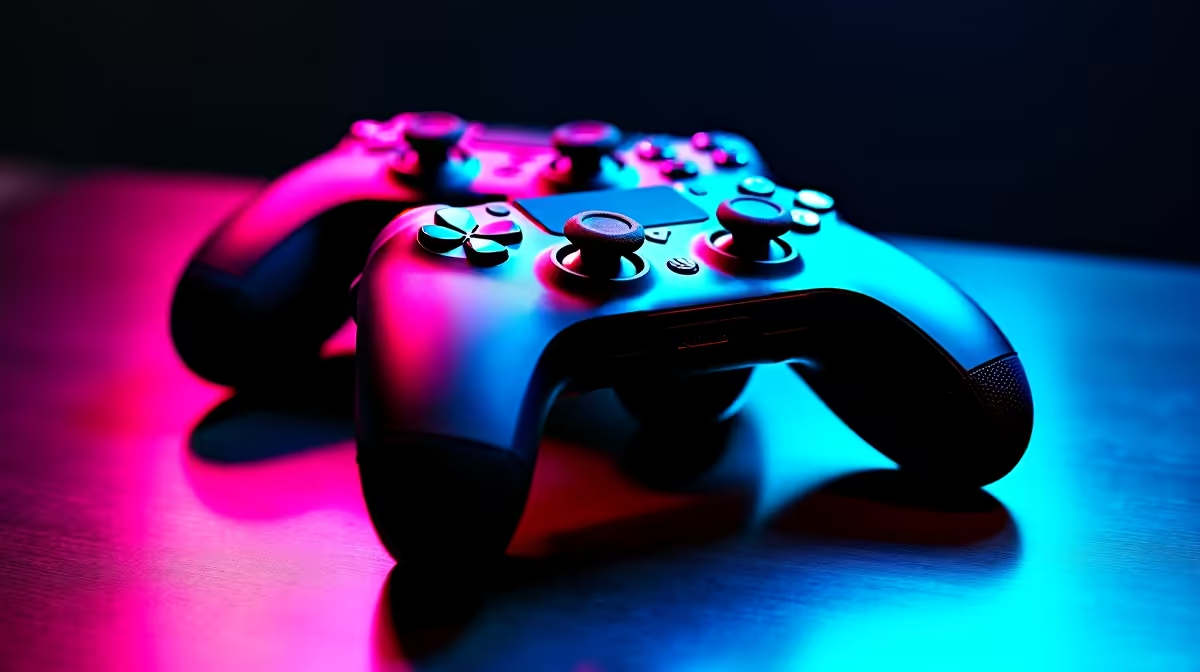
Choosing your weapon for PC gaming in South Africa is a massive deal. For years, the debate has raged: Xbox or PlayStation? When it comes to the best controller for your PC, the lines are blurrier than ever. Are you after the plug-and-play perfection of an Xbox controller, or the immersive tech of the PlayStation DualSense? Let's break down the Xbox vs PlayStation controller for PC battle to help you decide which is best for your rig. 🚀
Why the Xbox Controller is the PC Default
Microsoft's trump card has always been simplicity. Thanks to native XInput support on Windows, an Xbox controller is the definition of plug-and-play. You connect it via USB-C or the official wireless adapter, and Windows instantly recognises it. No drivers, no extra software, no fuss… just pure gaming.
The asymmetrical (offset) analogue stick layout is a classic design many PC gamers find more comfortable for long sessions, especially in shooters and action games where your left thumb is constantly on the move. It just feels right for a huge library of games, making it a reliable and straightforward choice.
The PlayStation DualSense Experience on PC
Sony's DualSense controller, on the other hand, is all about the future. Its advanced haptic feedback and adaptive triggers can completely transform a game… when they're supported on PC. In titles like Cyberpunk 2077 or Marvel's Spider-Man, you can feel the tension of a bowstring or the texture of the road. It’s an incredible experience that needs to be felt to be believed.
However, getting there requires a little more effort. While more games are adding native support, you'll often rely on Steam's powerful Input configurator or third-party tools like DS4Windows to unlock its full potential. Pairing the DualSense's haptics with a quality headset creates an incredibly immersive bubble; a good set of gaming headphones can make you feel every footstep and explosion.
Unlock Your DualSense 🚀
Using Steam? Dive into the Controller Settings menu. Steam Input lets you completely remap your PlayStation controller, adjust trigger dead zones, and even enable gyro aiming in games that don't natively support it. You can download community-made profiles for specific games to get the perfect setup in seconds!
Xbox vs PlayStation Controller for PC: The Head-to-Head
So, how do they stack up in the areas that matter most to PC gamers? Let's get into the details.
### Connectivity & Setup
Winner: Xbox. There's no contest here. The Xbox controller's native Windows support makes it the undisputed champion of convenience. It simply works, every time. The DualSense is fantastic, but you have to be prepared for a bit of software tinkering to get the best experience across all your games.
### Ergonomics & Feel
Winner: It's a Tie. This is purely subjective. Do you prefer the symmetrical stick layout of the PlayStation controller or the offset design of the Xbox? Both are superbly built and comfortable. Ultimately, the best feel comes down to personal preference, and you can explore a wide variety of gaming controllers for sale to find what fits your hands best.
### Features & Immersion ✨
Winner: PlayStation. The DualSense's haptics and adaptive triggers are in a league of their own. When a PC game properly implements these features, it adds a layer of immersion that standard rumble simply can't match. For those who stream their gameplay, a reliable controller is just one piece of the puzzle. Crystal-clear audio is vital, which is why a dedicated PC microphone is a must-have for any serious creator.
The Verdict: Which Is Best for Your PC Setup?
The best PC gaming controller for you depends entirely on what you value most.
- Choose the Xbox Controller if: You want maximum compatibility and a seamless, plug-and-play experience. It’s the workhorse of PC gaming—reliable, comfortable, and always ready to go.
- Choose the PlayStation DualSense if: You want cutting-edge immersive features and don't mind a little one-time setup. For supported games, its haptic feedback is truly special.
Building the ultimate PC rig is about choosing components that work for you, from the controller to your complete streaming essentials setup. Both controllers are fantastic options, but they serve two different types of PC gamers.
Ready to Grab the Controls? The Xbox vs PlayStation controller for PC debate won't end soon, but now you have the facts. Whether you crave simplicity or next-gen immersion, the perfect gamepad is waiting. Explore our full range of PC gaming controllers and find the ideal fit for your rig today.










