


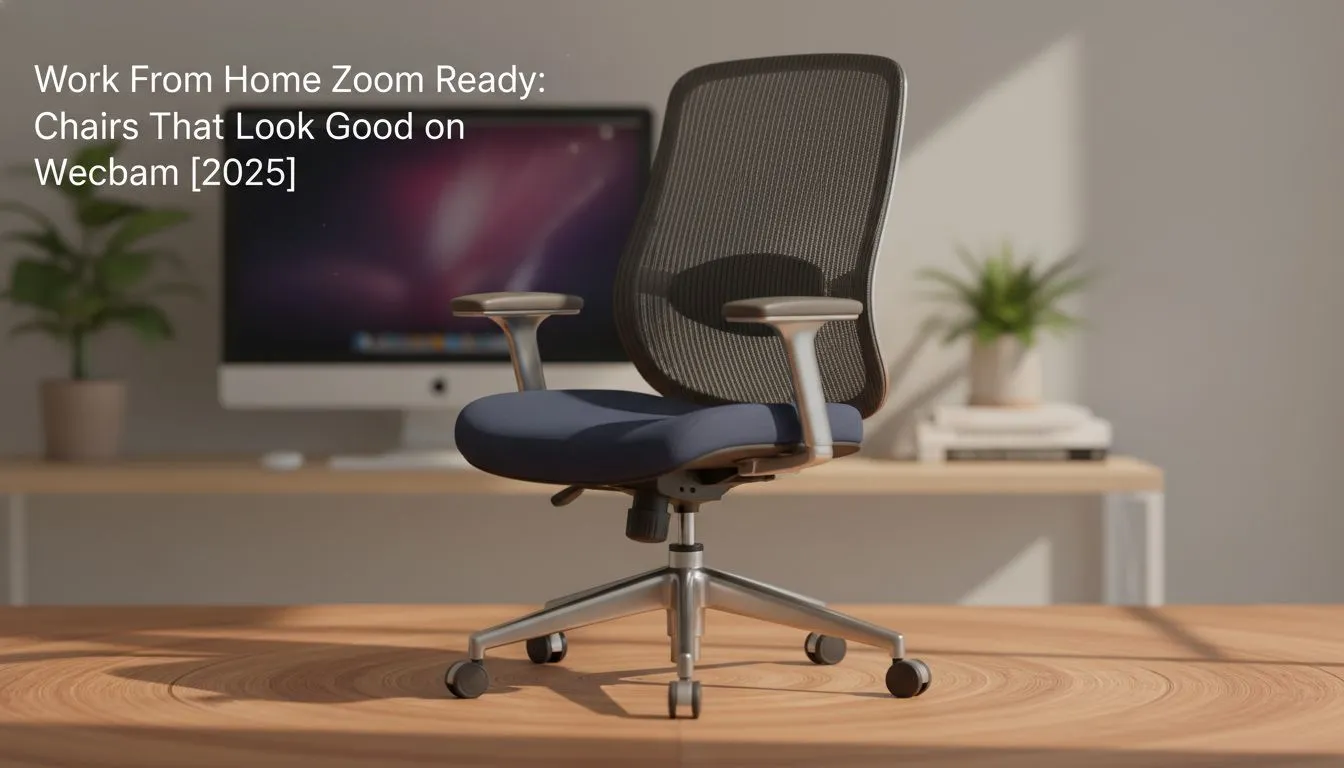
You’ve prepped your presentation, your background is blurred just right, and your Wi-Fi is stable. But when you join that important Zoom call, what’s behind you? A lumpy, faded dining chair that screams "temporary setup." First impressions count, even through a webcam. A proper Zoom-friendly office chair isn't just about comfort; it's a power move that frames you as a professional, telling everyone you take your work-from-home setup seriously.
Why Your Chair is Your Professional Backdrop
Forget virtual backgrounds for a second. The most important element in your video frame is… you. And the chair you sit in is an extension of your professional presence. A high-backed, well-structured chair creates a powerful silhouette that a basic office chair simply can't match. It communicates stability and attention to detail before you even say a word. Think of it as the foundation of your on-screen brand.
A chair that looks great on webcam is one that combines ergonomic design with a clean, modern aesthetic. It’s less about flashy colours and more about shape, material, and how it supports your posture. After all, sitting up straight and looking engaged is much easier when your chair is actually helping you do it.
Key Features of a Webcam-Ready Chair
So, what transforms a standard seat into a Zoom-friendly office chair? It boils down to a few key visual elements that your webcam will pick up instantly.
Silhouette and Structure
The shape is everything. You want a chair with a distinct, high backrest and a visible headrest. This creates a commanding frame around your head and shoulders, making you look more prominent and focused. Chairs with defined shoulder wings or clean lines, like the executive-inspired designs from top brands like noblechairs, are perfect for crafting a professional image. They borrow the best elements from racing seats and luxury office furniture. ✨
Material and Colour
Matte finishes are your best friend on camera. Glossy or overly reflective materials can catch light in weird ways, creating distracting glares. High-quality PU leather or dense fabric in neutral colours like black, charcoal, or navy blue always looks sleek and professional. While a pop of colour can show personality, a solid, darker chair provides a better visual anchor. Many modern Vertagear gaming chairs offer a fantastic balance between ergonomic support and premium finishes that look brilliant on camera.
Lighting Pro Tip 💡
Your new chair will look even better with good lighting. Position your main light source (like a window or a lamp) in front of you, not behind you. This illuminates your face and your chair, preventing you from becoming a silhouette against a bright background. A simple ring light can make a world of difference.
Finding the Right Chair for Your Budget
Upgrading your setup doesn't have to break the bank. The goal is to find a chair that offers the best visual and ergonomic value for your money.
For those looking for a solid starting point, the Enova series of chairs delivers impressive features and a clean aesthetic at a price that’s hard to beat. They prove that a professional-looking office chair is accessible to everyone.
If you're working with a specific budget, you can find some incredible deals. There is a fantastic selection of gaming chairs under R5000 that tick all the boxes for being webcam-ready without compromising on the essential ergonomic support you need for long workdays.
More Than Just a Pretty Seat 🚀
While looking good on a video call is a huge plus, the real win is the all-day comfort and health benefits. A proper ergonomic chair supports your spine, reduces fatigue, and boosts productivity. The fact that it also makes you look like a boss on every Microsoft Teams and Zoom call is the ultimate bonus. Investing in a quality chair is an investment in your work, your health, and your professional image.
Ultimately, the best Zoom-friendly office chair is one that makes you feel comfortable and confident. It supports you through hours of coding, countless meetings, and epic gaming sessions. It's a core part of any serious PC setup in South Africa.
Ready to Upgrade Your On-Screen Presence? Stop letting a bad chair undermine your professional image. A great office or gaming chair is an investment in your comfort and your career. Explore our huge range of gaming chairs in South Africa and find the perfect throne for your home office.









